!
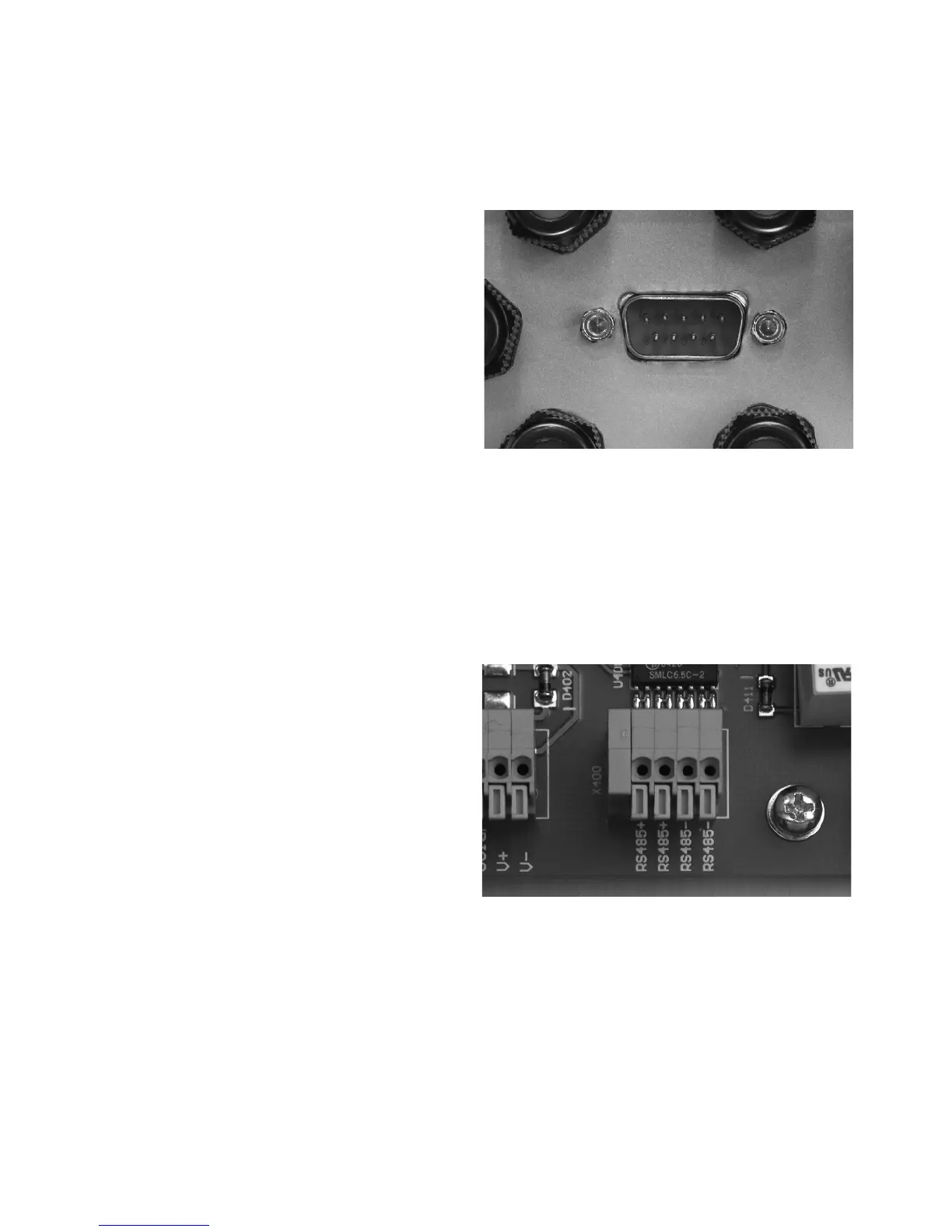
(Fig.) SUB-D connector for RS 232 connec-
tion
Attention: RS 485+ and RS 485- are dupli-
cated. This means that the cable entry and
exit are additionally clamped.
(Fig.) Connection block for RS 485
112
Communication connections
Via the communication connections (inter-
faces), operating data can be retrieved
from the data memory with an external
computer and specific operating settings
made. Several communication interfaces
are available: RS 232 and RS 485.
The standard communication interface is
the RS 232 interface, which is installed in
all current PCs and notebooks. This inter-
face allows you to establish contact with
your PC immediately, using a connecting
cable. The use of more than one solar
inverter or cable lengths of more than
25 m requires the use of the RS 485
interface.
The RS 232 interface is connected directly
to the outside of the housing via a SUB-D
connector. The RS 485 interface is connec-
ted via the circuit board terminals and the
corresponding M12 threaded cable glands
in the housing.



 To Next Page