4
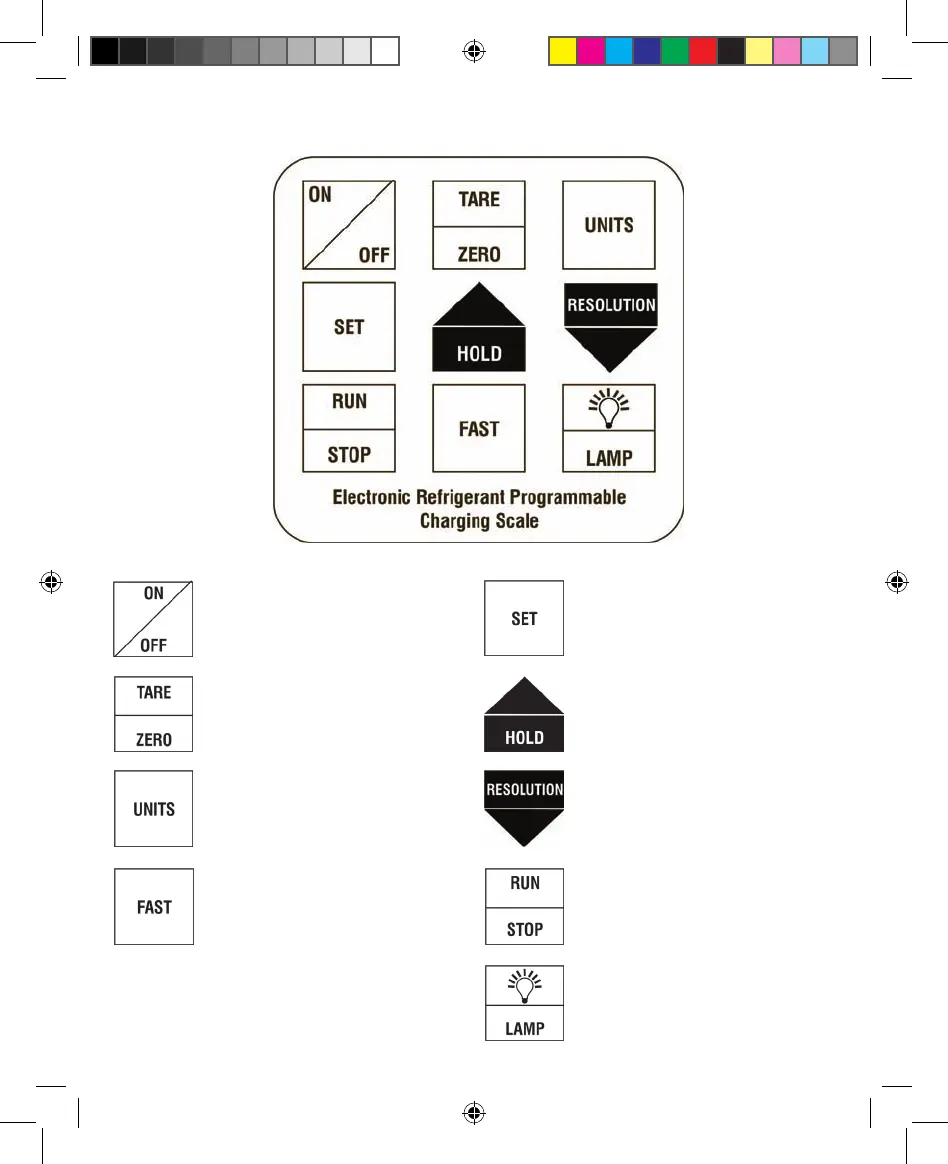
Keypad
Press to power on. Press and
hold 2 seconds to power off
Press to “TARE / ZERO” current
reading on display
Shift imperial / metric
measurements
Press “SET” to start program
amount
Press to increase setting charging
amount or pause when charging
Press to reduce setting charging
amount / Switch 2G or 5G
resolution
Press to shift FAST / SLOW setting
amount. Use ‘5g’ setting when
you need to increase / reduce
within 1 kg. Use ‘100g’ setting
when you need to increase /
reduce beyond 1 kg.
LCD background lamp
Activates / Deactivates stored pro-
gram. Check if electromagnetic
valve operates normally.
PCS220 Manual.indd 6 10/27/2011 10:08:10 AM



 To Next Page