EasyManua.ls Logo

Supera Pureline OC4000 - User Manual

Supera Pureline OC4000
16 pages
Print Icon
To Next Page IconTo Next Page
Loading...
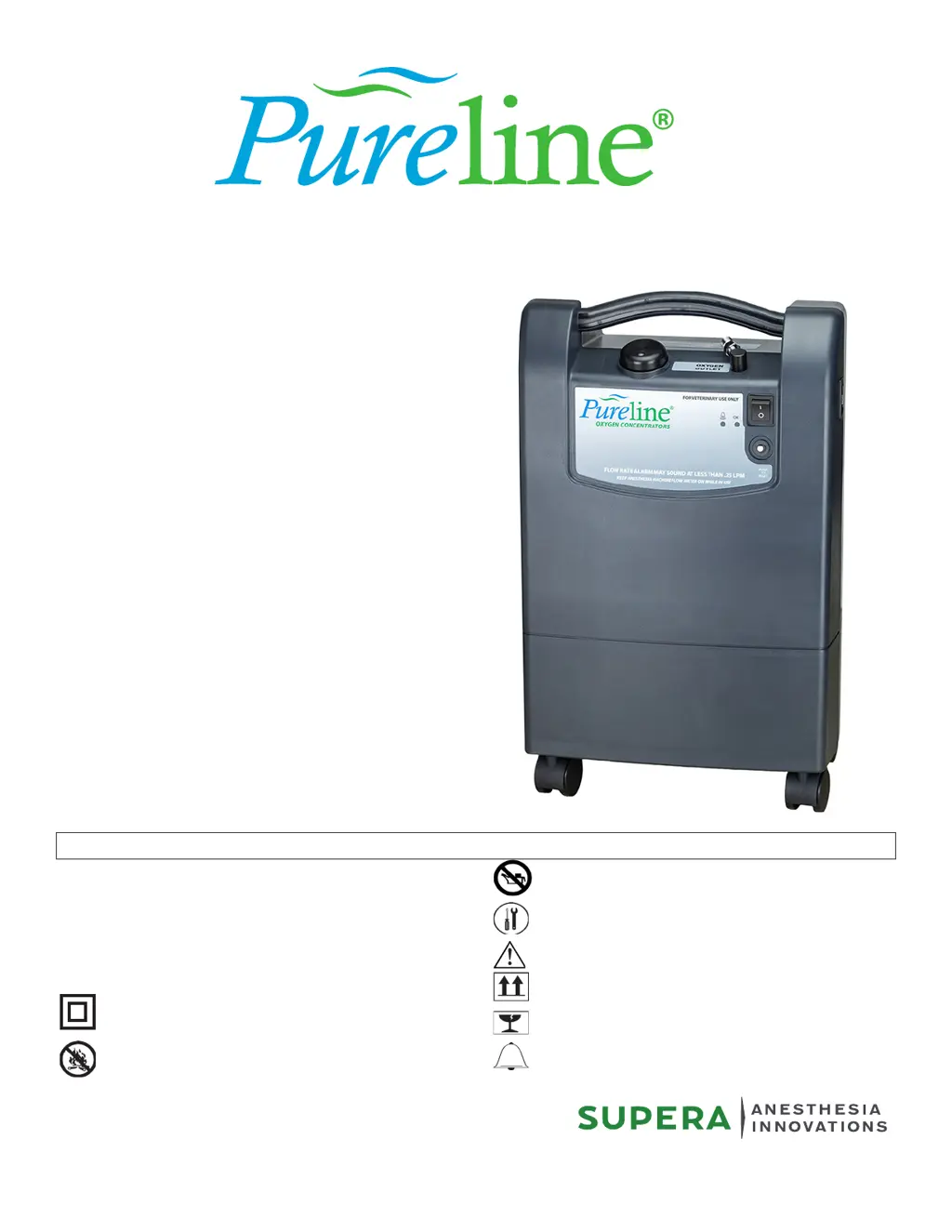
USER'S GUIDE
OC4000
OXYGEN CONCENTRATOR
FOR VETERINARY USE ONLY
Supera , LLC Copyright 2019
For Veterinary Use Only
OXYGEN CONCENTRATORS
: ON (power switched on)
: OFF (power switched o)
: Class II protection
: Do not expose to open ames
: Do not use oil or grease
: Technical information
: Consult the accompanying documents
: Keep in the vertical position
: Fragile - handle with care
: Oxygen concentration warning light
GLOSSARY OF SYMBOLS
I
O

Questions and Answers

  • L
    Linda McknightAug 1, 2025
    Why does my Supera Medical Equipment compressor stop and start?
    • E
      Eric AdamsAug 1, 2025
      If the Supera Medical Equipment compressor stops and restarts, it could be due to dirty filters, a blockage, or a malfunctioning fan. Try cleaning the cabinet filter, clearing any blockages, and restarting the device. Also, reset the circuit breaker. If the issue persists, contact your equipment supplier.
  • W
    Walter MunozAug 5, 2025
    What to do if Supera Pureline OC4000 doesn't turn on but the alarm sounds?
    • B
      Brian MillerAug 5, 2025
      If the I/O button is in the ON position but the Supera Medical Equipment isn't working and the alarm sounds intermittently, the power cord may not be correctly plugged into the wall outlet, or there may be a power failure. Check the cable connection and the circuit breaker on the front of the unit; reset it if necessary.
  • K
    Kelsey PetersonAug 10, 2025
    What to do if Supera Pureline OC4000 alarm sounds continuously?
    • B
      Beverly DavisAug 10, 2025
      If the I/O button is in the "I" (ON) position, the compressor is operating, and there is a flow, but the audible alarm sounds continuously on your Supera Medical Equipment, stop the device and contact your equipment supplier, as this may indicate an internal electrical fault or pneumatic circuit fault.
  • J
    Joseph DorseyAug 13, 2025
    What to do if there is no flow from Supera Pureline OC4000 Medical Equipment and the alarm sounds?
    • J
      Jason PriceAug 13, 2025
      If the I/O button is in the "I" (ON) position, but there is no flow and the audible alarm sounds continuously on your Supera Medical Equipment, stop the device by pressing the I/O button and contact your equipment supplier, as this may indicate a broken pneumatic connection or another pressure problem.
  • J
    Jill GreenAug 18, 2025
    Why is the green light off on my Supera Pureline OC4000 Medical Equipment?
    • P
      Peter ReedAug 18, 2025
      If the compressor operates and the I/O button is in the ON position, but the green indicator is not lighted on your Supera Medical Equipment, contact your equipment supplier, as this indicates a faulty indicator.
  • S
    Stephanie OwensAug 22, 2025
    What to do if the alarm test doesn't work on Supera Pureline OC4000 Medical Equipment?
    • V
      Victoria LopezAug 22, 2025
      If the alarm test does not work on your Supera Medical Equipment, operate the unit for approximately 10 minutes and retest. If it still fails, contact your equipment supplier, as the backup capacitor may have discharged or there may be an internal electrical fault.
  • A
    Alejandra WareAug 27, 2025
    Why is the yellow light on my Supera Pureline OC4000 Medical Equipment?
    • C
      Carol AndersonAug 27, 2025
      If the yellow light remains lighted on your Supera Medical Equipment, it means that the oxygen concentration is too low. Contact your equipment supplier.

Summary

Device Operation and Maintenance

Turning On the Device

Steps to power on the oxygen concentrator and indicators.

Turning Off the Device

Procedure for powering down the unit.

Cleaning and Filter Maintenance

Instructions for cleaning the exterior and maintaining filters.

Useful Information

Accessories and Spare Parts

Specifications for accessories and spare parts.

Operating Principle

Explanation of how the oxygen concentrator functions.

Alarms, Safety Devices, and Indications

Details on device alarms, safety features, and indicator lights.

Technical Characteristics

Dimensions and Weight

Physical specifications of the oxygen concentrator.

Oxygen Concentration Standards

Information on oxygen concentration levels and flow rates.

Maximum Flow and Outlet Pressure

Details on the device's maximum flow and outlet pressure.

Environmental and Electrical Specifications

Electrical Power Supply and Protection

Information on power requirements and safety protection.

Environmental Limit Conditions

Operating and storage conditions for temperature and humidity.

Standards Compliance

List of safety and compatibility standards met by the device.

Troubleshooting Guide

Common Observations and Solutions

Table of common issues, potential causes, and solutions.

Maintenance Item References

References for maintenance items like air filters.

Supera Pureline OC4000 Specifications

General IconGeneral
BrandSupera
ModelPureline OC4000
CategoryMedical Equipment
LanguageEnglish

Related product manuals