
 Need help?
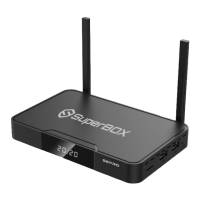
Do you have a question about the SuperBox S2PRO and is the answer not in the manual?
Accept the disclaimer notice and choose between Ethernet or WiFi for the internet connection.
Perform Ethernet or WiFi setup, including connecting and entering passwords.
Adjust the screen display to fit your TV using the UP/DOWN arrows.
Download and install the Blue Apps from the App Store.
Load Live TV and ensure it is ready.
Add and load Blue VOD content.
Add and load Playback content.
Set a parental password for content control.
Add desired applications as shortcuts to the Home Screen.
Remove unwanted application shortcuts from the Home Screen.
Configure the device's date, time, and time zone settings.
Explanation of the functions for each button on the SuperBOX remote.
 General
| Resolution | 4K UHD |
|---|---|
| Connectivity | Ethernet, Bluetooth |
| Ethernet | 10/100M |
| Ports | HDMI, USB, Ethernet, AV |
| USB Ports | 1x USB 2.0 |
| Video Decoding | H.265/HEVC, VP9 |
| Audio Support | AAC |

 To Next Page