
 Need help?
Do you have a question about the Superchips CORTEX 1950 and is the answer not in the manual?
Explains connecting the Cortex via OBDII and USB ports for programming and updates.
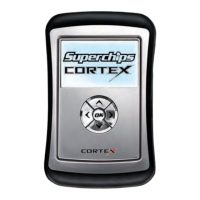
Lists the items included with the Cortex programmer: Cortex unit, programming cable, USB cable.
Describes the navigation buttons: Up, Down, Left, Right, and OK for device operation.
 General
| Processor | ARM Cortex-A8 |
|---|---|
| Memory | 512 MB RAM |
| Battery | Rechargeable Lithium-ion |
| Display | 7-inch touchscreen |
| Storage | 4 GB Internal |
| Connectivity | Wi-Fi, Bluetooth |
| Dimensions | 200 x 120 x 30 mm |

 To Next Page