84
Super X13DEG-OAD User's Manual
2.8 Jumper Settings
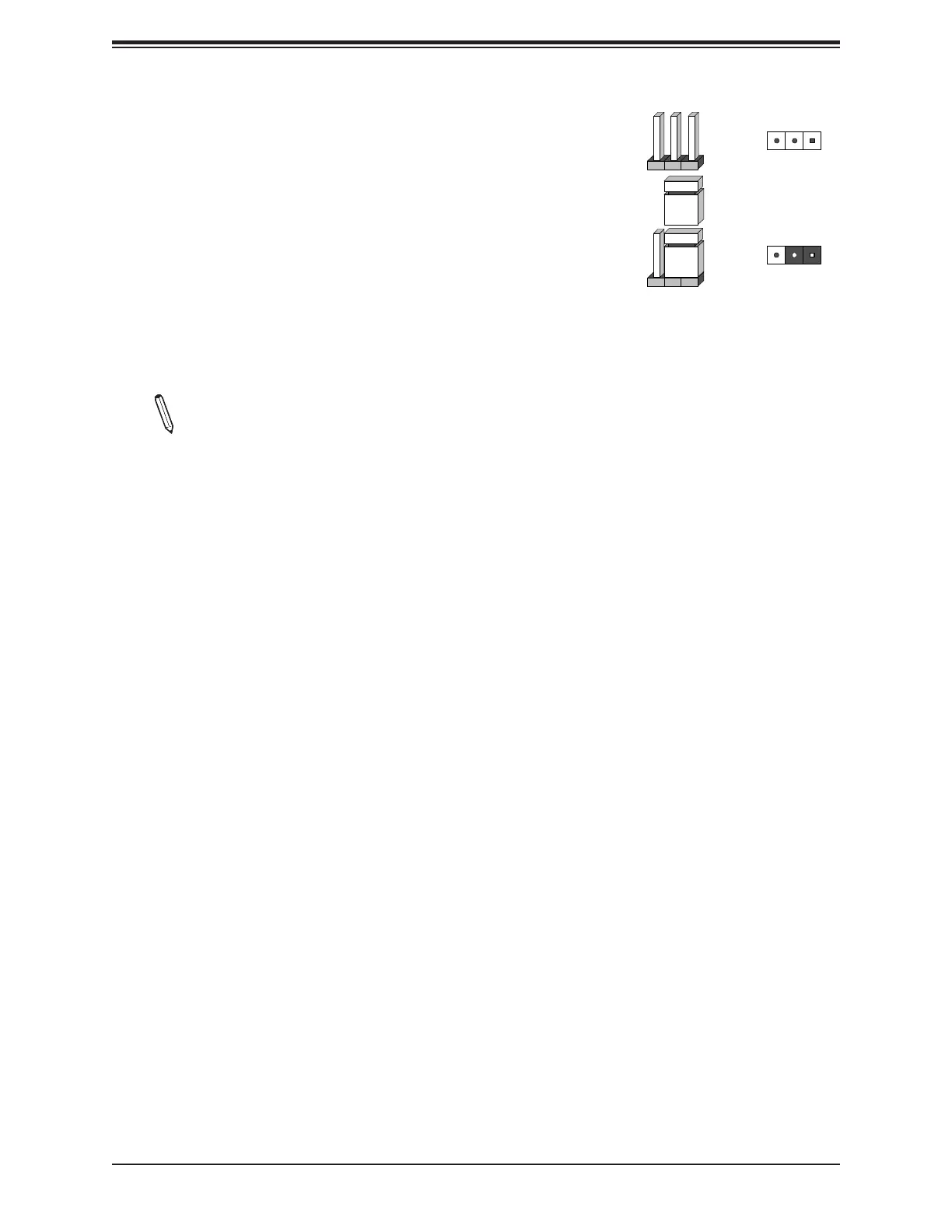
How Jumpers Work
To modify the operation of the motherboard, jumpers can
be used to choose between optional settings. Jumpers
create shorts between two pins to change the function of the
connector. Pin 1 is identied with a square solder pad on the
printed circuit board. See the diagram below for an example
of jumping Pin 1 and Pin 2. Refer to the motherboard layout
page for jumper locations.
Note: On two-pin jumpers, "Closed" means the jumper
is on and "Open" means the jumper is o the pins.
Connector
Pins
Jumper
Setting
3 2 1
3 2 1






 To Next Page