SPANISH
Programming the Transmitter
Note: Transmitters supplied with the unit are pre-programmed at the factory -
DO NOT RE-PROGRAM THEM.
Should a new transmitter be purchased it will require programming.
To program, follow the instructions below:
NOTE: Each of the three (3) buttons needs to be programmed individually
OPERATION INSTRUCTIONS
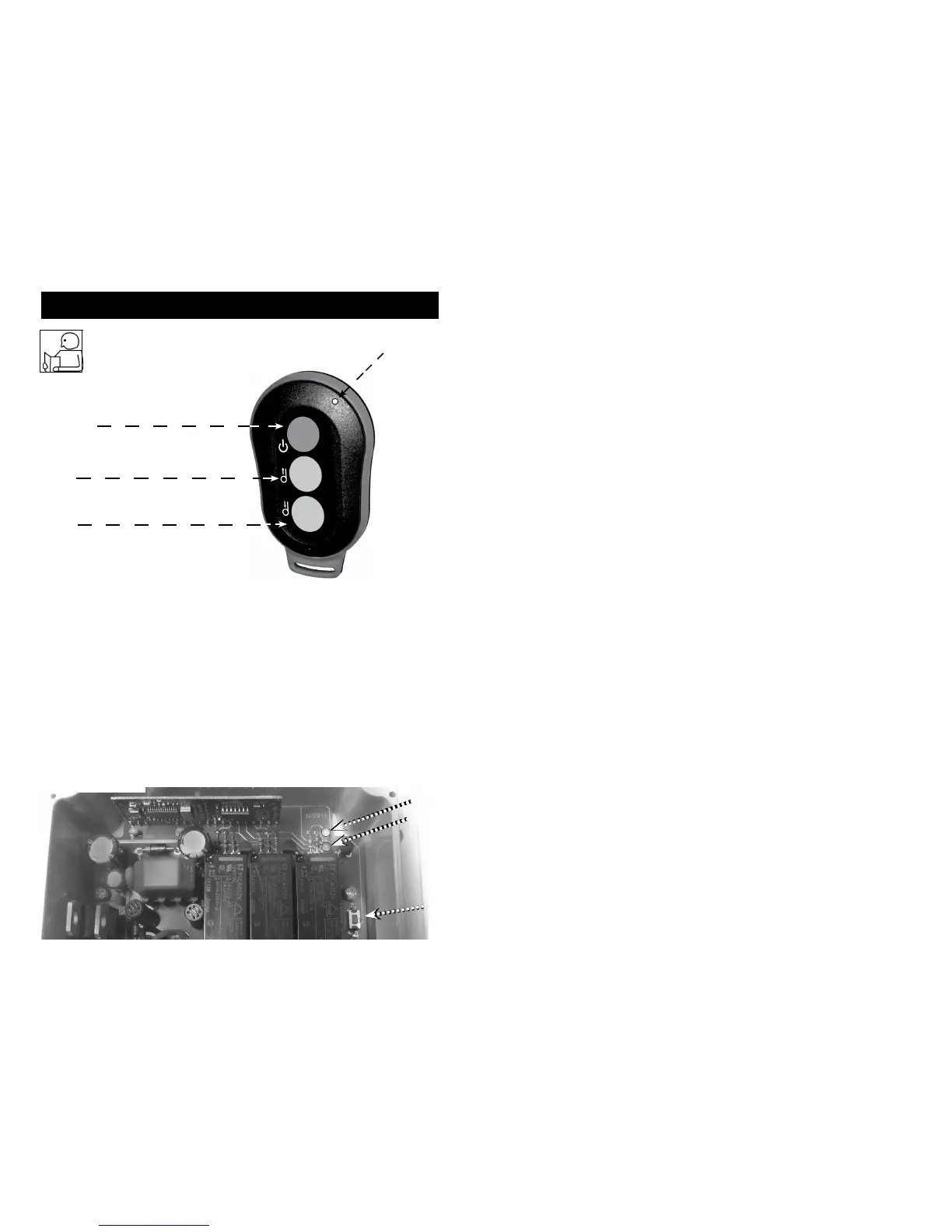
RED
Power
Button
Green
Button
1
Green
Button
2
LED 1
(Fig. 2)
Front of Transmitter
Green LED
Red LED
Program Green Button 1:
• Press the learn button (See Fig.3 below) 1 time.
Wait for the red LED on receiver to ash 1 time.
• Press green button 1 on the transmitter and release.
• Re-press green button 1 on the transmitter.
The red LED on receiver will now ash to indicate that learning is complete for
green button 1.
Learn
Button
(Fig.3)
4



 To Next Page