After inserting or replacing a new roll of label,
click the printer’s power button
to print a blank label to let the print head identify the label position.
*You may double-click the power button to retract the blank label paper.
Connect to Printer via App
*If asked for permission, please allow the App
to access the location information of the smart phone (Android only).
Otherwise the Bluetooth connection will not function.
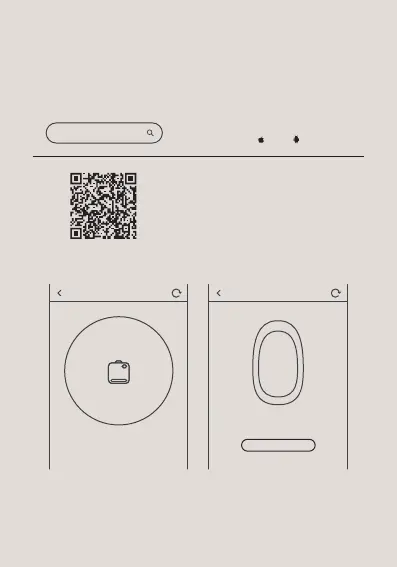
Download “Katasymbol”
from App store ( iOS & Android).
Or scan the QR code
to download the App
1. Hold the power button for 2 seconds to
turn on the printer with Bluetooth on.
2. Turn on the Bluetooth on your phone.
3. Download and open the App on your
smartphone.*
4. Click “Add Printer”and search for the
device to connect.
Katasymbol
Connect printer Connect printer
skip
E10
Connect



 To Next Page