9. Load Default and Change Password
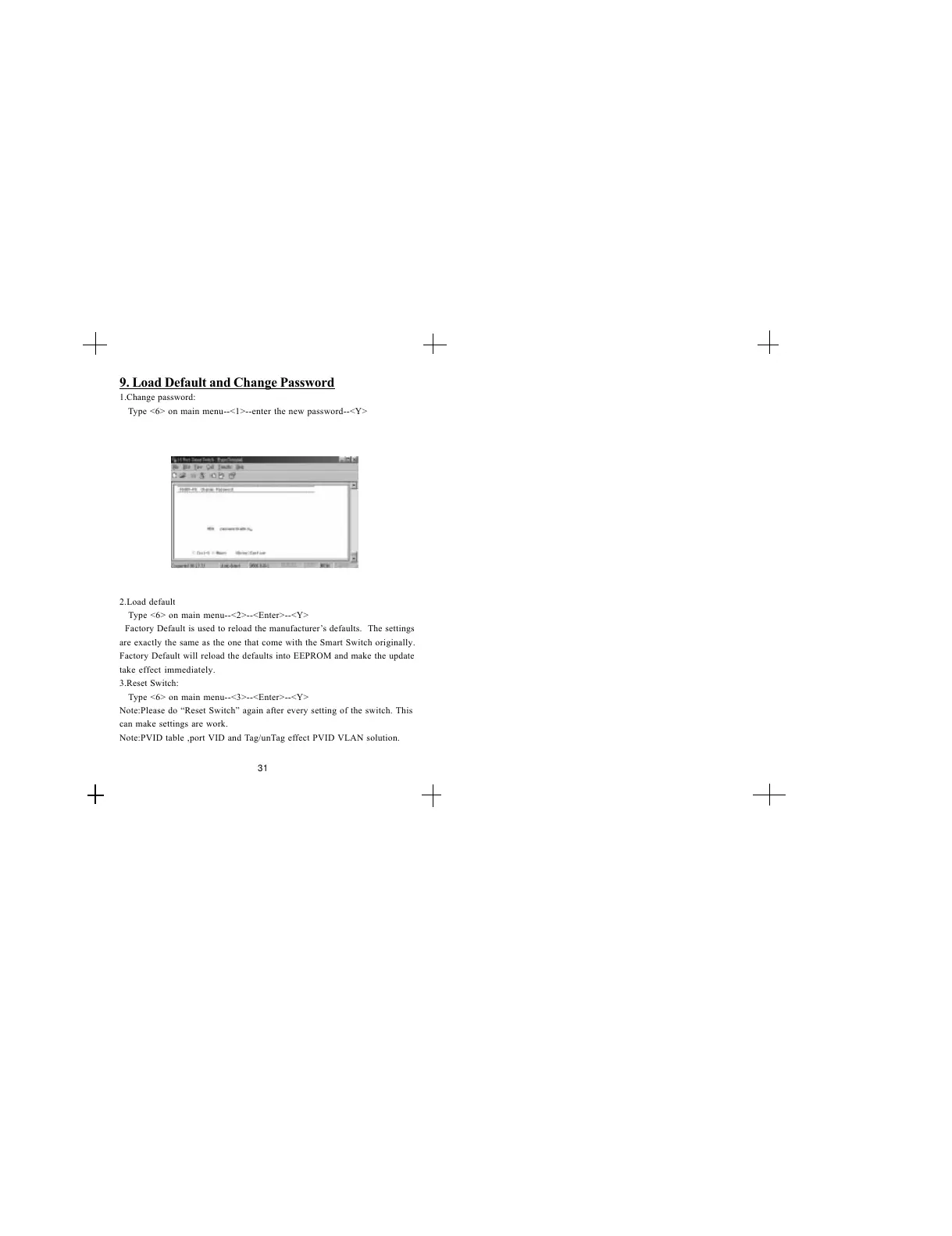
1.Change password:
Type <6> on main menu--<1>--enter the new password--<Y>
2.Load default
Type <6> on main menu--<2>--<Enter>--<Y>
Factory Default is used to reload the manufacturers defaults. The settings
are exactly the same as the one that come with the Smart Switch originally.
Factory Default will reload the defaults into EEPROM and make the update
take effect immediately.
3.Reset Switch:
Type <6> on main menu--<3>--<Enter>--<Y>
Note:Please do Reset Switch again after every setting of the switch. This
can make settings are work.
Note:PVID table ,port VID and Tag/unTag effect PVID VLAN solution.
31


 To Previous Page