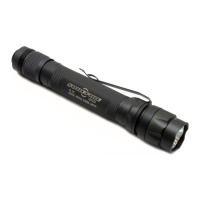
G2X
TM
LE
WE BUILD THE BEST FOR THE BEST
This innovative, best-in-class SureFire illumination tool was designed,
engineered, and manufactured in America—using the best components
sourced worldwide—to provide you with a lifetime of service. Please
be sure to review this manual to ensure optimal performance.
LOCKOUT TAILCAP
Most SureFire illumination tools feature a lockout tailcap, which pre-
vents accidental activation during storage or transport. The tailcap
may need to be enabled prior to light operation.
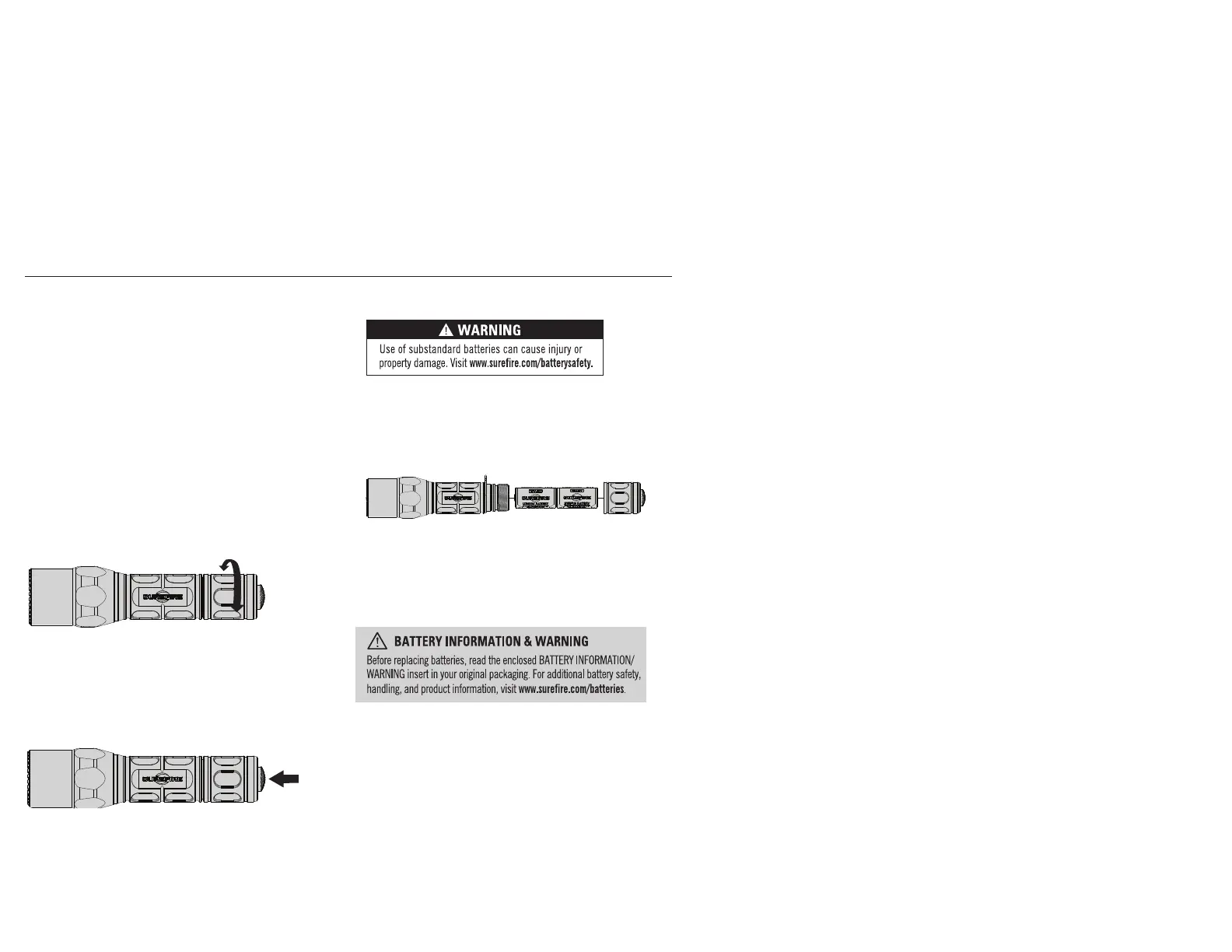
To enable, rotate tailcap clockwise until it stops turning. Press push-
button to activate light.
To lock out tailcap, rotate counterclockwise until light will not
activate when pressed.
LIGHT OPERATION
Press or click pushbutton tailcap switch once for high output. Return
to off and press or click on again, within two seconds, for low output.
BATTERY INSTALLATION / REPLACEMENT
The G2X LE ships with two preloaded batteries.
To load or replace batteries:
1. Unscrew tailcap counterclockwise and remove.
2. Remove old batteries and dispose of properly.
3. Insert new 123A lithium batteries with positive (+) terminals oriented
forward.
4. Replace tailcap by screwing on clockwise. Press pushbutton (with
tailcap enabled) to test.
Note: Never mix old and new batteries; always replace all batteries at same time.
MAINTENANCE
Use a clean, dry cloth to wipe off body and window. Periodically clean
and lubricate threads and O-rings using a thin coat of non-migrating,
silicone-based lubricants. Avoid using petroleum-based lubricants that
can damage O-rings. For additional tips on maintaining your SureFire
illumination tool, visit www.surefire.com/faqs-maintenance.
ACCESSORIES
SureFire makes a full line of accessories for most of its illumination tools.
For a complete listing, visit www.surefire.com/partsaccessories.
ENABLE
DISABLE
PRESS OR
CLICK TO
ACTIVATE



 To Previous Page