MAINTENANCE
Use a clean, dry cloth to wipe off body and window. Periodically clean and
lubricate threads and O-rings using a thin coat of non-migrating, silicon-based
lubricants. Avoid using petroleum-based lubricants that can damage O-rings. For
additional tips on maintaining your SureFire illumination tool, visit
www.surefire.com/faqs-maintenance.
ACCESSORIES
SureFire makes a full line of accessories for most of its illumination tools. For a
complete listing, visit www.surefire.com/partsaccessories.
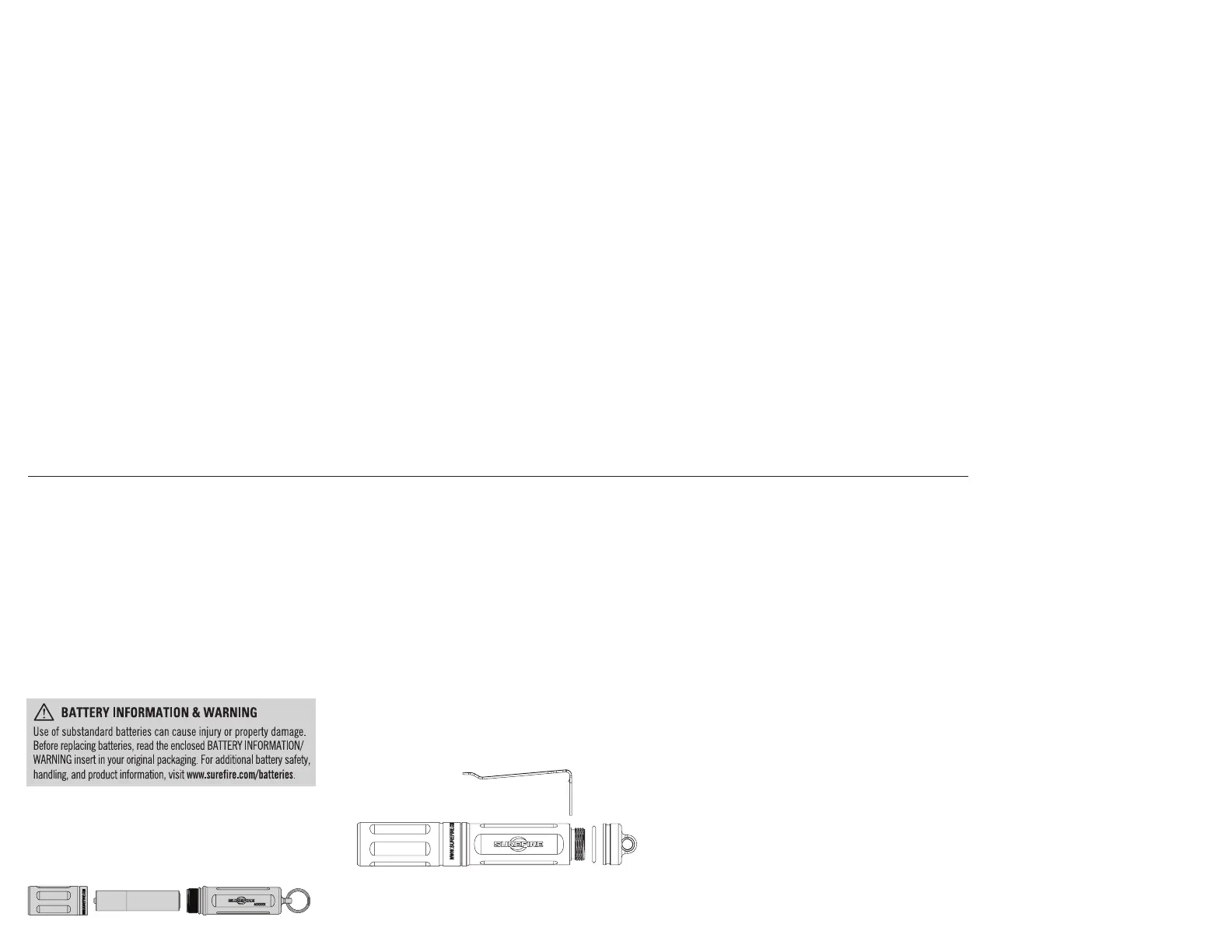
3. Insert new or freshly charged NiMH battery–or a new disposable AAA alkaline or
AAA lithium battery–with positive (+) terminal oriented toward bezel.
4. Replace bezel by screwing on clockwise until it stops turning. Test by
turning on flashlight.
NOTE: AAA lithium batteries can also be used but runtime will be reduced.
Do not use alkaline batteries.
RECHARGING NiMH BATTERY
Your included Titan’s NiMH battery is rechargeable. To recharge the NiMH battery,
follow the directions of your NiMH-specific charger (not included).
WARNING: Use only a NiMH-compatible charger to charge NiMH batteries.
NEVER attempt to charge disposable AAA alkaline batteries.
Pocket Clip Removal
Remove the rear cap of body by rotating it counterclockwise. Remove O-ring. Slide
the pocket off of the light body and store it somewhere safe. Re-install O-ring.
Re-install the rear cap by rotating clockwise until secure.
KIT CONTENTS
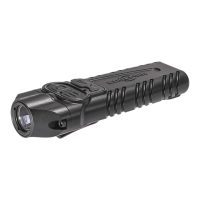
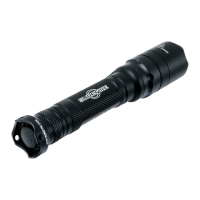
TITAN PLUS:
• One AAA NiMH battery (installed)
• Pocket clip
LIGHT OPERATION
TITAN PLUS: With head facing away from you, rotate the bezel counterclockwise to
activate the 15-lumen low-output setting. Rotate head clockwise to return to “off”
and then rotate counterclockwise again, within one second, to activate the 75-lumen
medium-output setting. Repeat process a third time, within one second, to activate
300-lumen high-output setting.
BATTERY INSTALLATION / REPLACEMENT
Titan Plus flashlights ship with pre-loaded battery.
To load or replace battery:
1. Unscrew bezel (head) counterclockwise and remove.
2. Remove old battery and dispose of properly.
TITAN
®
PLUS



 To Previous Page