STARTING UP YOUR INCUBATOR:
STEP 1: Plug in your incubator:
Switch ON your incubator by plugging it in to the wall plug.
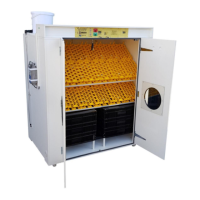
STEP 2: Connect water bucket to incubator and fill bucket with water
Your incubator has an automatic float valve inside that will allow water to flow into the inside water pan
from the bucket on top of the machine. Make sure that you check the bucket daily and fill with CLEAN
WATER as required.
STEP 3: SETTING INCUBATOR TEMPERATURE: (This will take about 1 hour)
The incubator has been factory set to heat up to 99.5°F (37.5 Degrees Celsius) when you switch
it on. The incubator will take about 1 hour to heat up to 99.5°F
***You can change the temperature display from Fahrenheit to Celsius by pressing both TEMP
UP and TEMP DOWN together at the same time and keeping it pressed for 6 seconds.
Next steps:
- Close incubator door
- Wait for incubator to reach 99.5°F
- To change the incubator temperature set-point simply press the “Temp Up” or “Temp Down” Button
(Generally not required – only for advanced users)
Incubator Control Panel:


 To Next Page