EasyManua.ls Logo

SurgeX UPS-1500-OL - User Manual

SurgeX UPS-1500-OL
37 pages
Print Icon
To Next Page IconTo Next Page
Loading...
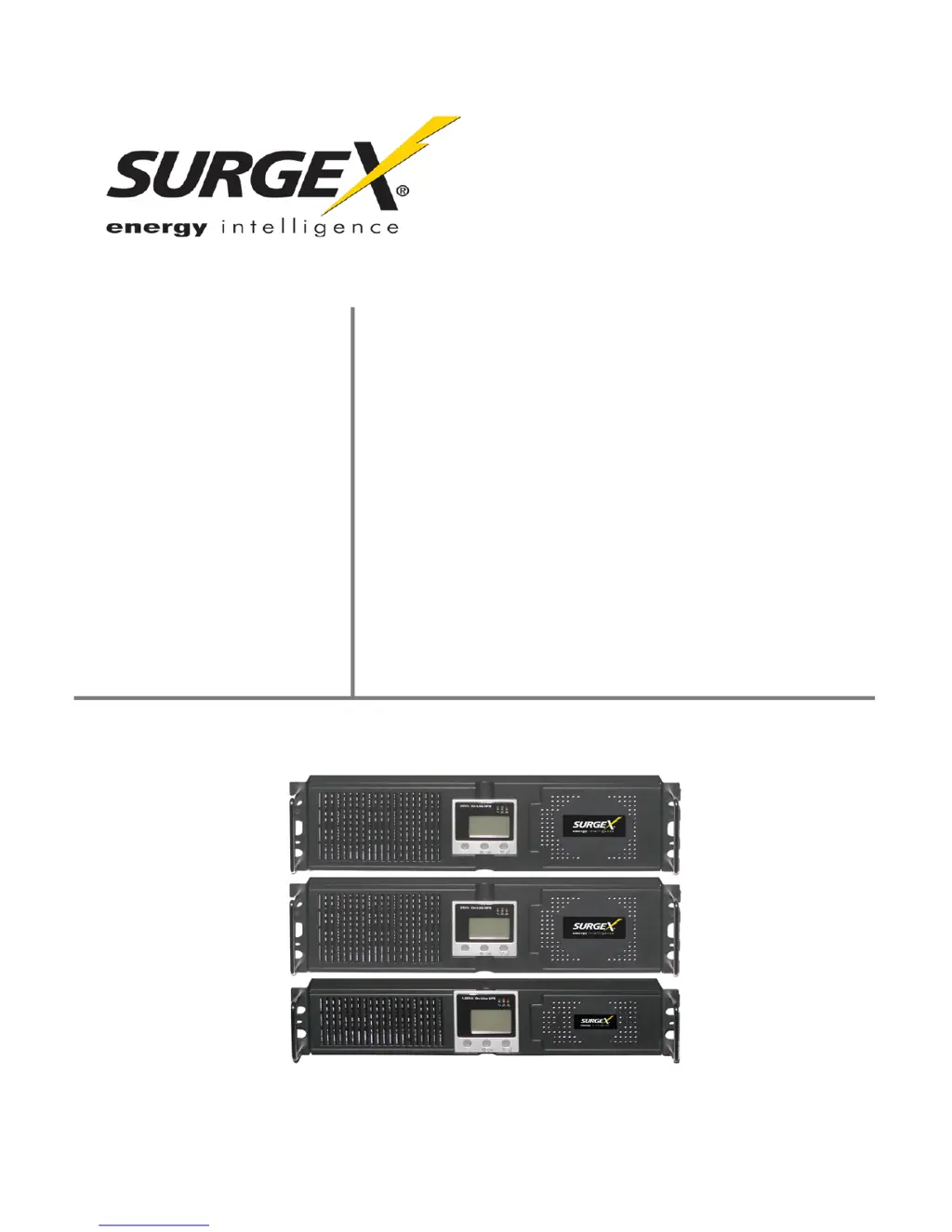
User
Manual
UPS-1500-OL
1500 VA Stand Alone Online Battery Backup
UPS-2000-OL
2000 VA Stand Alone Online Battery Backup
UPS-3000-OL
3000 VA Stand Alone Online Battery Backup
SX-BDL-1500
1500 VA Stand Alone Online Battery Backup
with SX-1115 bundle
SX-BDL-2000
2000 VA Stand Alone Online Battery Backup
with SX-1120 bundle
© SurgeX | Technical Support: 800-645-9721 | surgex.com
Version 1.1

Questions and Answers

  • T
    Tina WernerAug 11, 2025
    What to do if SurgeX UPS-1500-OL Battery Pack will not start?
    • M
      mistywilliamsonAug 11, 2025
      If your SurgeX Battery Pack doesn't start after pressing the On/Off button, ensure you press the button for at least three seconds. Check that the batteries are connected properly. If the issue persists, plug the UPS in without any load and let it charge for 12 hours. If the problem continues, contact your dealer for service.
  • P
    Paul WilsonAug 17, 2025
    Why is the battery indicator flashing on my SurgeX Battery Pack?
    • B
      brian24Aug 17, 2025
      If your SurgeX Battery Pack shows a flashing battery indicator, it could mean the batteries are undercharged, disconnected, or need replacement. Check the UPS batteries, reconnect them if necessary, and allow 12 hours for charging. If the problem persists, the batteries may be defective and require replacement.
  • D
    David WatsonAug 22, 2025
    How to improve battery run-time on SurgeX Battery Pack?
    • J
      james71Aug 23, 2025
      If your SurgeX Battery Pack provides insufficient battery run-time, first ensure the batteries are fully charged by letting the UPS charge for at least 12 hours. If the run-time remains insufficient after charging, replace the batteries with new ones. Additionally, reduce the output load on the UPS to extend the battery run-time.
  • T
    tonymaynardAug 29, 2025
    What to do if “Input” letters are flashing on SurgeX Battery Pack?
    • S
      scott58Aug 29, 2025
      If the “Input” letters are flashing on your SurgeX Battery Pack's LCD, the input voltage or frequency might be beyond the acceptable range. Verify that the utility voltage and frequency are within the normal range. Also, check the wiring of the input to the UPS to ensure the AC line and neutral line are correctly wired. Rewire if necessary.
  • E
    elizabeth06Sep 4, 2025
    What to do if SurgeX UPS-1500-OL Battery Pack shows 'Utility Normal' but has no AC input?
    • B
      Brian JoyceSep 4, 2025
      If your SurgeX Battery Pack indicates 'Utility Normal' but has no AC input, the circuit breaker on the UPS may have tripped. Try resetting the circuit breaker.

SurgeX UPS-1500-OL Specifications

General IconGeneral
BrandSurgeX
ModelUPS-1500-OL
CategoryBattery Pack
LanguageEnglish