Need help?
Do you have a question about the Survision Visipak 4 and is the answer not in the manual?
Details various mounting options for NANOPAK, MICROPAK, and VISIPAK cameras.
Specifies clearance requirements and distance restrictions for optimal camera performance.
Guidelines for front-facing camera installation in car parks and toll booths.
Rules for mounting cameras on ceilings for front-facing plate capture.
Guidelines for rear-facing camera installation in car parks and toll booths.
Essential safety precautions for handling the NANOPAK Totem during installation.
Step-by-step guide for assembling the NANOPAK Totem and connecting its power.
Details MICROPАК features, bracket attachment to walls/ceilings, and connectors.
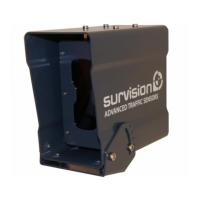
Details VISIPAK features, support bracket installation, and connector assembly.
Adjusting camera aim for plate visibility and framing with zoom or exclusion zones.
Adjusting LED power and selecting the appropriate enslavement mode for the environment.
Setting the geographic installation zone and saving the camera configuration.
Regular cleaning of camera glass and LEDs to maintain performance.
Steps and circumstances for performing a firmware update on the camera.
Steps to check before sending a camera for repair or troubleshooting.
Guidelines for returning faulty sensors to SURVISION for repair or replacement.
 General
| Brand | Survision |
|---|---|
| Model | Visipak 4 |
| Category | Security Camera |
| Language | English |


 To Next Page