33
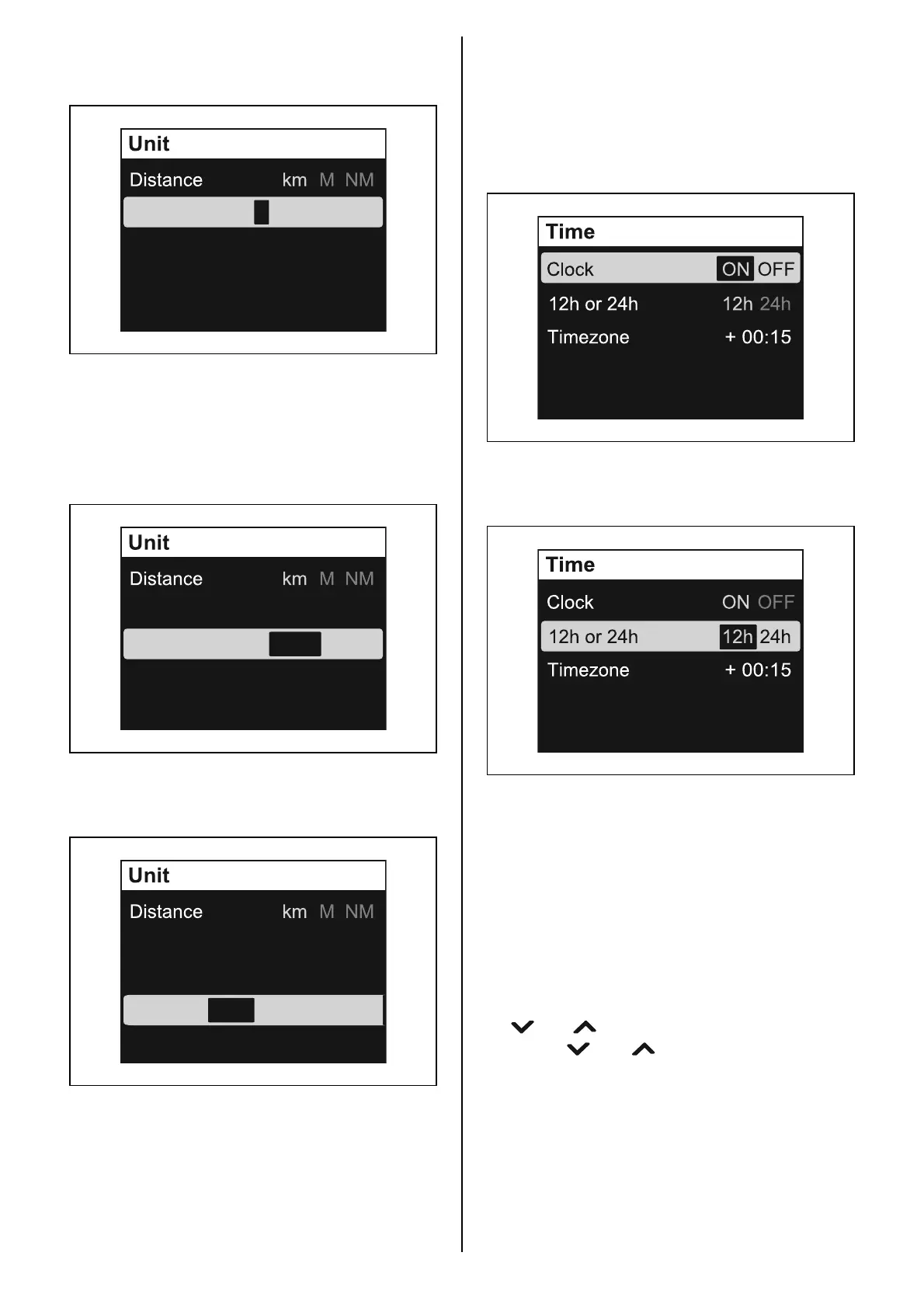
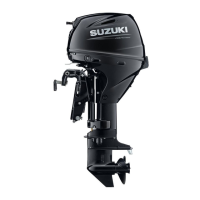
Quantity: set the unit for fuel quantity.
Press the [SET] button to select the unit.
Speed Scale: setting for the speed scale.
The setting of Speed Scale is reflected only on
the analog screen display.
Press the [SET] button to select the scale to be
indicated.
Econ: set the unit for fuel economy.
Press the [SET] button to select the unit.
Speed Scale
LOW HIGH
L
G
(
US
)
G
(
IMP
)
Quantity
Econ D/Q Q/D I/100km
Speed Scale
LOW HIGH
L
G
(
US
)
G
(
IMP
)
Quantity
Econ D/Q
Q/D I/100km
Speed Scale
LOW HIGH
L
G
(
US
)
G
(
IMP
)
Quantity
Econ D/Q Q/D I/100km
Time
Setting for the time indication.
Clock: setting for display/non-display of the
clock.
Press the [SET] button to select “ON” or “OFF.”
12h or 24h: select 12-hour or 24-hour display.
Press the [SET] button to select “12h” or “24h.”
Timezone: set the time zone.
This gauge can be set the time by entering the
time difference from the standard time (Green-
wich time). After the time difference is entered,
it is not required to enter it again.
Time can be set in the range of +14:00 from
–12:00.
Press the [SET] button to activate the input
position, and adjust the time difference using
the [ ] or [ ] button.
Press the [ ] or [ ] button briefly to change
the time in 15-minute increment. Press and
hold the button to change the time continuously
by 15 minutes.



 To Next Page