32
Passcode appears once the [SET] button is
pressed after you have entered all 6 digits.
(2)If you do not have the keyless fob
When the keyless start system starts up,
enter your passcode, and you can change it
within 1 minute after unlocking.
7. Initial Setting
Items in the Initial Setting include important
items for initial setting. Therefore, the confirma-
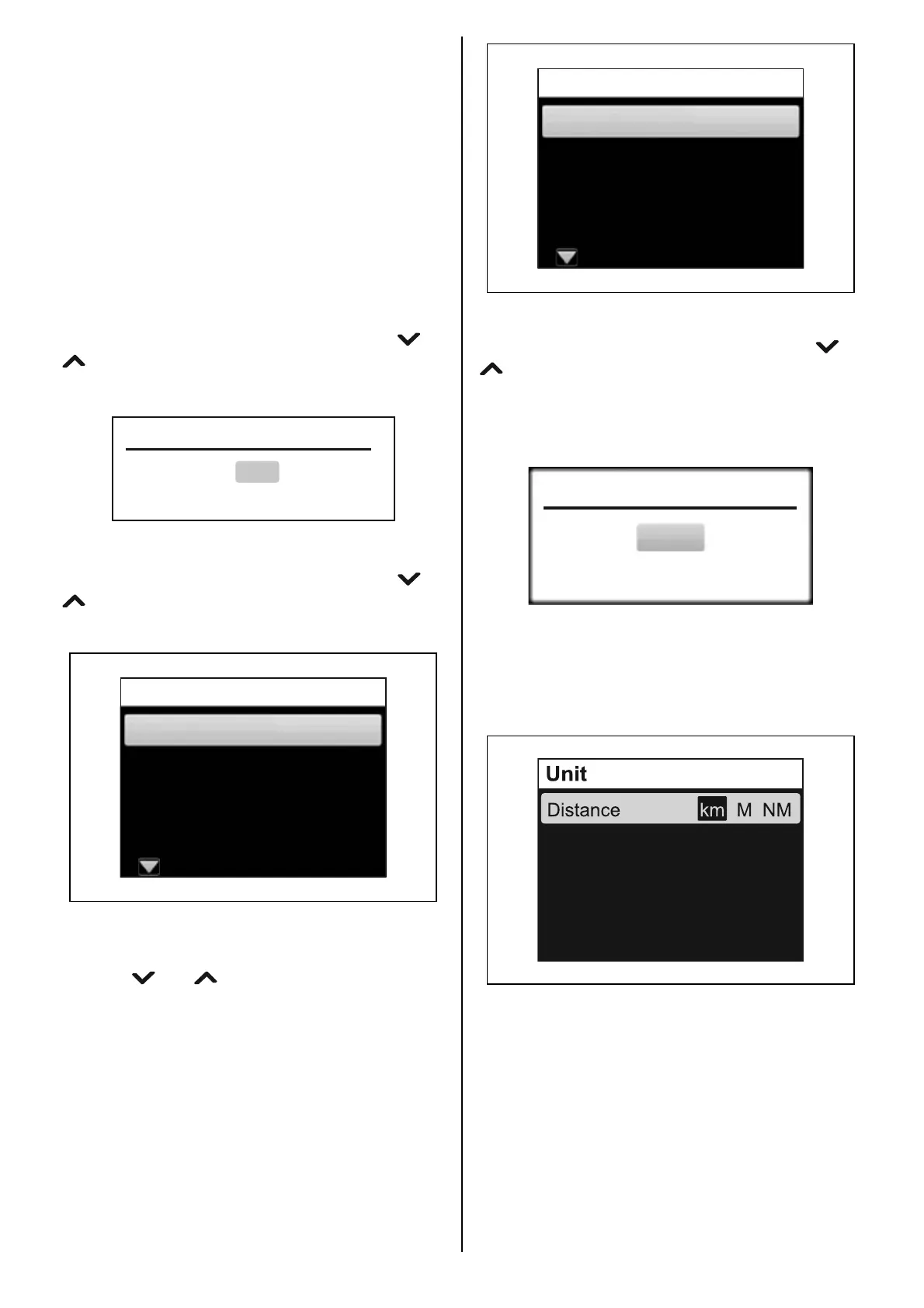
tion screen “Revise initial setting?” is displayed
when you select “Initial Setting” in the menu
screen and press the [SET] button. To change
the Initial Setting, select “Yes” using the [ ] or
[ ] button and press the [SET] button to dis-
play the Initial Setting menu screen.
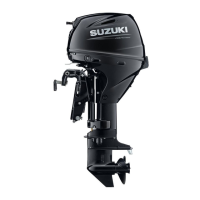
“Initial Setting” contains eight (8) menus.
Select the Initial Setting menu using the [ ] or
[ ] button, and then press the [SET] button to
display the setting screen.
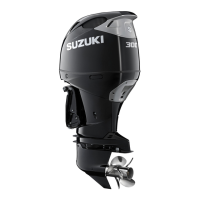
Language
Sets the display language.
Use the [ ] or [ ] button to select the display
language, and press the [SET] button.
Revise initial setting?
Yes
No
Unit
Time
Position
Component Setting
Initial Setting
Language
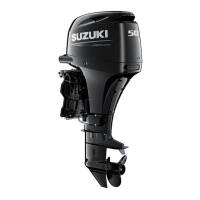
The confirmation message appears.
To change the display language, use the [ ] or
[ ] button to select “YES”, and press the
[SET] button. If you do not want to change the
language, select “NO”, and press the [SET] but-
ton.
Unit
Setting for the following units.
Distance: set the unit for distance.
Press the [SET] button to select the unit.
Français
Español
Deutsch
Italiano
Language
English
Yes
Change Language?
No
Speed Scale
LOW HIGH
L
G
(
US
)
G
(
IMP
)
Quantity
Econ D/Q
Q/D I/100km



 To Next Page