FUNCTIONS & OPERATION
Plug in first
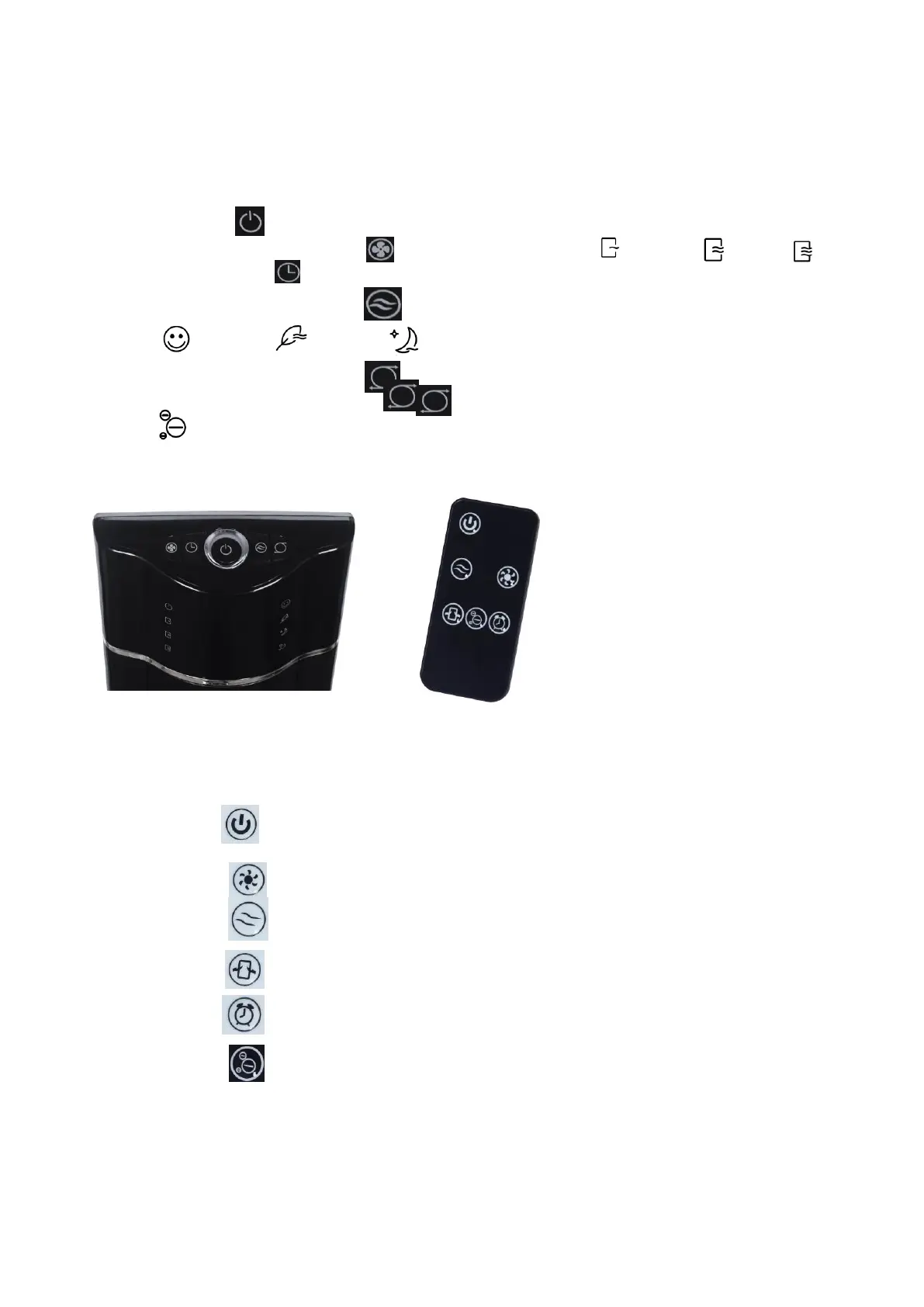
Push the button to start and stop the fan.
SPEED button: .Push the button to select speed of: Low - Middle –High
TIMER button : Push to select the timers from 1hours to 8 hours, it will show on the
display panel
MODE button : Push the button to select mode of
“Normal ”,”Nature ”,”Sleep ”
SWING button : Push the button to oscillate the fan, push it again to stop the function.
Negative ion function : Push the button for 3 seconds to start function of negative ion
function
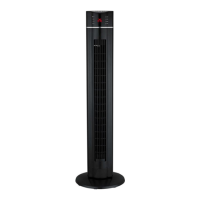
All the buttons are on the control panel as below:
REMOTE CONTROL
Push the button to start the fan
Push the button to select fan speed of Low- Middle –High
Push the button to select mode of “Normal”,”Nature”,”Sleep”
Push the button to oscillate the fan, push it again to stop the function
Push the button to select the timers from 0.5hours to 7.5 hours.
Push the button to select the negative ion function.


 To Next Page