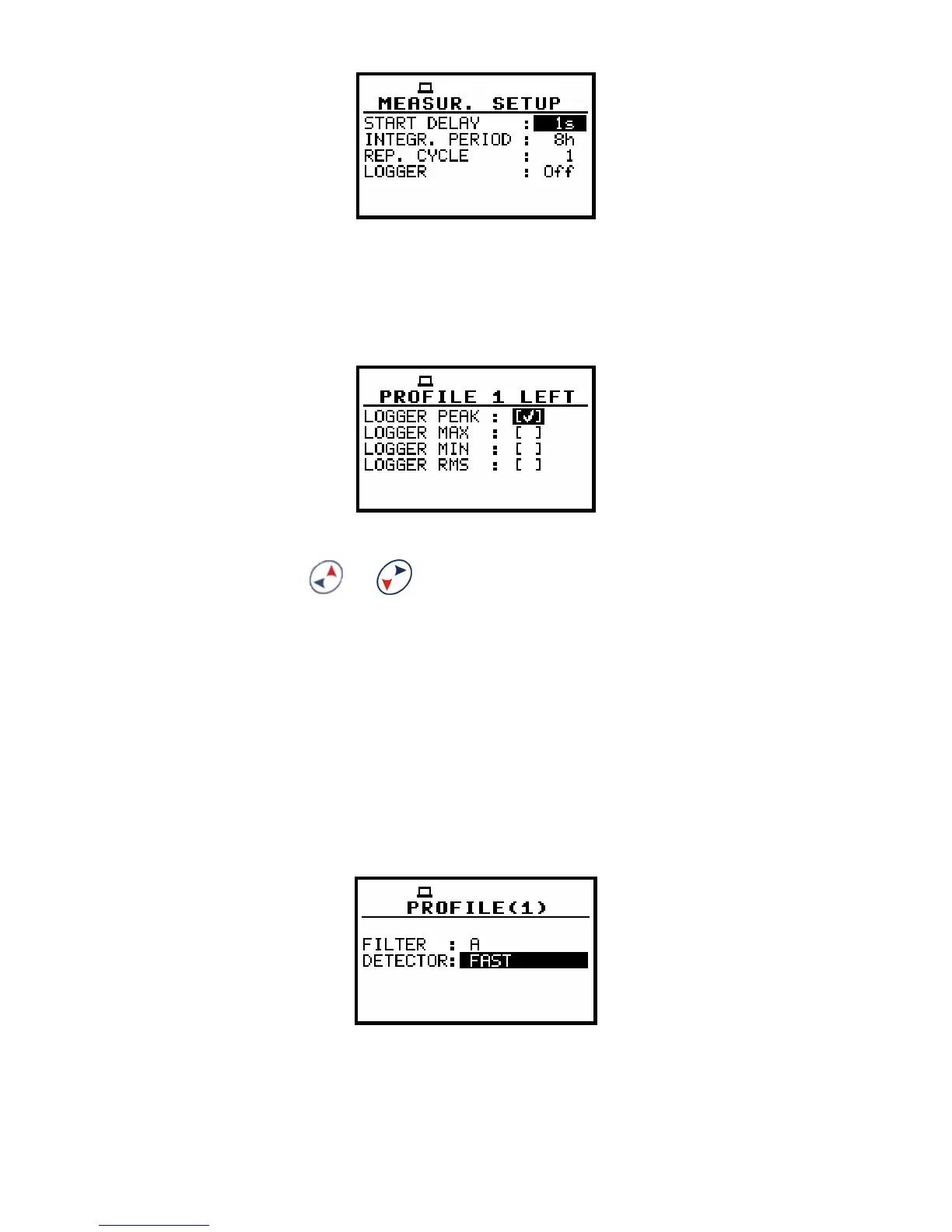
If LOGGER is switched on, go to MENU > INPUT > LEFT
(RIGHT) CHANNEL > PROFILE 1 (2, 3) and select results
to be logged: PEAK, MAX, MIN or/and RMS.
Go to MENU ( + ) > INPUT > PROFILE 1 (2, 3) and
select detector time constant (FAST/SLOW/IMPULSE).
Availability of filter selection (A/C/Z) depends on chosen
MEASUREMENT FUNCTION (for dosimeter modes filter
settings in profiles are fixed; for sound modes the setting
of detector time constant, filter and logged results are
possible and they are accessible in MENU > INPUT >
LEFT (RIGHT) CHANNEL > PROFILE 1 (2, 3) window).
All 3 profiles are used simultaneously during performed
measurements.


 To Next Page