MEASUREMENT SETUP
MEASUREMENT SETUPMEASUREMENT SETUP
MEASUREMENT SETUP
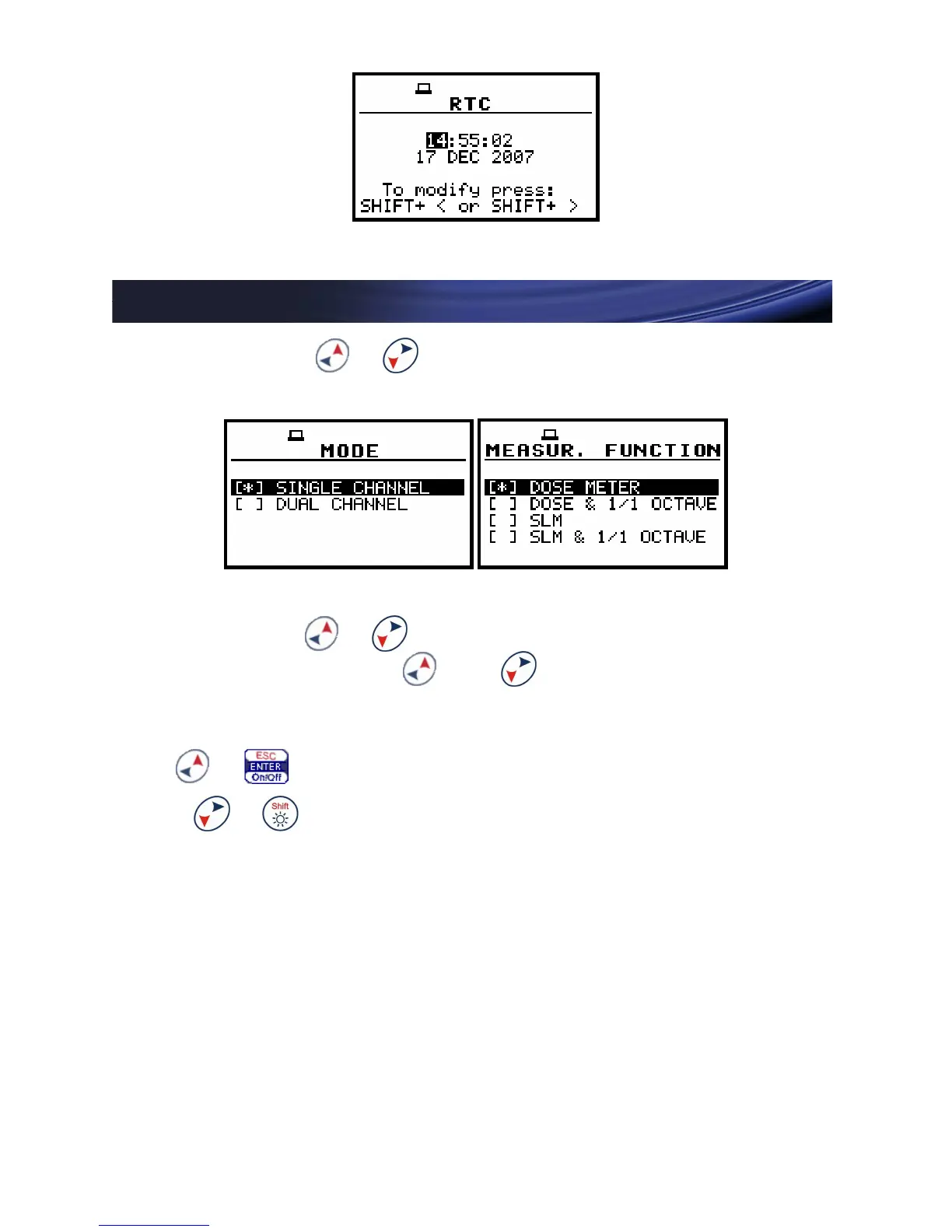
Go to MENU ( + ) > FUNCTION and select proper
MODE and MEASUREMENT FUNCTION.
Go to MENU ( + ) > INPUT > MEASUREMENT SETUP
and configure (using and push-buttons) following
parameters:
START DELAY - period between pressing START
( + ) and the beginning of measurement
Press + (down) to go to next position
INTEGR. PERIOD - integration period of
measurement
REP. CYCLE - number of measurement cycles
LOGGER - enabling/disabling time history logging
function, LOGGER STEP - logging time step,
LOGGER NAME- name of logger’s file


 To Next Page