PI300-SD
6
PI300-SD was designed to be quick and easy to set up and to use. Please follow
these simple instructions to get your covert DVR up and running in just a matter
of minutes.
Powering your PI300
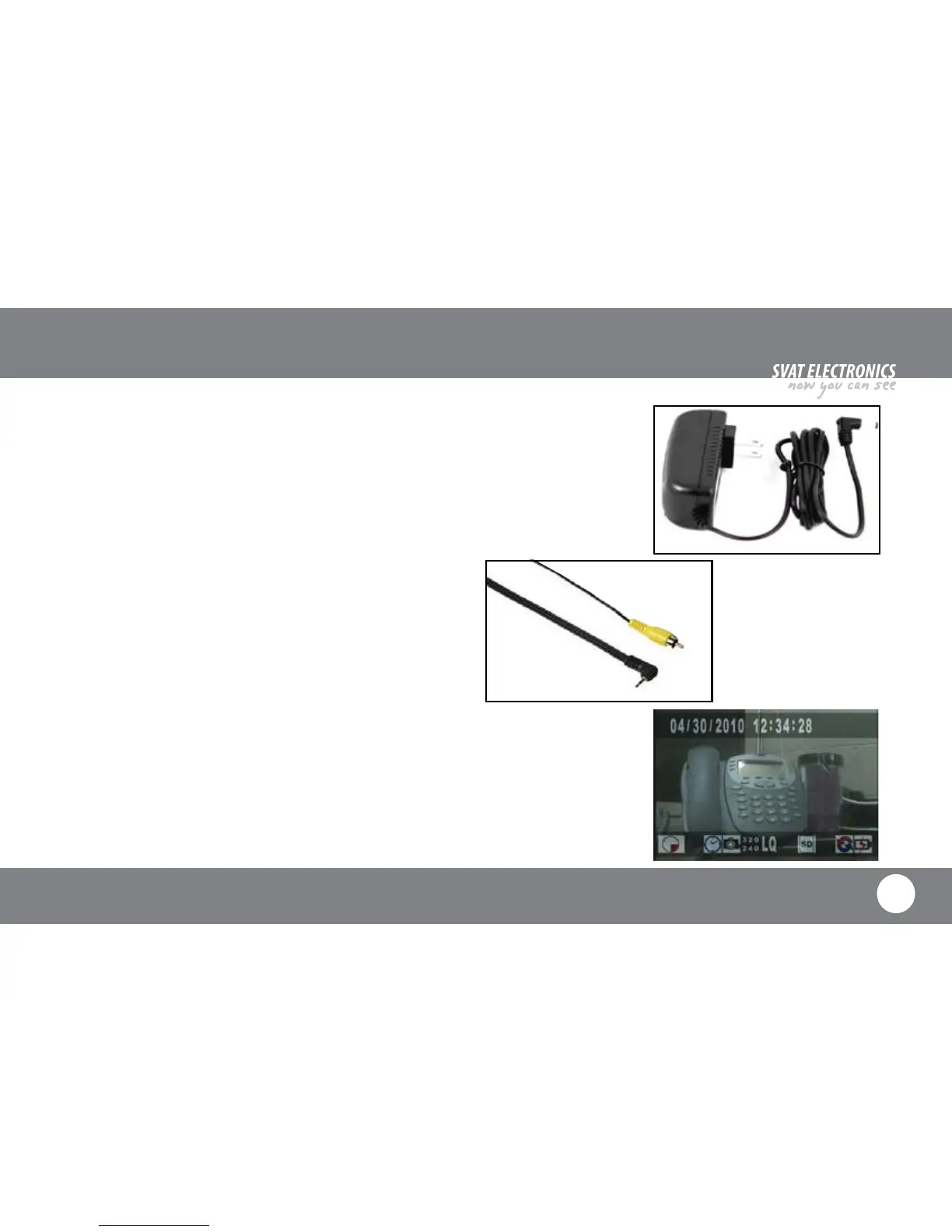
1. Connect the included AC adapter to conventional AC outlet.
2. Connect AC adapter to AC Jack (1) on the back side of PI300.
Connect your PI300 to a TV
1. Connect the included RCA cable to the RCA Jack (3) on the back side of PI300.
2. Connect the RCA cable to the Yellow RCA Composite Video Input Jack of your
television.
View your PI300 on a TV
1. Once you have connected your PI300 to your TV, power both units on.
2. Set your TV’s input source to “VIDEO,” “AUX” or whichever source is required
for viewing your connected devices.
INSTALLATION



 To Next Page