EasyManua.ls Logo

SVAT VU301-C - User Manual

SVAT VU301-C
10 pages
Print Icon
To Next Page IconTo Next Page
Loading...
Model#
VU301-C
www.svat.com
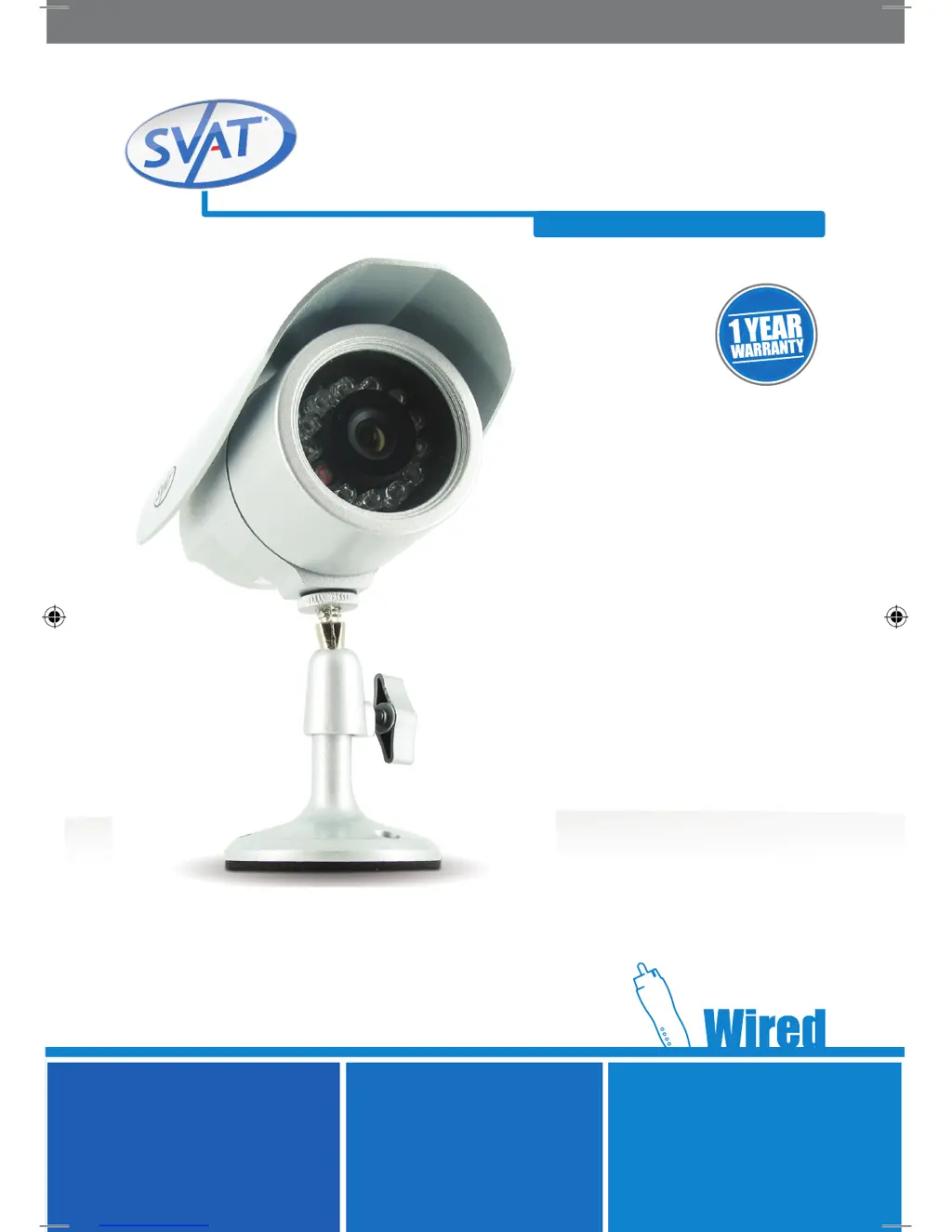
Security Camera
Indoor/Outdoor Color Camera w/ Night Vision
INSTRUCTION MANUAL
ACCESSORY - CAMERA
Version 1.0
SVAT ELECTRONICS
now you can see
VU301C manual.indd 1 18/11/2009 3:52:46 PM

Questions and Answers

  • A
    Austin RossJul 31, 2025
    How to fix SVAT VU301-C when there is no picture/signal?
    • J
      Jordan PowellAug 1, 2025
      First, ensure your TV/monitor is on the correct video input channel (INPUT, AV CHANNEL, LINE 1, LINE 2, or AUX). Refer to your TV or VCR manual for guidance. If the camera is connected to a VCR/DVR, verify it's properly connected to your TV/monitor. Check all connections to ensure they are secure. Lastly, check the camera's power supply to confirm it's powered up.
  • A
    Adam FoxAug 8, 2025
    What to do if the picture on my SVAT Security Camera is too dark?
    • W
      William RogersAug 9, 2025
      To address a picture that is too dark on your SVAT Security Camera, especially at night, ensure the subject is within 15ft (this may vary based on ambient light). During the day, adjust the sunshade by sliding it backwards to allow more light. Also, check the brightness and contrast settings on your TV/monitor or VCR/DVR if connected. If needed, relocate the camera.
  • T
    Teresa EstradaAug 16, 2025
    Why is the picture too bright on my SVAT Security Camera?
    • D
      Dana DuarteAug 16, 2025
      To resolve a picture that is too bright on your SVAT Security Camera, make sure the camera isn't aimed at direct sunlight. Adjust the sunshade by sliding it forwards to block excess light. Ensure nothing is obstructing the CDS sensor; if blocked, night vision mode may activate and brighten the picture. You can also try moving the camera to a different location.
  • B
    brooke59Aug 22, 2025
    What to do if night vision is not working on my SVAT VU301-C Security Camera?
    • S
      sara59Aug 22, 2025
      The night vision on your SVAT Security Camera activates automatically in low light. Test the camera in a completely dark environment. If the LEDs aren't glowing red, check the power supply. Also, the LEDs need to reflect off an object within range to display an image.

Summary

Camera Features and Functions

Infrared (IR) LEDs

Allows the camera to see in the dark up to 15ft away.

Installation

Mounting

Step by Step Installation

Connect Camera to Video;Power Wire

Connecting the camera to the video/power cable.

Connect Power Adapter to Outlet

Supplying power to the camera system.

Connect Video Output to Display

Connecting the video output to a display device.

Troubleshooting

No Picture or Signal

Solutions for issues with no video output from the camera.

Night Vision Is Not Working

Troubleshooting steps for non-functional night vision.

Specifications

SVAT VU301-C Specifications

General IconGeneral
Lens TypeFixed
Night VisionYes
WeatherproofYes
ConnectivityWired
Ingress ProtectionIP66
Motion DetectionYes

Related product manuals