EasyManua.ls Logo

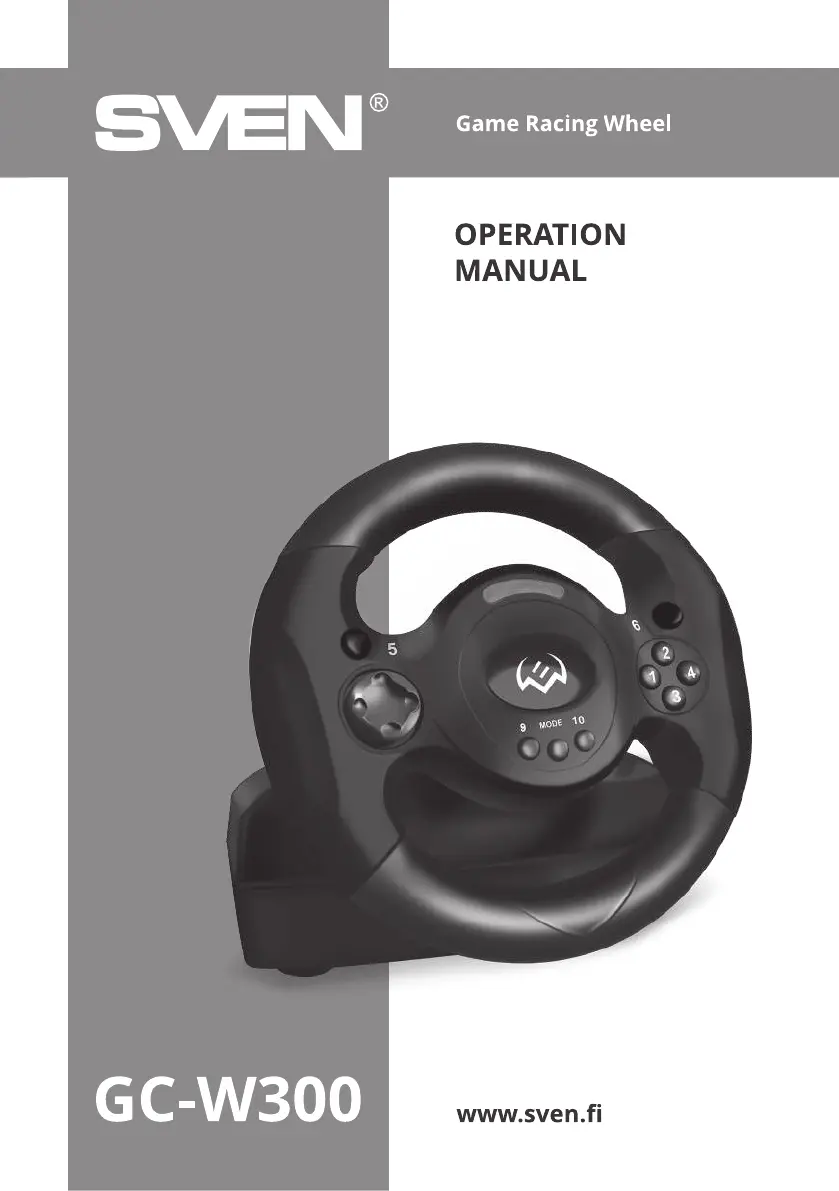
Sven GC-W300 - User Manual

Sven GC-W300
9 pages
Print Icon
To Next Page IconTo Next Page
Loading...

Questions and Answers

  • M
    mpetersenAug 3, 2025
    What to do if vibration feedback does not work on Sven Video Gaming Accessories?
    • D
      deanscottAug 3, 2025
      To enable vibration feedback on your Sven Video Gaming Accessories steering wheel, access the game settings and activate the steering wheel's vibration feedback mode. If issues persist, try disconnecting the device, restarting your PC, and then reconnecting the steering wheel.
  • D
    David PalmerAug 19, 2025
    How to fix OS Windows does not detect Sven GC-W300?
    • L
      Lindsey WhiteAug 19, 2025
      If your Windows OS isn't detecting the Sven Video Gaming Accessories steering wheel, ensure it's properly connected directly to your PC's USB port, avoiding USB hubs or extension cords. Try a different USB port. Also, the issue might be a conflict with another peripheral device, or a system issue, so restart your PC.

Summary

Product Description and Features

Product Description

Details the GC-W300 Game Racing Wheel's use in various games and its vibration feedback.

Special Features

Lists ergonomic design, steering angle, modes, and vibration feedback capabilities.

Safety and System Requirements

Safety Precautions

Provides guidelines on device handling, maintenance, and avoiding damage.

System Requirements

Specifies the necessary hardware and software for the racing wheel.

Package Contents and Construction

Package Contents

Details all items included in the product packaging.

Construction Overview

Identifies and illustrates the physical components of the racing wheel and pedal unit.

Connection and PC Usage

Connection and Installation

Step-by-step guide for connecting the racing wheel to a PC and installing drivers.

Using with Personal Computer

Instructions for operating the steering wheel with a PC, including mode switching.

Button Remapping

Procedure for customizing button assignments and resetting to default values.

Advanced Settings and Troubleshooting

Sensitivity Adjustment

Guide to adjusting steering wheel sensitivity levels for optimal performance.

Troubleshooting

Solutions for common problems like PC detection and vibration feedback issues.

Sven GC-W300 Specifications

General IconGeneral
TypeGamepad
InterfaceUSB
ColorBlack
Vibration FeedbackYes
CompatibilityPC
Number of Buttons12

Related product manuals