ENG
User Manual
PS-48
3
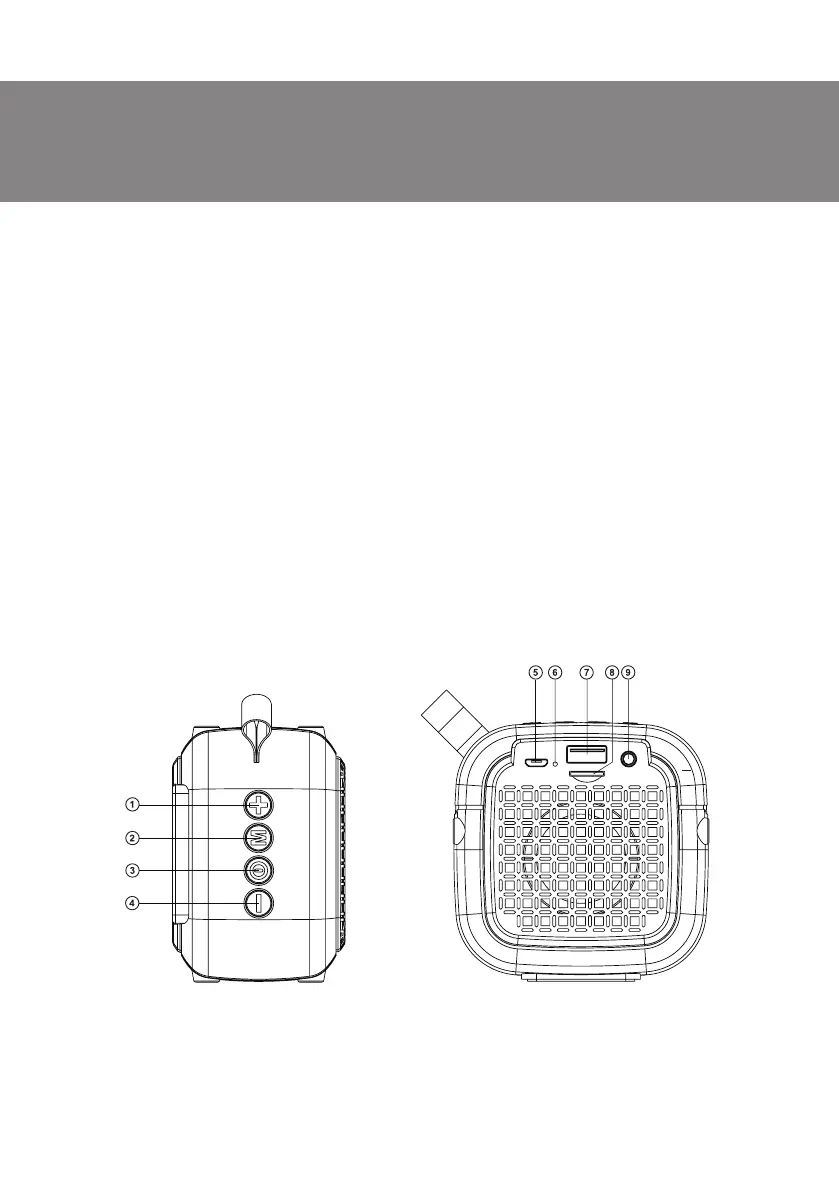
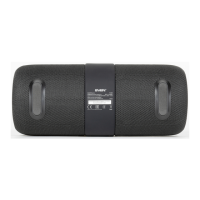
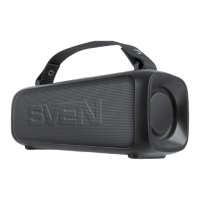
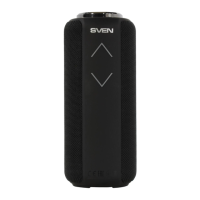
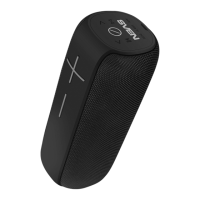
Fig. 1.
Speaker system description
a Volume increase button (short pressing);
Next track (long pressing in Player and Bluetooth mode);
Next station (long pressing in Radio mode)
b Switch mode button: Bluetooth/FM/Player/AUX (short pressing);
Connecting an additional speaker (long pressing in Bluetooth mode);
Start/Stop auto scan (long pressing in Radio mode);
Disconnect from device (double-click in Bluetooth mode)
c Play/Pause button (short pressing in Player and Bluetooth mode);
Mute (short pressing in Radio mode or AUX);
POWER button (long pressing)
d Volume decrease button (short pressing);
Previous track (long pressing in Player and Bluetooth mode);
Previous station (long pressing in Radio mode)
e Micro USB jack for charger connecting Speaker system to laptop/PC USB port
f Battery charge indicator
g USB-flash card slot
h Micro SD card slot
i 3.5 mm mini-jack for audio signal connecting (phone, MP3 player, etc.)


 To Next Page