EasyManua.ls Logo

Sven VR-V600 - User Manual

Sven VR-V600
12 pages
Print Icon
To Next Page IconTo Next Page
Loading...
www.sven.fi
USER MANUAL
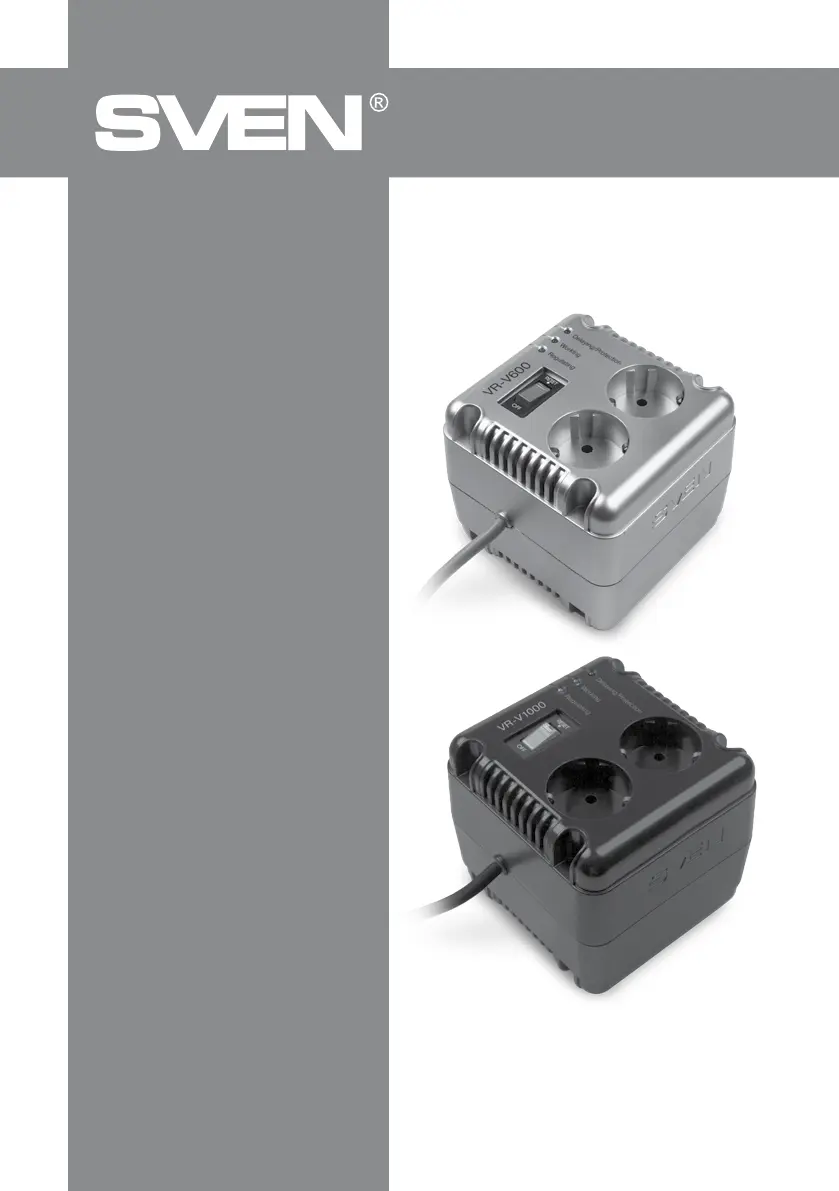
Automatic Voltage Regulator
VR-V600
VR-V1000

Questions and Answers

  • J
    Jeffrey RichAug 6, 2025
    What to do if my Sven Controller does not turn on?
    • A
      Andrea MartinezAug 6, 2025
      If your Sven Controller isn't turning on, first, ensure the switch is in the 'on' position. Next, verify that the mains socket has voltage. Finally, if an excessive load is connected, disconnect part of it and try turning on the protective fuse.
  • C
    Carrie SchaeferAug 13, 2025
    Why my Sven Controller disabled load and shows “Delaying/Protection” and “Regulating” indicators?
    • J
      James HaleyAug 13, 2025
      The Sven Controller likely disabled the load because the input voltage is either too low or too high. The device will automatically resume operation when the input voltage is within the range of 184–285 V.
  • M
    Michael ButlerAug 21, 2025
    What to do if my Sven Controller turned on, but the “Delaying/Protection” light stays on and there is no output voltage?
    • T
      Tracy WilliamsAug 21, 2025
      This could be due to a test circuit crash or overheating. Try switching the Sven AVR off and on again. If the problem persists, it may need professional attention. Also, check if the autotransformer is overheating; if so, wait for the product to cool down.
  • L
    Laura DaughertyAug 28, 2025
    Why does my Sven Controller keep clicking and the “Regulating” LED is constantly blinking?
    • C
      Christopher HamiltonAug 28, 2025
      This is normal behavior. It indicates that the input voltage is unstable, and the Sven AVR is actively regulating the output voltage to compensate.

Summary

SAFETY PRECAUTIONS

TECHNICAL DESCRIPTION

Special Features

Lists key features of the VR-V600 and VR-V1000 automatic voltage regulators.

INSTALLATION AND OPERATION GUIDE

TROUBLESHOOTING

TECHNICAL SPECIFICATIONS

Sven VR-V600 Specifications

General IconGeneral
Device TypeGamepad
Connection TypeWired
InterfaceUSB
Number of Buttons12
D-padYes
VibrationYes
Analog Sticks2
Vibration FeedbackYes
CompatibilityPC

Related product manuals