4
Mounting your Camera
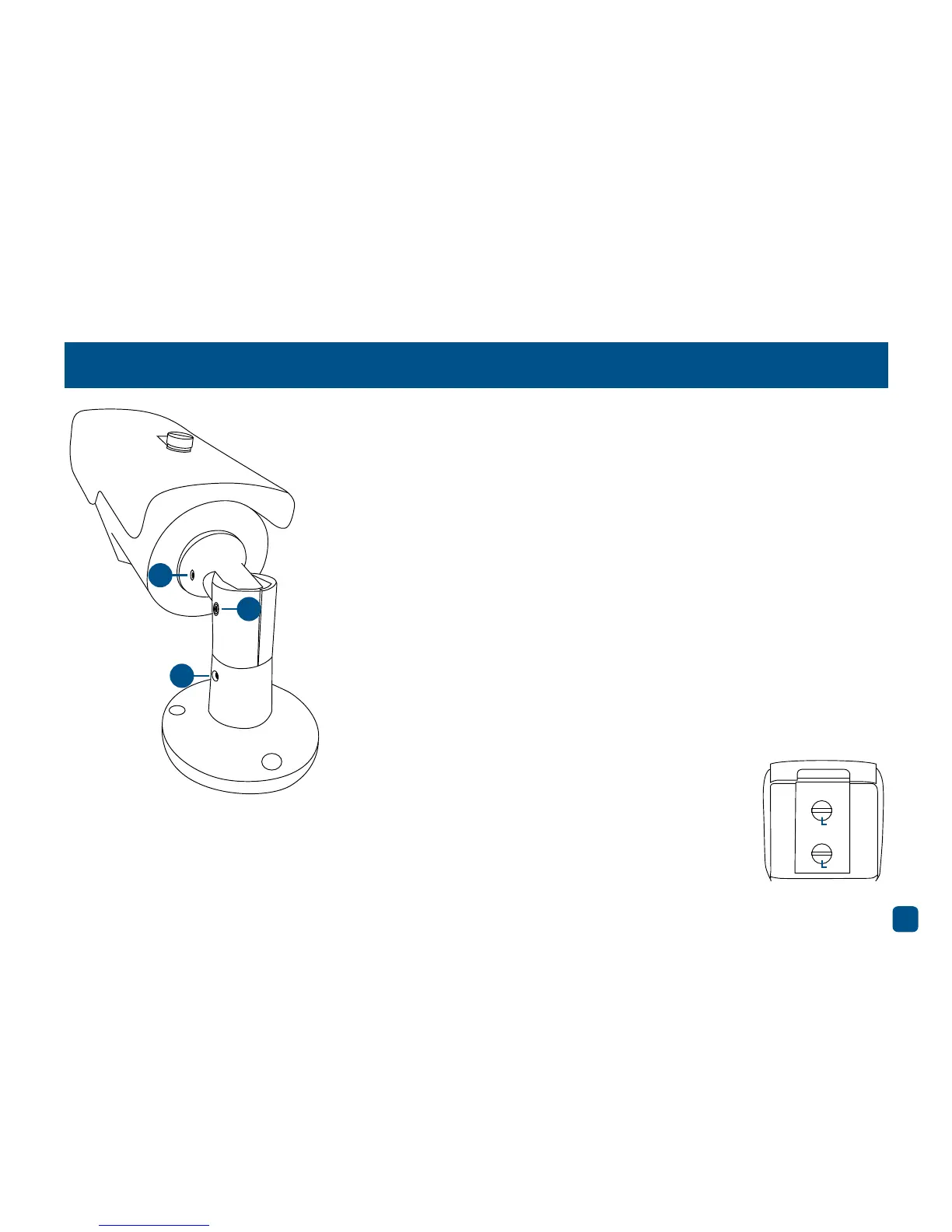
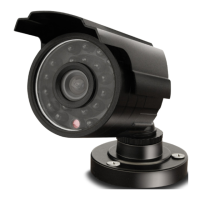
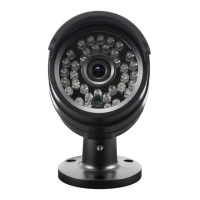
The camera has three points of articulation. The most obvious is the hex
screw secured elbow joint in the centre of the stand (2). This one is pretty
obvious and straight forward – using an Allen key, loosen the hex screw
and adjust to the position you want (up or down). Tighten the hex screw
again to secure in place.
The second point of articulation (1) is the radial joint where the neck of
the stand is attached directly to the camera. To adjust this joint, loosen
the hex screw on each side. This enables you to rotate the camera left
or right so no matter what direction the camera is facing, your images
will be oriented correctly. Tighten the hex screw again to secure in place.
To rotate the camera left or right (3), loosen the hex screw on each side
of the base then tighten again to secure in place.
Zoom - To zoom in use a flat-head screwdriver and
turn the connection anti-clockwise to the desired
viewing angle. Turn clockwise to zoom out.
Focus - After setting the desired viewing angle, use
the focus connection to sharpen the image.
Zoom
Focus
1
2
3


 To Next Page