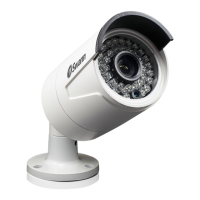
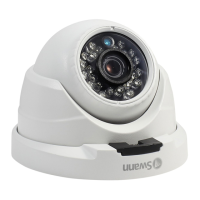
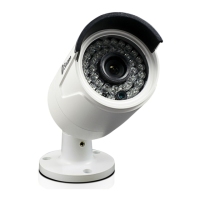
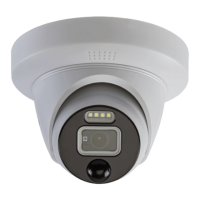
Need help?
Do you have a question about the Swann NHD-POE Series and is the answer not in the manual?
Provides essential safety guidelines for installation and operation of the device.
Provides default login credentials for accessing the camera.
Explains how to connect the camera to the NVR using Power Over Ethernet (POE).
Details how to mount the camera onto various surfaces using screws.
Steps to resolve issues where the NVR fails to detect the connected camera.
Solutions for problems with the camera's night vision performance.
 General
| Weatherproof Rating | IP66 |
|---|---|
| IR Cut Filter | Yes |
| Night Vision | Yes, up to 30m |
| Power Supply | PoE (Power over Ethernet) |
| Indoor/Outdoor | Outdoor |
| Body Material | Metal |
| Storage | N/A (Requires a compatible NVR) |
| Compatibility | Swann NVRs |

 To Next Page