EasyManua.ls Logo

Swann PRO-640 - User Manual

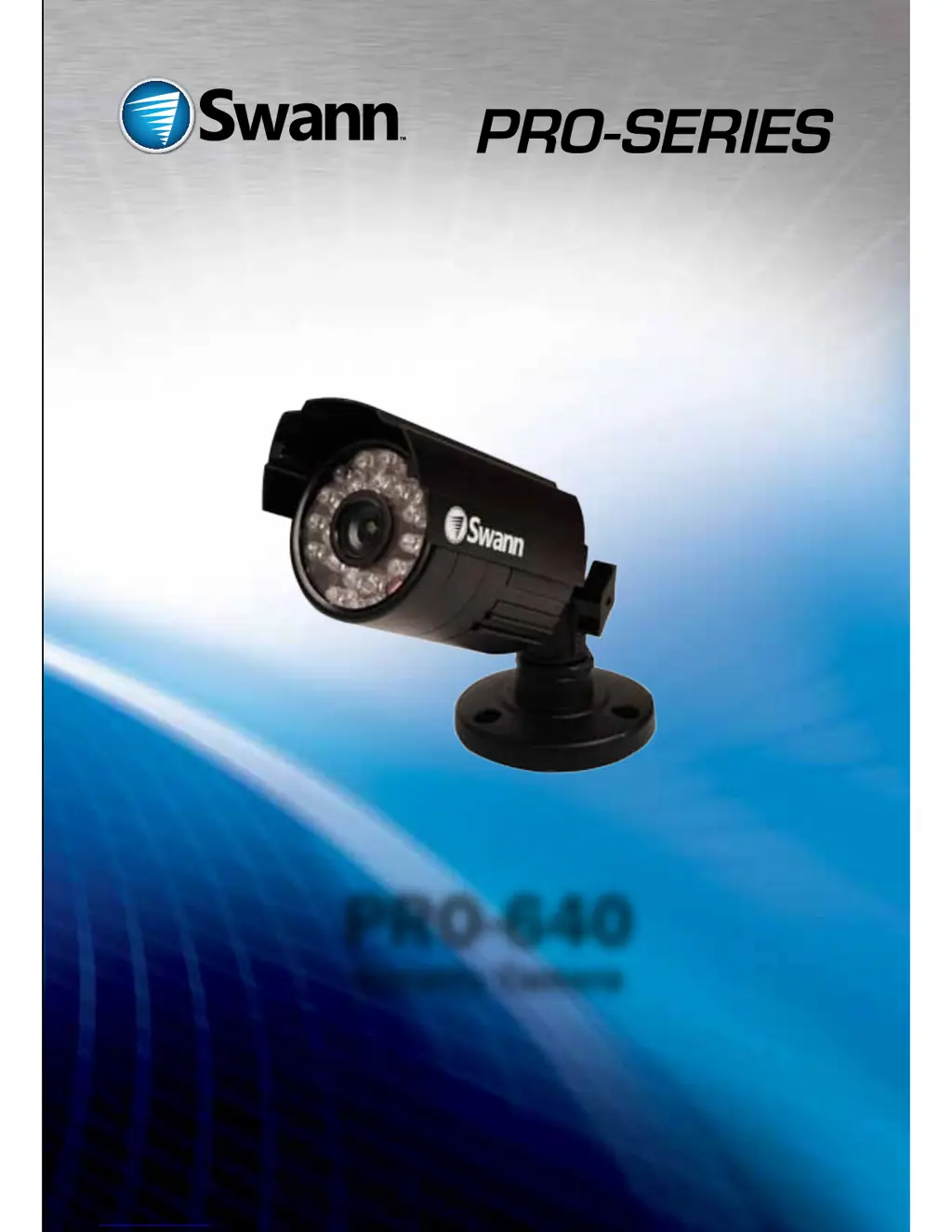
Swann PRO-640
24 pages
Print Icon
To Next Page IconTo Next Page
Loading...
PRO-640
Security Camera
M640CAM180412T

Other manuals for Swann PRO-640

Questions and Answers

  • G
    gloriabrownAug 10, 2025
    What to do if ‘Video Loss’ appears on my Swann Security Camera?
    • D
      David MccannAug 10, 2025
      If you're seeing a 'Video Loss' message on your Swann Security Camera DVR instead of the camera's image, here's what to check: * Ensure the extension cable (both power and video) is securely connected to the camera. * Verify that the video output from the camera is properly connected to a video input channel on the DVR. * Confirm that the camera's power supply is securely connected.
  • J
    jacobjohnstonAug 20, 2025
    Why do I only see a bright spot at night on my Swann Security Camera?
    • K
      Kristina WhiteAug 20, 2025
      If you're only seeing a bright spot and no image from your Swann Security Camera at night, it might be due to reflection when the camera is in night vision mode and looking through a window. Try moving the camera to the other side of the window or to a different location altogether.
  • B
    Bonnie IbarraAug 30, 2025
    How to connect BNC extension cable to TV for Swann Security Camera?
    • S
      Steven AllenAug 30, 2025
      If the BNC extension cable from your Swann Security Camera won't connect to your TV, it's likely because many TVs don't have a BNC connector. Use a BNC to RCA adapter to connect the extension cable to the RCA socket on your TV or monitor.

Summary

Before You Begin

Introduction to PRO-640

Details the PRO-640's capabilities in various lighting conditions, including IR functionality and the IR Cut Filter.

Important Notes and Safety

Covers legal notes on camera use and critical safety instructions for installation and operation.

Connection Guide

Connecting Directly to TV

Explains how to connect the camera to a TV or VCR using a BNC to RCA adapter for video input.

Connecting a Single Camera

Guides the connection of a single PRO-640 camera's DC socket to the power adapter.

Connecting Multiple Cameras

Details connecting the extension cable's DC socket to a power splitter for 4 camera packs.

Connecting to Existing DVR

Instructs on connecting the BNC extension cable to an open channel on the back of a DVR.

Mounting the Camera

Camera Stand Articulation

Explains the three points of articulation on the PRO-640 stand for flexible camera aiming and positioning.

Troubleshooting Common Issues

Addresses 'Video Loss' on DVR, poor night vision, and BNC to TV connection problems.

Product Specifications

Video Specifications

Details image sensor, quality, resolution, illumination, white balance, and lens specifications.

Night Vision Capabilities

Outlines night vision distance, IR LEDs, wavelength, and IR Cut Filter status.

General Specifications

Covers operating power, temperature, body construction, dimensions, and weight.

Technical Support and Warranty

Contacting Technical Support

Provides toll-free numbers and email for technical assistance in USA, Australia, NZ, and UK.

Limited Warranty Terms

Outlines the one-year warranty, responsibilities, exclusions, and conditions for the PRO-640 camera.

FCC Verification Statement

Details FCC compliance for Class B digital devices and measures to correct radio interference.

Swann PRO-640 Specifications

General IconGeneral
BrandSwann
ModelPRO-640
CategorySecurity System
LanguageEnglish

Related product manuals