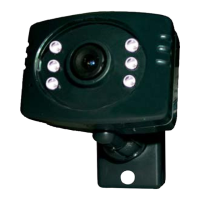
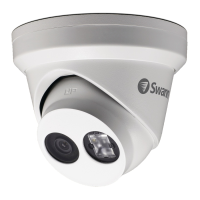
4
VIDEO IN
1 2 3 4
5 6 7 8
VIDEO IN VGA AUDIO OUT
AUDIO IN
LAN & USB 12V
HDMI
DVR
Power Adapter
Extension Cable
Video Out
Power
Twist to lock
connectors
For multi-camera packs, use
a power splitter (if included).
Connecting to your DVR
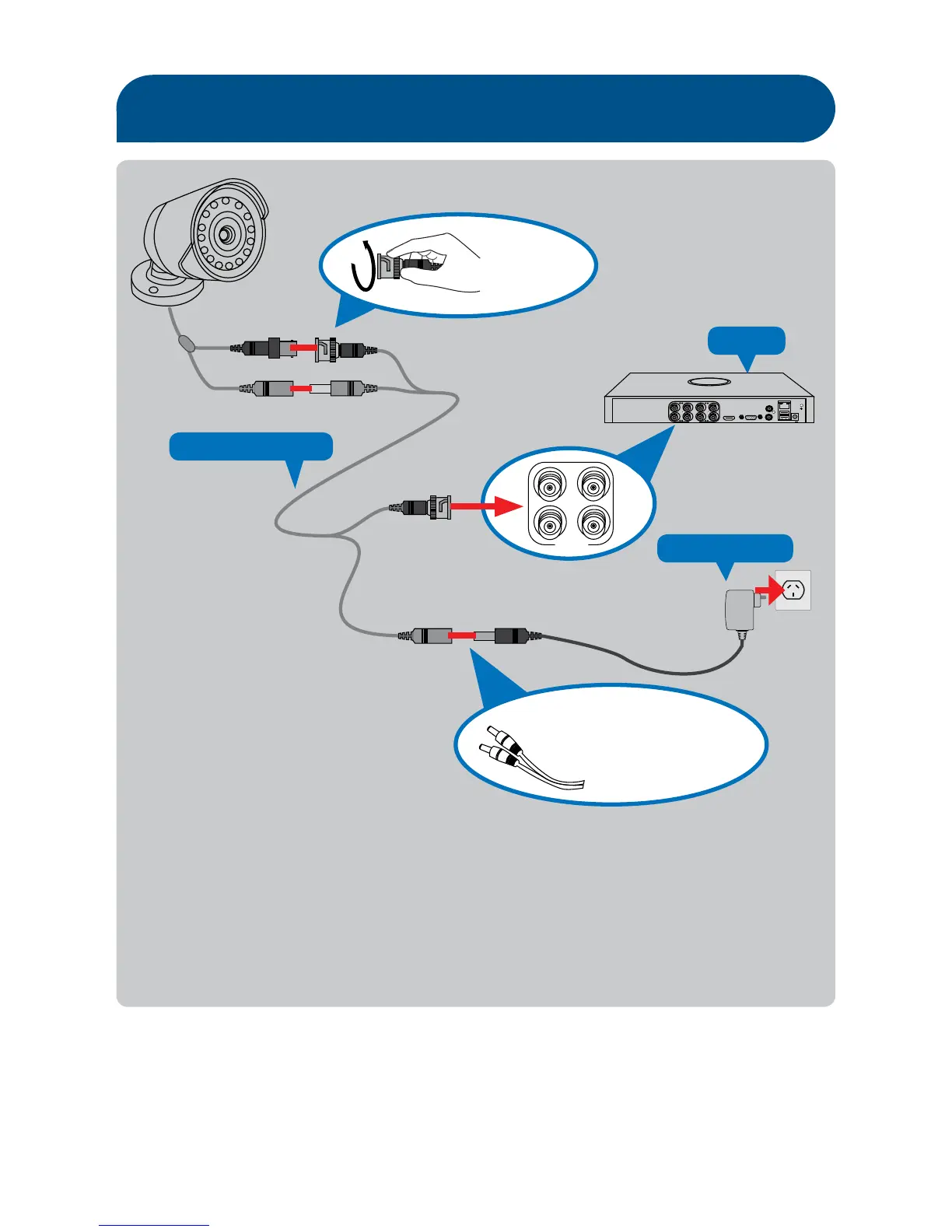
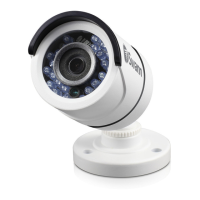
1. Connect the camera’s Power and Video cable to the extension cable’s DC and BNC plugs.
2. Connect the BNC extension cable to a video input channel on the back of the DVR.
3. Connect the DC extension cable to the power adapter’s DC cable and then plug the
power adapter into an electrical outlet.
Before you begin
Please note - Images are for illustrative purposes only. Specifications subject to
change without notice. For the latest version of this manual, please visit (www.
swann.com).


 To Next Page