EasyManua.ls Logo

Swann T855 - User Manual

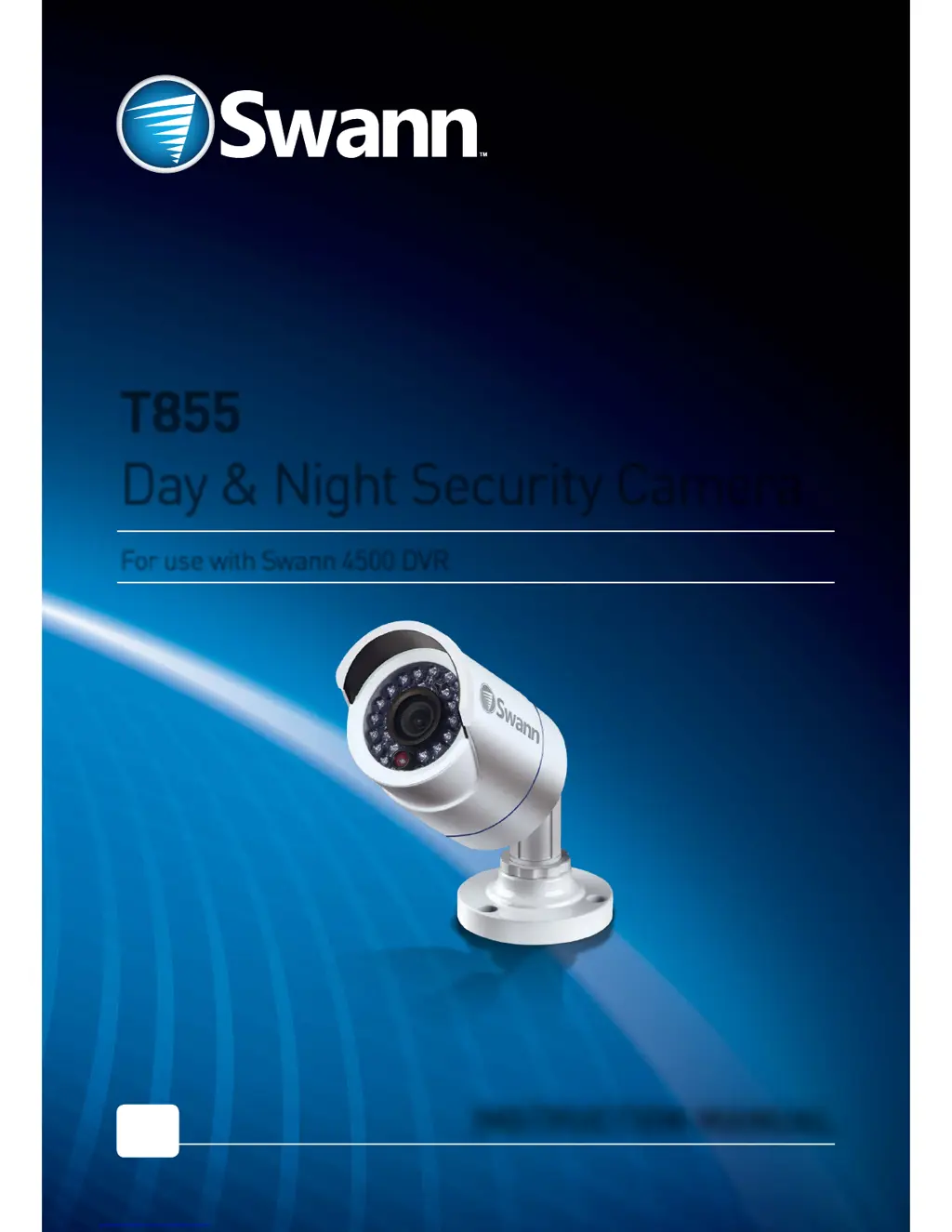
Swann T855
8 pages
Print Icon
To Next Page IconTo Next Page
Loading...
MT855_091014E | © Swann 2014
For use with Swann 4500 DVR
INSTRUCTION MANUAL
EN
T855
Day & Night Security Camera

Questions and Answers

  • B
    Brenda NashJul 27, 2025
    What to do if ‘Video Loss’ appears on my Swann Security Camera?
    • M
      Melissa JohnsonJul 27, 2025
      If you see a ‘Video Loss’ message, ensure the extension cable (both power and video) is securely connected to the camera. Also, verify the video output from the camera is securely connected to a video input channel on the DVR, and that the power from the camera is securely connected to a power supply.
  • G
    Gabrielle RodriguezAug 3, 2025
    Why can’t I see anything at night with my Swann T855?
    • J
      Jamie WoodAug 3, 2025
      The infrared (IR) light from the LEDs on the Swann Security Camera has a limited range. Objects beyond this range won't be illuminated by the IR lights. To optimize the image, test the camera's range and direction with assistance to ensure the best possible night vision.
  • J
    jennifer50Aug 11, 2025
    What to do if I only see a bright spot at night on my Swann Security Camera?
    • M
      Mrs. Melissa Dean MDAug 11, 2025
      A bright spot with no image in night vision mode on your Swann Security Camera can be caused by a reflection, especially if the camera is looking through a window. Try moving the camera to the other side of the window or to a different location to avoid the reflection.
  • N
    Natalie MercerAug 17, 2025
    Where can I get longer cables for my Swann T855 Security Camera installation?
    • S
      Sara CoxAug 18, 2025
      Swann offers extension cables of various lengths suitable for most installations, available for purchase on our website. While it's possible to join two cables, using a single length is recommended for optimal performance. Swann uses the RG59 cable standard; coaxial cables made to this standard are compatible but may require more complex installation and termination. Remember to consider power requirements when using coaxial cable.

Summary

Before You Begin

Introduction

Details the camera's capabilities in various lighting conditions and its IR LEDs.

Important Safety Instructions

Ensures the product is fixed securely and terminals are not exposed during operation.

Choosing a Location for the Camera

Placement Considerations

Guidance on camera placement, ideal height, minimizing sky, and considering offender approach.

Weather & Tampering Protection

Discusses camera casing resistance and protecting vulnerable cables from weather and tampering.

Cable Positioning

Advice on avoiding sharp bends and interference from electrical wiring for camera cables.

Connecting to Your DVR

Mounting Your Camera

Articulation Points

Details the three points of articulation for adjusting camera position and securing it correctly.

Troubleshooting

Video Loss Diagnostics

Addresses 'Video Loss' on DVR, checking cable connections and power supply for camera signal.

Night Vision Image Issues

Covers seeing bright spots instead of images and general inability to see in low light due to IR limitations.

Cable Extension Solutions

Provides options for extending cable length and recommendations for cable types and connections.

Helpdesk;Technical Support

Contact Information

Provides email and phone numbers for technical support and warranty assistance in different regions.

Limited Warranty Terms & Conditions

FCC Verification

Details FCC compliance rules, interference guidelines, and conditions for operation.

Swann T855 Specifications

General IconGeneral
ConnectivityWi-Fi
Weatherproof / Weather ResistanceIP66
Indoor/OutdoorOutdoor
Power SourceBattery (Rechargeable)
Field of View / Viewing Angle90°
Night Vision Distance100ft/30m
PIR Detection RangeUp to 9m (30ft)
StorageCloud or microSD card (up to 128GB)
Motion DetectionYes
AudioTwo-Way Audio (Microphone and Speaker)

Related product manuals