3
EN
CHARGE THE CAMERA
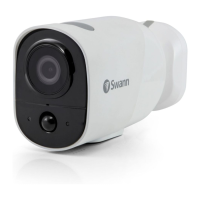
Before using the camera for the first time, charge it for at least two hours with the included USB
charging cable.
1 Open the rubber cover of the micro USB port at the back of the camera.
2 Insert the smaller end of the USB charging cable into the micro USB port on the camera, and the
larger end into a USB wall charger such as the USB power adapter that came with your phone.
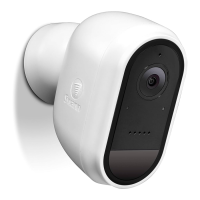
3 The LED indicator on the front of the camera turns solid blue indicating that the camera is
charging. When the camera is fully charged, the LED indicator will turn off.
4 Actual charging times may vary depending on the USB power supply (DC5V 2.1A or above is
recommended for faster charging) and the remaining battery level. A full charge can take up to six
hours if the camera’s battery is low.


 To Next Page