5
EN
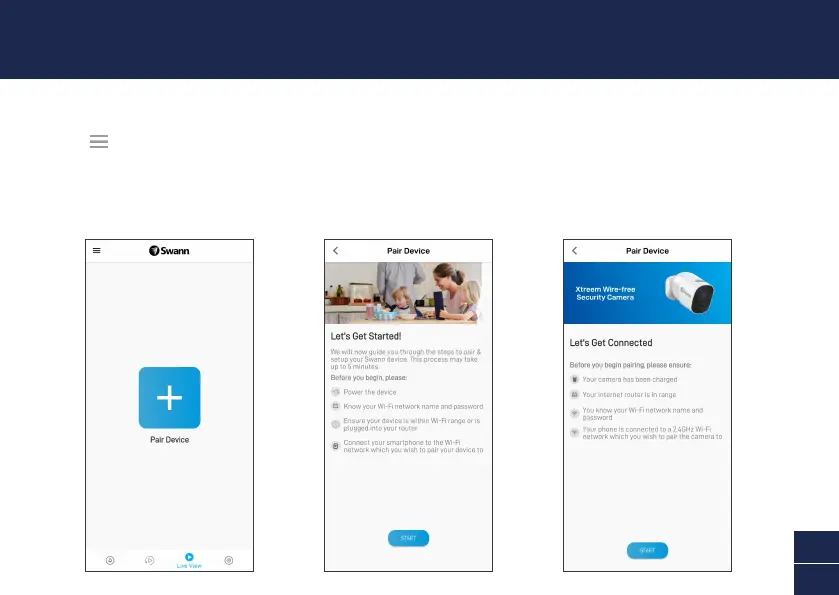
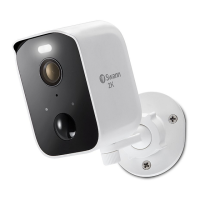
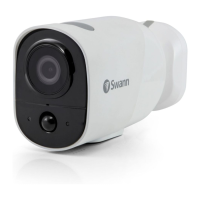
Launch the Swann Security app and sign in. Tap the Pair Device button on the screen (or tap the menu
icon in the top left and select “Pair Device”) and follow the in-app instructions to set up your new
camera. Before you begin, have the camera with you, be close to your router, and have your Wi-Fi
network information (including password) handy. Please note that the camera can connect to a 2.4GHz
Wi-Fi network only.
SET UP THE CAMERA


 To Next Page