English version
7
3. Select “All files” if you wish to add all files from the selected folder to the back-up.
4. Select “Include types” if you only wish to add certain file extensions, for instance: jpg.
5. Select “Exclude types” if you want to exclude certain file extensions.
6. Click “Apply” to activate the settings.
Under “Settings” you can determine how many days of the log file are kept.
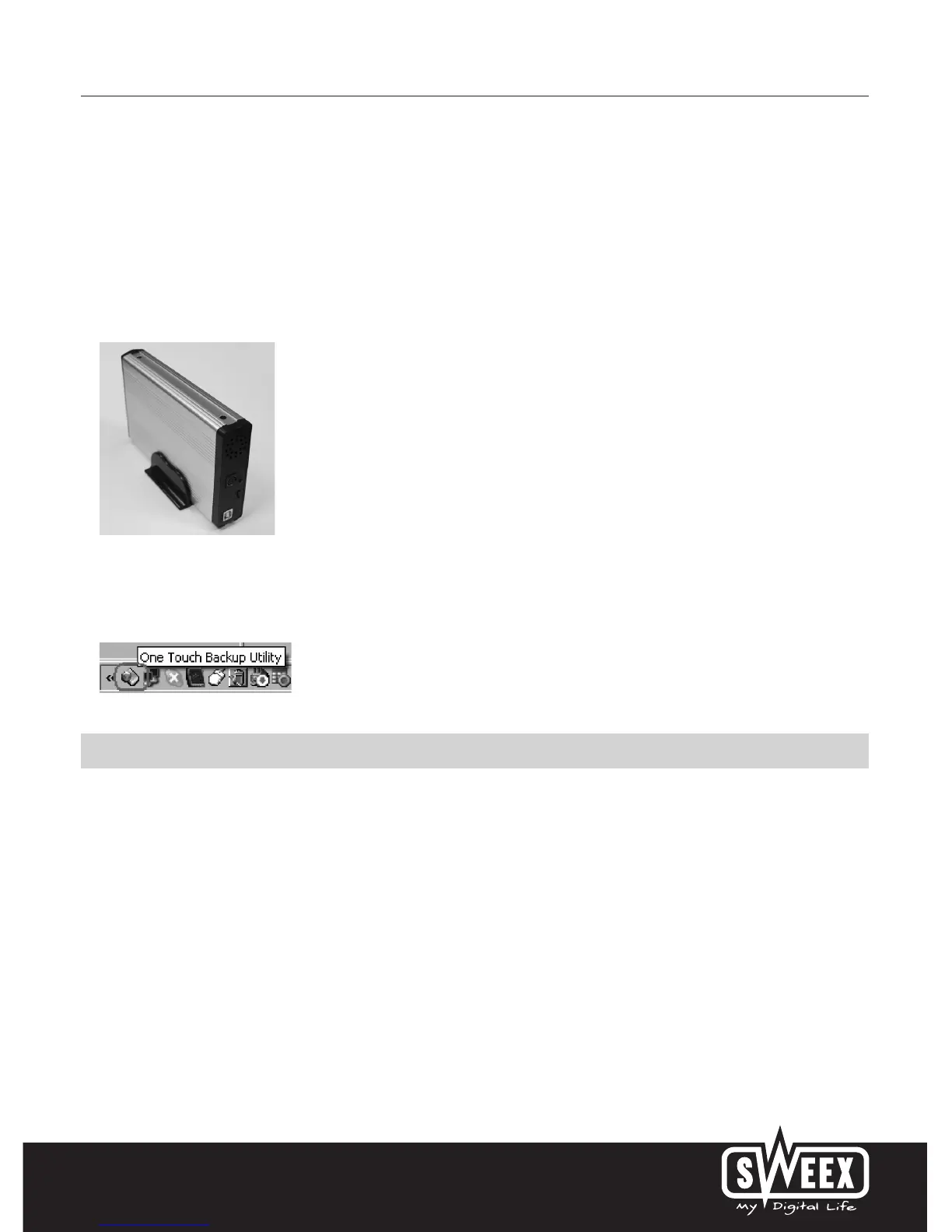
Click on the OTB button on the Sweex External 3.5" Storage Solution in order to start the back-up. During the next back-up action, only files that
were changed since the previous back-up will be copied.
Once Windows has started up, the OTB programme runs in the background unnoticed. This means you can initiate a back-up by a push of the button.
When closing the OTB window, a link will appear in the bottom right of your screen. Right-click “Show” in order to show the OTB window again.
Warranty
All products under the Sweex brand are warranted for a period of three years. We do not grant support or warranties for any software and/or
(rechargeable) batteries included. Settlement of guarantee only takes place via the dealer where you have purchased the product in question.
The rightful owner has and retains title to all brand names and related rights mentioned in this manual.


 To Previous Page
 Loading...