EasyManua.ls Logo

swissonic ControlKey 49 - User Manual

swissonic ControlKey 49
32 pages
Print Icon
To Next Page IconTo Next Page
Loading...
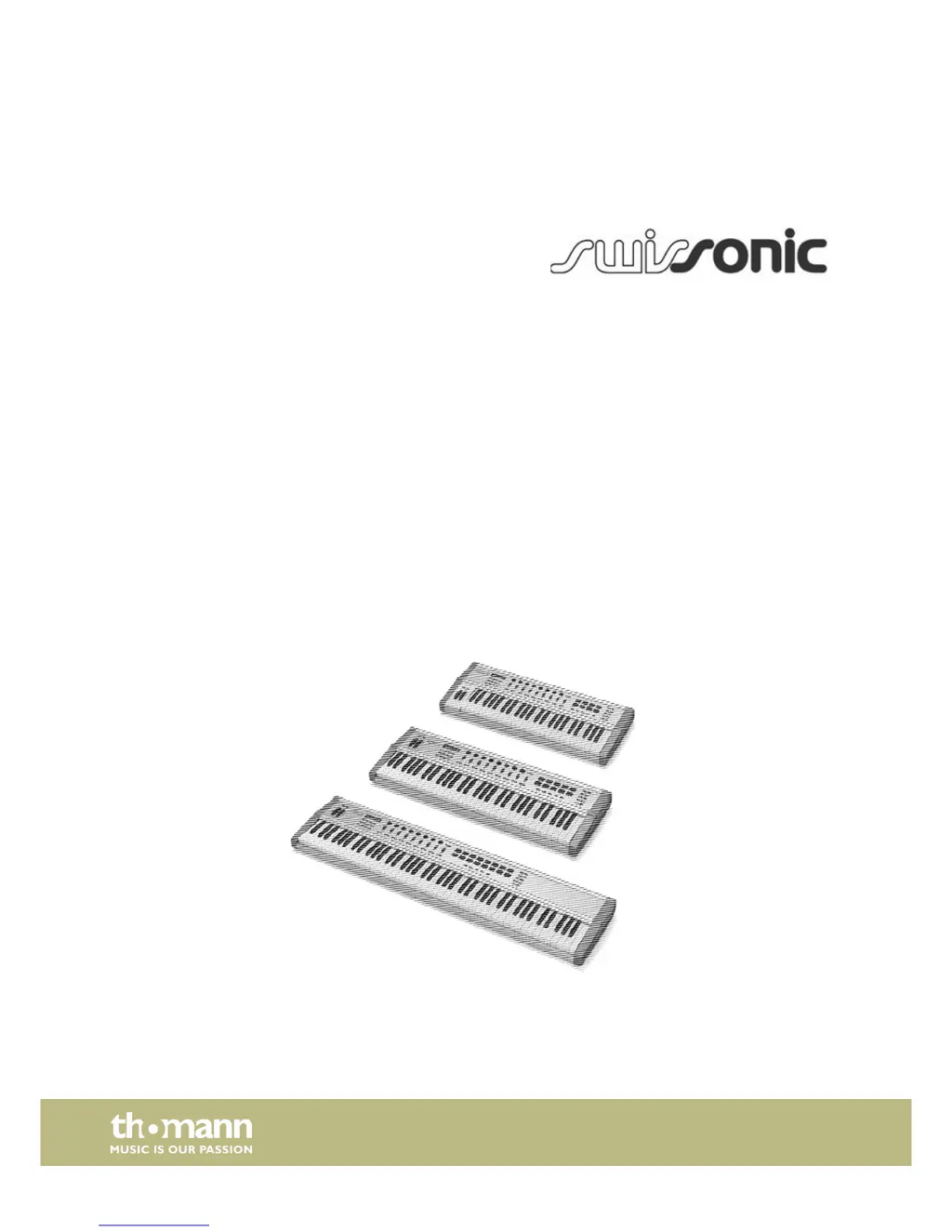
ControlKey 49, ControlKey 61, ControlKey 88
MIDI keyboard
user manual

Questions and Answers

  • R
    Rebecca JohnsonAug 11, 2025
    How to fix no power supply on swissonic ControlKey 49 Electronic Keyboard?
    • H
      Heather MolinaAug 11, 2025
      If your swissonic Electronic Keyboard has no power, first, ensure the USB cable is properly connected to both the keyboard and your computer. This connection provides power. Alternatively, you can use an optional 9V power supply connected to an AC outlet.
  • J
    Jason DavisAug 17, 2025
    What to do if my swissonic Electronic Keyboard has no sound?
    • G
      gilbertjoshuaAug 18, 2025
      If you're not getting any sound from your swissonic Electronic Keyboard when pressing the keys, check the volume settings on your computer, sound module, and any connected speakers. Also, verify your MIDI and audio connections, channel settings, and sequencer settings. Make sure to correct any incorrect settings and ensure all connections are properly established.
  • B
    Brian RobertsAug 25, 2025
    Why is expression pedal not reacting on swissonic ControlKey 49 Electronic Keyboard?
    • A
      Anthony WilcoxAug 25, 2025
      If the expression pedal is not reacting with your swissonic Electronic Keyboard, ensure you are using a stereo pedal with a control range of 0–10k. Always connect the pedal first, then connect the keyboard, and finally, start the software. If the issue persists, try resetting the keyboard using the [RESET ALL] function.
  • D
    Darrell PopeAug 29, 2025
    What to do if swissonic ControlKey 49 Electronic Keyboard has a continuous tone?
    • R
      Robert WilliamsAug 29, 2025
      If your swissonic Electronic Keyboard is producing a continuous tone, try toggling the sustain pedal polarity if possible. Disconnect the sustain pedal to see if that resolves the issue. Ensure the sustain pedal is not pressed during startup. Check the MIDI filter settings on your tone generator or software. As a last resort, reset the keyboard using [RESET ALL] or [ALL NOTES OFF].
  • W
    William BrownSep 4, 2025
    How to fix wrong pitch on swissonic Electronic Keyboard?
    • J
      John MorrisSep 4, 2025
      To correct the wrong pitch on your swissonic Electronic Keyboard, reset the transposed or octaved keyboard settings. Additionally, reset the active MIDI pitch.

swissonic ControlKey 49 Specifications

General IconGeneral
Brandswissonic
ModelControlKey 49
CategoryElectronic Keyboard
LanguageEnglish

Related product manuals