EasyManua.ls Logo

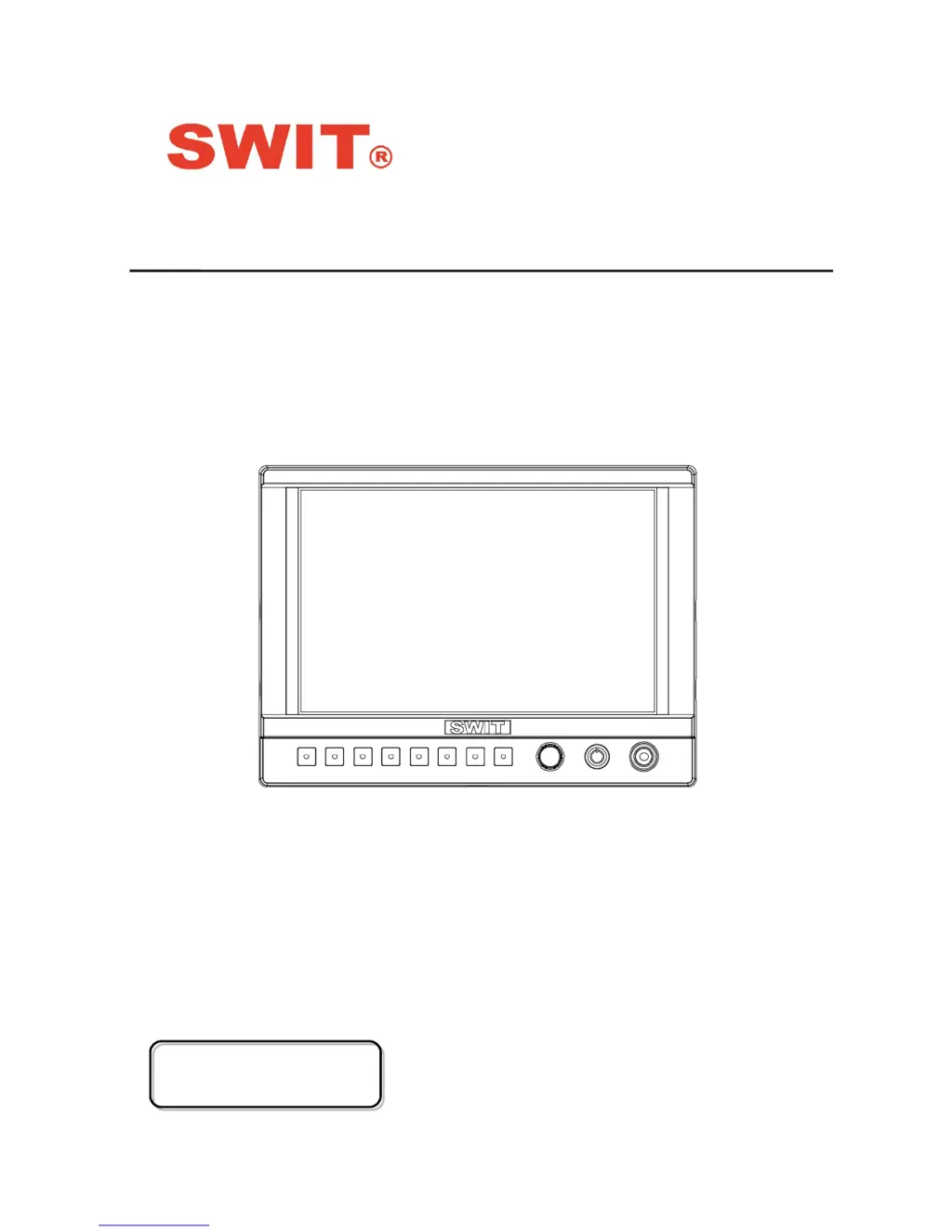
SWIT S-1073H - User Manual

SWIT S-1073H
18 pages
Print Icon
To Next Page IconTo Next Page
Loading...
Model: S-1073H
7” 4K HDMI LCD Monitor
User Manual
VerA
Please read this User Manual
throughout before using

Questions and Answers

  • B
    Brittany BlakeAug 10, 2025
    What to do if my SWIT Monitor has no display?
    • E
      Edward JonesAug 11, 2025
      If your SWIT Monitor has no display, there are several potential causes: * The power may not be turned on. Ensure the power is connected and press the POWER button. * The power voltage might be unstable. Try reconnecting to the power supply. * The BNC or HDMI cable may have a loose connection or is not correctly connected. Check and correctly connect the BNC or HDMI cable. * The attached battery may be out of power. Change the battery. * If using a DIY power supply, the polarity may be reversed. Refer to the provided power supply and reconnect the power.
  • D
    David PenningtonAug 30, 2025
    How to fix no audio output on my SWIT Monitor?
    • J
      Judith JohnstonAug 30, 2025
      If there is no audio output from your SWIT Monitor, here are a couple of things to check: * The monitor may be set to Mute. Turn off MUTE or revolve the “MENU/ENTER” button to adjust the volume. * There may be a bad connection with the signal cable. Connect to the correct input socket.
  • A
    Adrian WadeNov 19, 2025
    Why does my SWIT Monitor have image or color abnormalities?
    • L
      Lydia StephensNov 19, 2025
      If your SWIT Monitor displays abnormal images or colors, consider these possible causes and solutions: * A bad connection of the BNC or HDMI cable could be the issue. Try changing the cable. * Interference with the video signal may be occurring. Remove any nearby interference sources. * The color parameters may be improperly adjusted. Restore the “Recall profile” to “Default” under the “System” submenu. * Image distortion may be present. Reset the Aspect ratio. * The monitor may be set to Red/Green/Blue only or Mono. Turn off Blue only/ Red Only/ Green Only/Mono under the R/G/B/Mono submenu. * The “Focus Assist” function may be enabled. Turn off the “Focus Assist” function. * The “False Color” function may be enabled. Turn off the “False Color” function. * The signal may n...

SWIT S-1073H Specifications

General IconGeneral
Resolution1920 x 1200
Contrast Ratio1000:1
Viewing Angle178°
Power Consumption12 W
Input VoltageDC 7-24V
Display Size7 inches
InputHDMI, SDI
OutputHDMI, SDI
Power SupplyAC Adapter

Related product manuals