4
Set Up Cameras And Monitor
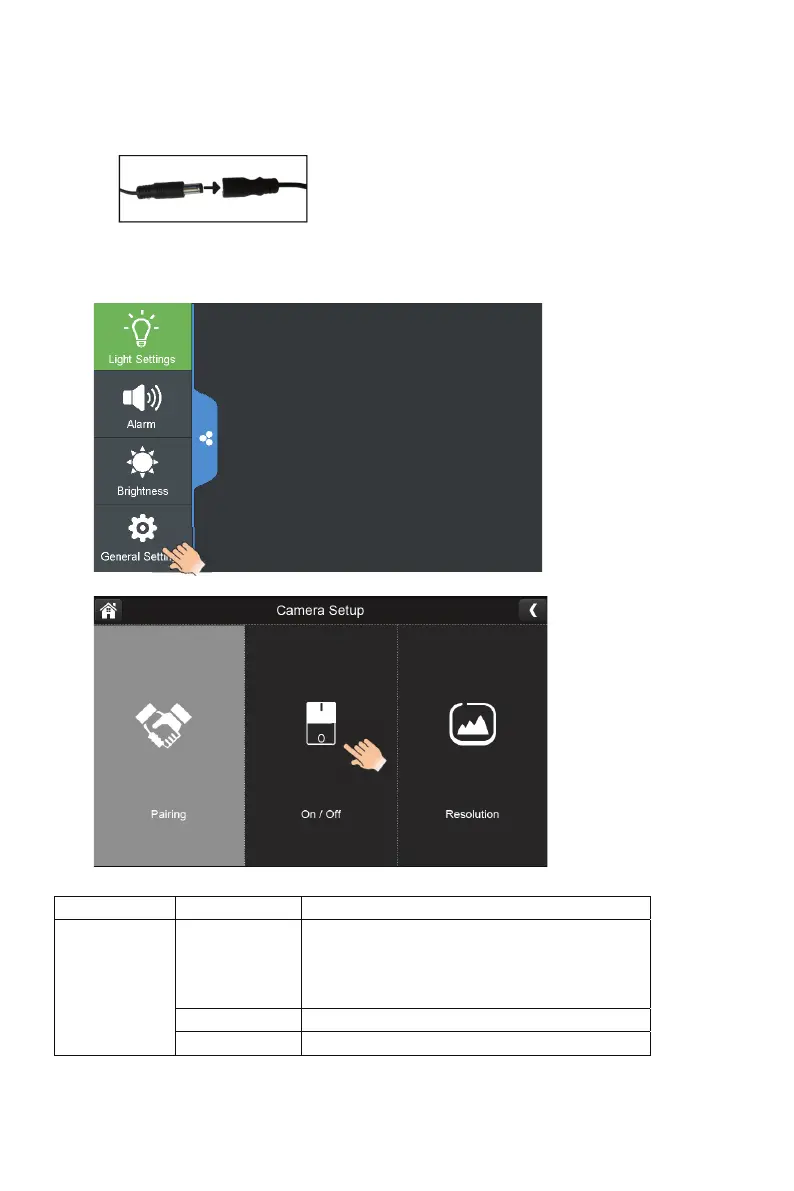
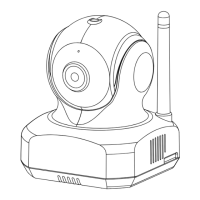
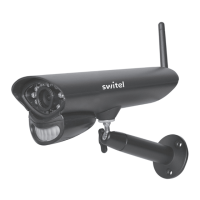
1 Attach power adapters to the cameras. Plug into power using 9V,2A adaptor
2 Attach power adapter to the monitor. Plug into power using 5V,2A adaptor
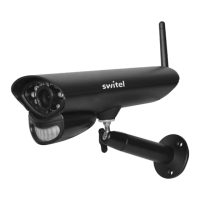
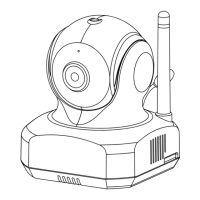
3 Turn on monitor. You should see General Settings, tap and come into Camera setup.
Main Screen Sub-Screen What it Does
Camera Setup
Paring
This system comes with cameras already paired.
Use Pairing to assign these cameras to different
channels or to pair additional new cameras to the
monitor.
ON/OFF Makes the cameras visible to the monitor.
Resolution Adjusts the video quality of each camera.



 To Next Page