14
Putting the Telephone into Operation
41
2 Putting the Telephone into Operation
Safety information
Attention: It is essential to read the Safety Information in
Chapter 1 before starting up.
Checking the package contents
The package contains:
Content
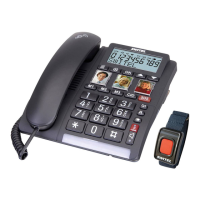
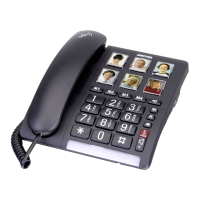
TC 40
Telephone 1
Premium receiver 1
Helix cable for receiver 1
Telephone connection cable 1
Wall installation bracket 1
Operating instructions 1
Connecting the base unit
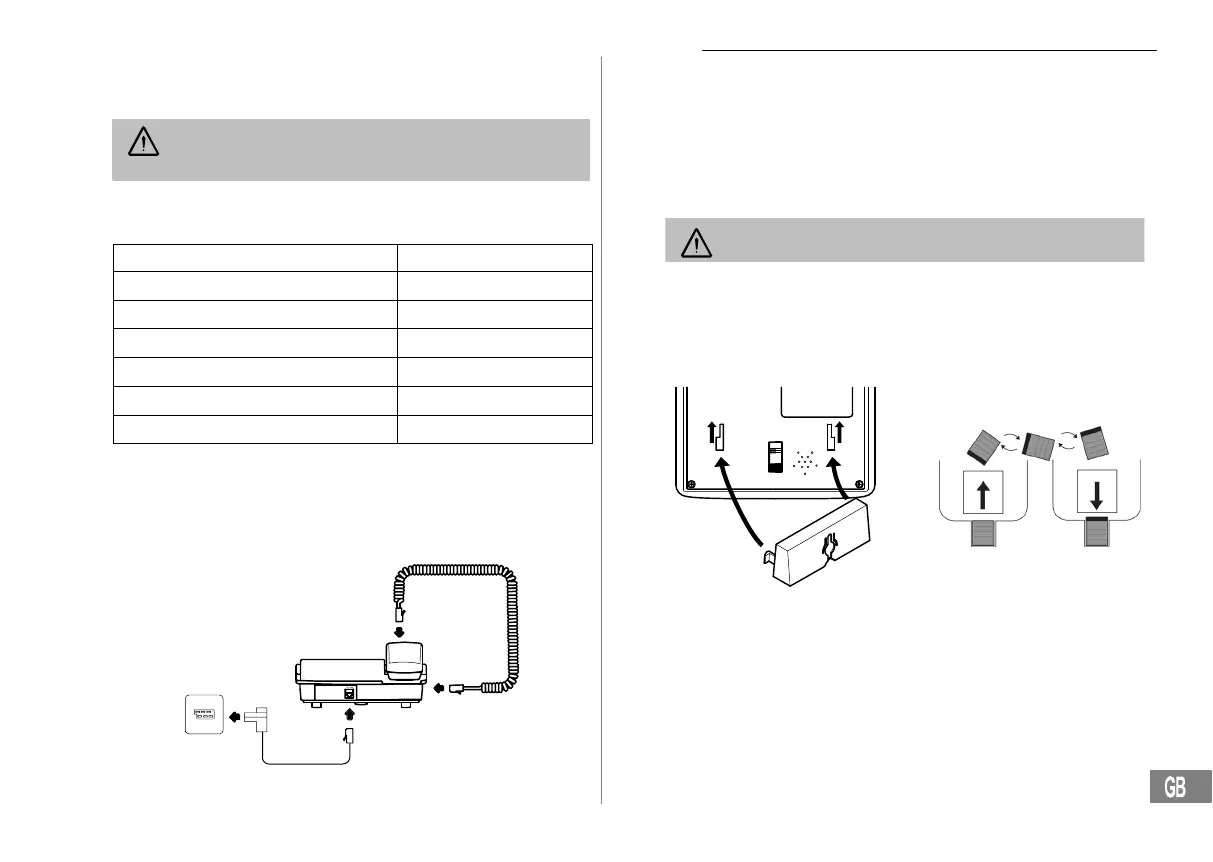
Connect the telephone as illustrated in the diagram. Only use the
telephone connection line supplied because the equipment may not
function if another telephone connection line is used.
Telephone line socket
Receiver connection
Wall installation
The telephone can also be installed on a wall. You require two screws in
order to fix the telephone on a wall.
Feed the guide tabs (1) on the wall−mounting bracket (2) in the slots (3) on
the rear side of the telephone. Slide the wall bracket (2) 10 mm upwards
until it audibly snaps into place.
Warning: Ensure that there are no cables or pipes etc. in the
wall where you want to drill the holes.
Drill two holes whose distance apart corresponds to the bracket to be
used, insert the screws and allow them to project 5 mm from the wall.
Position the telephone on the bracket, fit the screws in the slots and slide
the telephone downwards a little.
Turn the receiver hook (4) in the receiver cradle 180° so that the receiver
can be hooked in.
1
3
3
2
4
4
4
4
4


 To Next Page