16
One−touch Dialling
47
7 One−touch Dialling
Saving one−touch dialling numbers
You can use the one−touch dialling buttons M1 − M6 for normal direct
dialling or as memory locations for the emergency call function.
Lift the receiver
Initiate the programming function
, Enter the phone number (max. 16
digits)
M1 − M6 Press the required one−touch dialling
button
The entry is saved
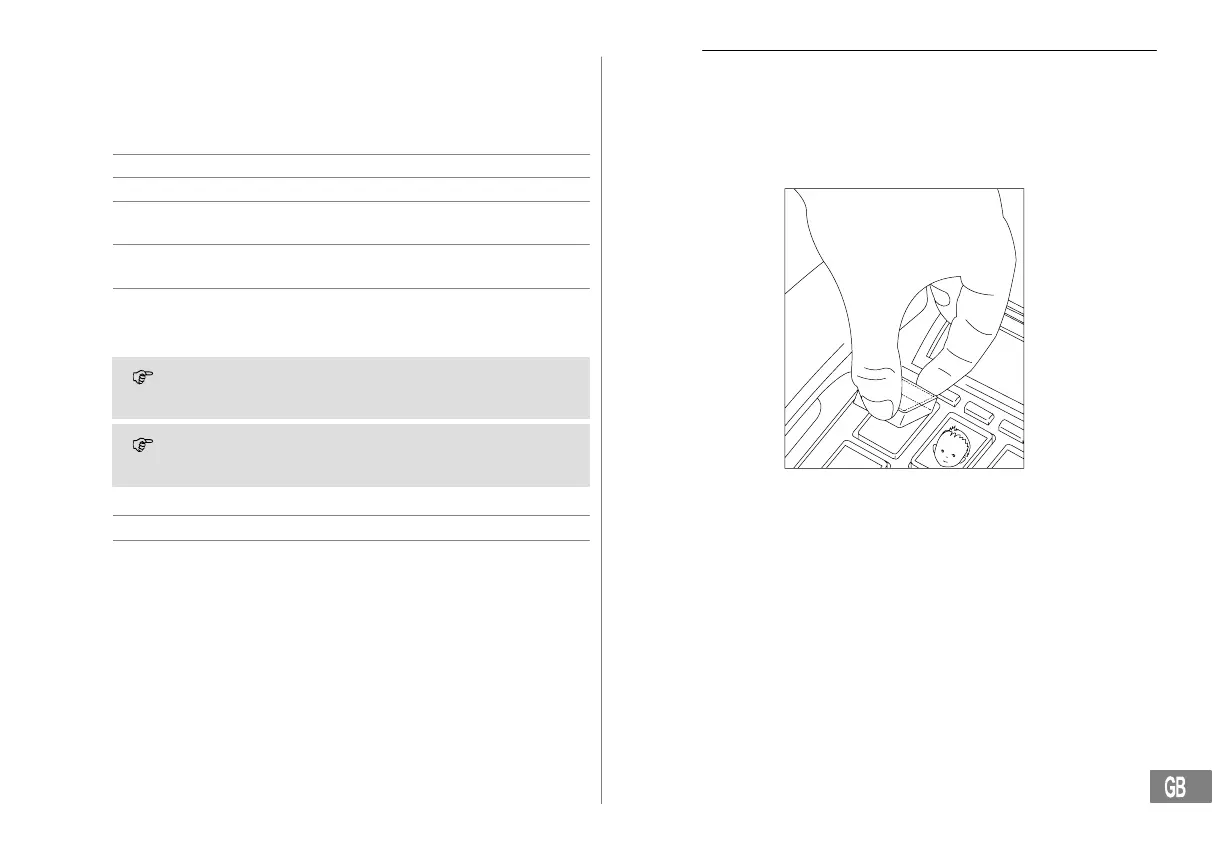
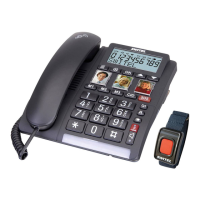
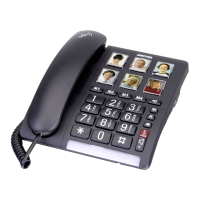
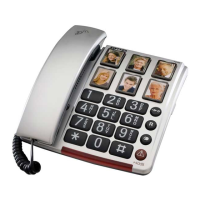
You can insert photos or symbols under the transparent covers of the 6
one−touch dialling buttons to label them.
You cannot delete the phone numbers assigned to the one−touch
dialling buttons. The existing phone numbers are overwritten
when new numbers are assigned to them.
In the case of a power failure over a period in excess of approx.
1 hour, the numbers programmed in the one−touch dialling but-
tons are lost!
Dialling with the one−touch dialling buttons
Lift the receiver
M1 − M6 Press the required one−touch dialling
button
Removing the covers from the one−touch dialling buttons
Use your thumb and forefinger to grip the cover and remove it, as
illustrated in the diagram. Place the required label or photo under the
cover and replace it on the button.
Example illustration


 To Next Page