Telephoning
45
Ringing tone
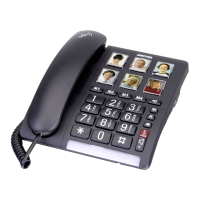
You can adjust the ringing tone using a slide control on the right−hand side
of the housing. There are 3 ringing tones for selection.
Change the ringing tone using the
slide control
Sending loudness rating
You can increase or reduce the sending loudness rating for the
microphone in the receiver by means of a slide control on the right−hand
side of the housing.
Adjust the volume using the slide
control


 To Next Page