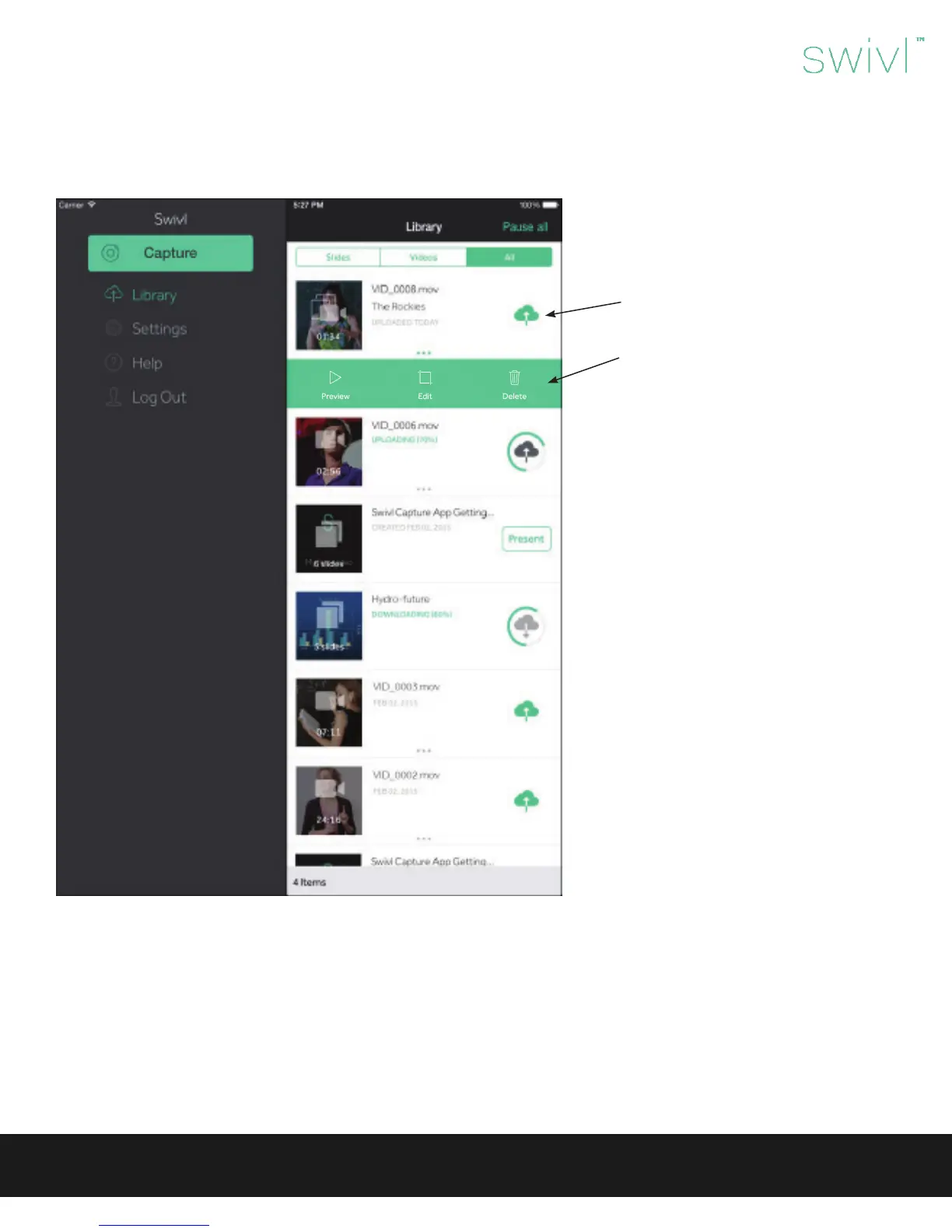
Library
It is important to note that videos are stored in the app and consume space on your mobile device until they are deleted. It is
recommended that you upload videos to Swivl Cloud and then delete them from your device when possible. If you are sharing a
device with others, be sure to delete your videos and logout of the app after use.
The library has three tabs at the top:
Slides, Videos, All. It is within these tabs
that you will see your recorded or upload-
ed content.
To upload videos to Swivl Cloud, click on
the cloud icon.
The ellipsis will open a menu of options
that include:
• Preview: Watch your video
• Edit Video: Clip the beginning or end
of the video
• Delete
Swivl User Guide
10



 To Next Page