EasyManua.ls Logo

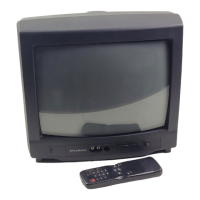
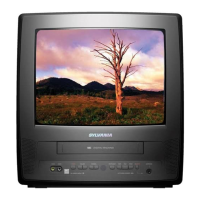
Sylvania 6313CE - User Manual

Sylvania 6313CE
32 pages
Print Icon
To Next Page IconTo Next Page
Loading...
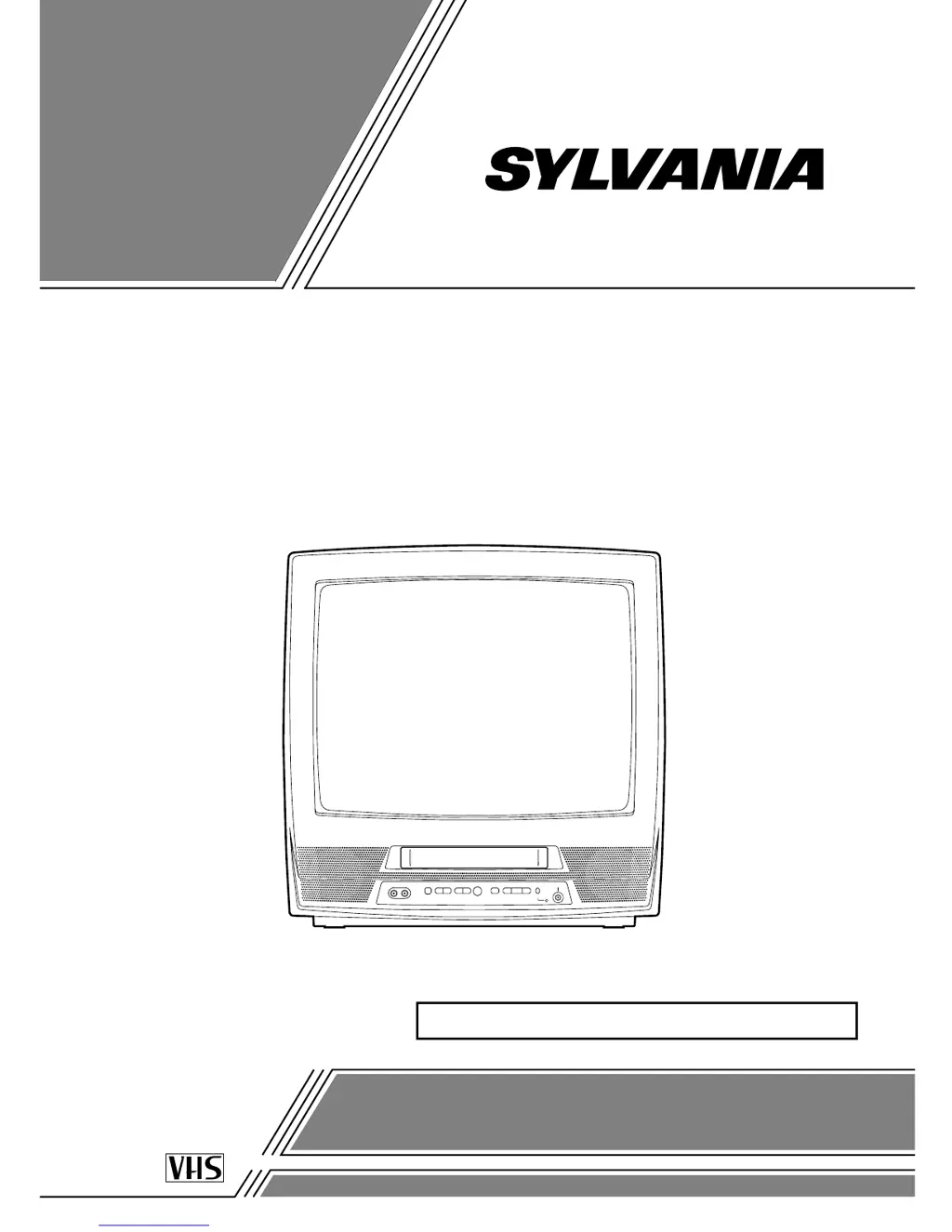
COLOR TV/VCR
6313CE (13 inch)
6319CE (19 inch)
OWNER’S
MANUAL
If you need additional assistance for set-up or operating after
reading owner’s manual, please call TOLL FREE : 1-800-968-3429.
Or visit our WEB SITE at
http://www.SylvaniaConsumerElectronics.com
Please read before using this equipment
INSTRUCCIONES EN ESPAÑOL INCLUIDAS.
Y
X
Y
X
b
O
a
PN
19" MODEL ILLUSTRATED

Table of Contents

Other manuals for Sylvania 6313CE

Questions and Answers

  • L
    Larry Jones Jr.Sep 12, 2025
    Why are captions missing on my Sylvania 6313CE VCR Combo even when listed?
    • J
      Jennifer ThomasSep 12, 2025
      If your Sylvania TV VCR Combo program guide listed a TV show as being closed captioned, but no captions were displayed, broadcasters may have used a time compression process to speed up the program, causing the decoder to lose the captions.
  • J
    Jeffrey VasquezSep 9, 2025
    Why are the captions scrambled on my Sylvania 6313CE TV VCR Combo?
    • J
      James RivasSep 9, 2025
      If the captions on your Sylvania TV VCR Combo are scrambled with white boxes, it may be due to interference from buildings, power lines, or thunderstorms.
  • A
    Antonio JonesSep 8, 2025
    Why is there a delay in captions on my Sylvania 6313CE TV VCR Combo?
    • M
      marcgonzalezSep 8, 2025
      If your Sylvania TV VCR Combo doesn't show the entire text of the captions or there's a delay, it's common for live broadcasts. Captioning companies typically display up to 220 words per minute, and if dialogue exceeds that rate, selective editing is used.
  • N
    Nicole MeyerSep 7, 2025
    Why are the captions misspelled on my Sylvania TV VCR Combo?
    • A
      Anne HuffmanSep 7, 2025
      If your Sylvania TV VCR Combo is showing misspelled captions, it's likely that you are watching a live broadcast and the spelling errors were made by the closed captioning production company. A prerecorded program will not show misspelled words due to editing.
  • L
    Lisa FrankAug 23, 2025
    How to fix a Sylvania 6313CE VCR Combo with no power?
    • A
      atapiaAug 23, 2025
      To troubleshoot a Sylvania TV VCR Combo with no power, ensure the AC cord is properly connected to an AC outlet and verify that the power is turned on.
  • G
    gconnerSep 5, 2025
    Why does my Sylvania TV VCR Combo have different color marks on the screen?
    • E
      Erica JohnsonSep 5, 2025
      If you see different color marks on the screen of your Sylvania TV VCR Combo, magnetism from nearby appliances or geomagnetism might be the reason. Move the TV/VCR away from other appliances. The TV/VCR can repair itself automatically. If you want a faster repair, unplug the TV/VCR power cord, then plug it in again after about 30 minutes.
  • A
    Angela Montgomery DVMSep 4, 2025
    How to fix a noisy playback picture on Sylvania TV VCR Combo?
    • O
      olsonjimSep 4, 2025
      If the playback picture on your Sylvania TV VCR Combo is partially noisy, adjust the tracking control for a better picture using the CHANNEL K or L button on the TV/VCR.
  • A
    Austin MillerSep 3, 2025
    What to do if my Sylvania 6313CE VCR Combo cannot record?
    • J
      Joseph ClarkSep 3, 2025
      If you cannot go into Record mode on your Sylvania TV VCR Combo, ensure the tape has an erase-prevention tab. If there is no tab, cover the hole with plastic tape.
  • R
    Randy GillSep 1, 2025
    Why is timer recording not working on my Sylvania TV VCR Combo?
    • M
      Michael SteeleSep 2, 2025
      If timer recording isn't working on your Sylvania TV VCR Combo, make sure the timer recording is set correctly, the power is off, and the TV/VCR clock is set correctly.
  • A
    Anna HansonAug 31, 2025
    Why is my Sylvania TV VCR Combo remote not working?
    • M
      Monique PattersonSep 1, 2025
      If your Sylvania TV VCR Combo remote control isn't working, make sure the AC cord is connected to an AC outlet and check the batteries in the remote control.

Summary

Important Safeguards

Precautions

Electrical Shock and Fire Hazards

Instructions to avoid hazards of electrical shock and fire.

Features

Operating Controls and Functions

TV;VCR Front Panel

Identifies and describes the controls on the front panel of the TV/VCR unit.

Remote Control

Identifies and describes the buttons on the remote control.

Installing the Batteries

Battery Precautions

Important safety guidelines for handling and installing batteries.

Preparation for Use

Antenna and Cable Connections

Instructions for connecting antennas and cable systems to the unit.

Using Front A;V Input Jacks

TV Operation and Settings

Watching a TV Program

Steps for plugging in, turning on, and selecting channels for viewing.

Wake Up Timer

Sleep Timer

Channel Set Up

Adding and Deleting Channels

Clock Set Up (Auto; Manual)

Manual Clock Setting

Procedure for manually setting the unit's clock.

Automatic Clock Setting

V-Chip Set Up

TV Rating Set Up

Procedure to set TV rating categories for blocking programs.

Video Cassette

Playback

Special Playback

Search Functions

Special Features

Recording

OTR (One Touch Recording)

Copying a Video Cassette

Timer Recording

Automatic Timer Recording

Set the unit to record programs automatically while away.

Auto Return Feature

Troubleshooting Guide

Specifications

Maintenance

Limited Warranty

Limits and Exclusions

Conditions that void the warranty or are not covered.

Sylvania 6313CE Specifications

General IconGeneral
BrandSylvania
Model6313CE
CategoryTV
LanguageEnglish

Related product manuals