EasyManua.ls Logo

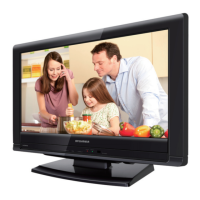
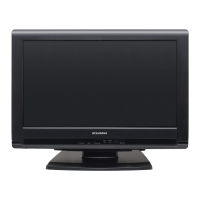
Sylvania LC260SS2 - Control Panel Overview

Sylvania LC260SS2
34 pages
Print Icon
To Next Page IconTo Next Page
To Previous Page IconTo Previous Page
Loading...
8
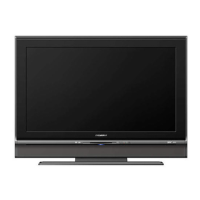
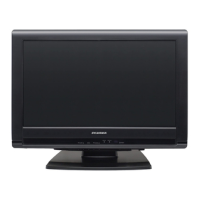
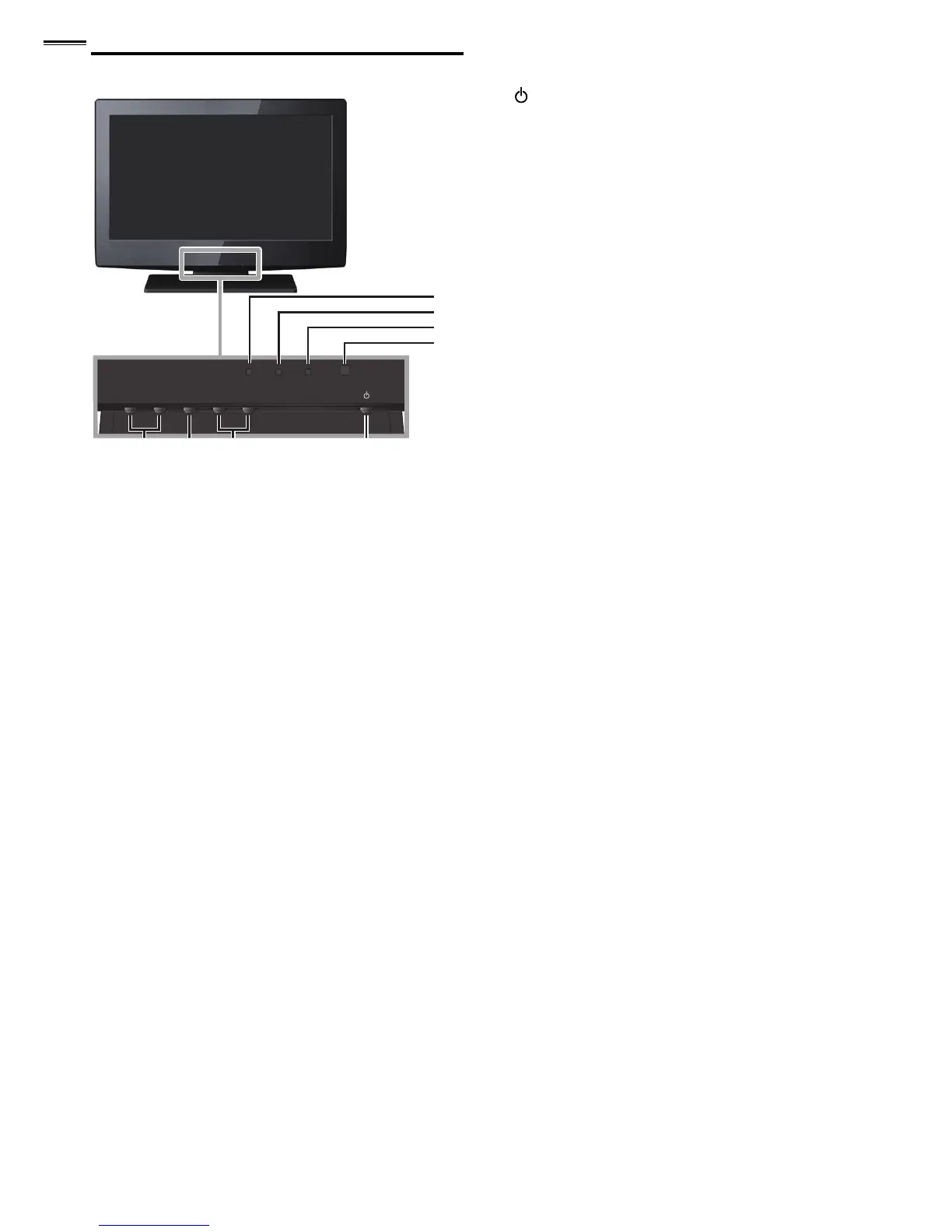
Control Panel
MENU
CH
VOL−+ −+
1324
*
5
6
7
1 (power)
p. 11
Press to turn the unit on and go into standby mode.
To completely turn off the unit, you must unplug the AC
power cord.
2 CH + /
p. 13
Press to select channels or move up (
+
) / down (
)
through the main menu items.
3 MENU
p. 15
4 VOL
+ /
p. 12
Press to adjust the volume up /down or move right
(
+
) / left (
) through the main menu items.
5 Standby indicator
Lights up red when the unit goes to standby mode.
6 Power on indicator
Lights up green when power is on.
7 Infrared sensor window
Receives infrared rays transmitted from the remote
control.
*
This indicator does not function on this unit.

Other manuals for Sylvania LC260SS2

Related product manuals