GENERAL SETTINGS
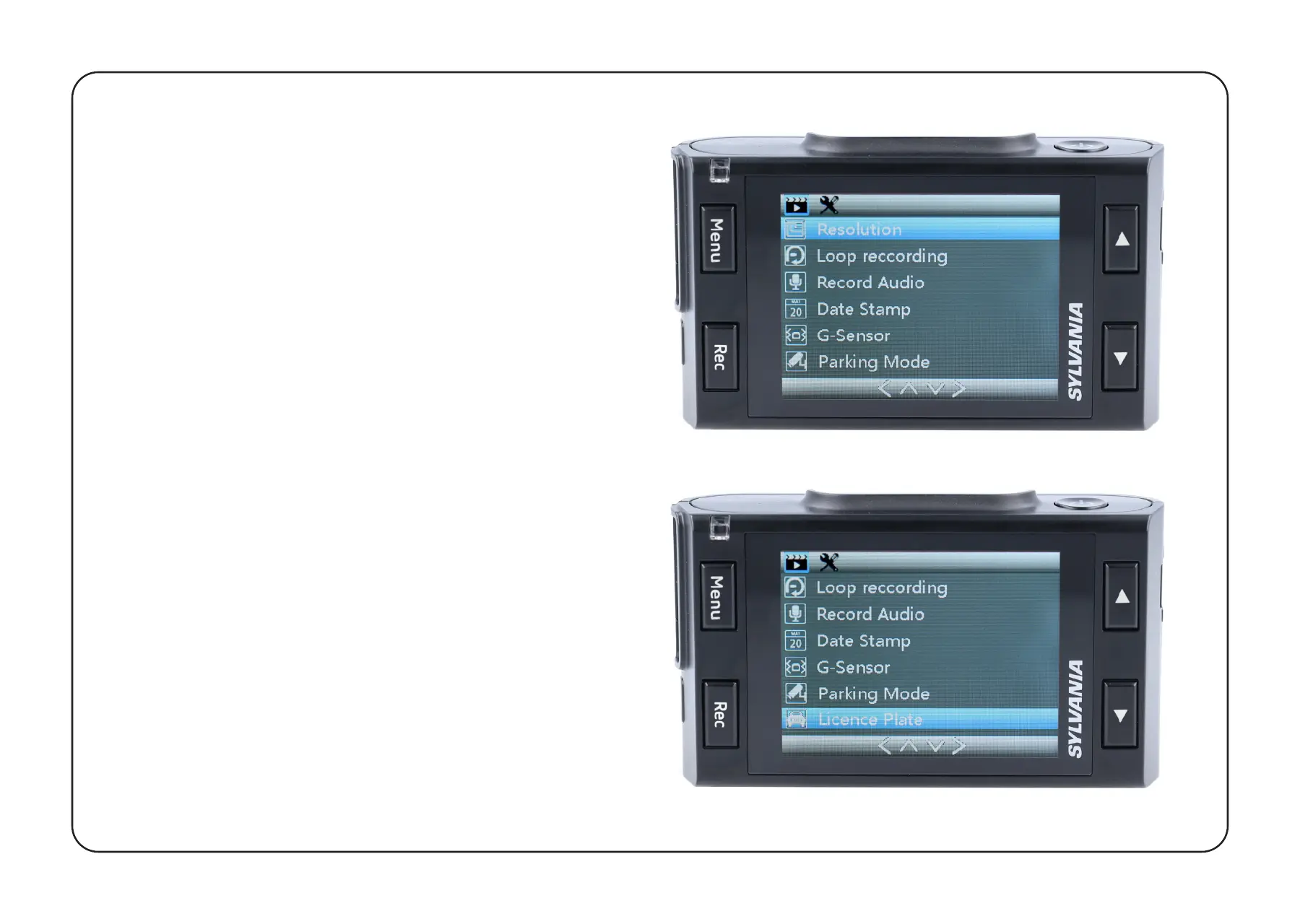
To access General Settings, press the
Menu Button once from the Home screen.
Video Resolution: Select required option
(the highest option provides the optimum
viewing performance).
Loop Recording: 3 or 5 minutes
Record Audio: OFF / ON
Time & Date Stamp: OFF / ON
G-Sensor: OFF / LOW / MEDIUM / HIGH
Parking Mode: OFF / ON
License Plate: OFF / ON


 To Next Page