ADVANCED SETTINGS
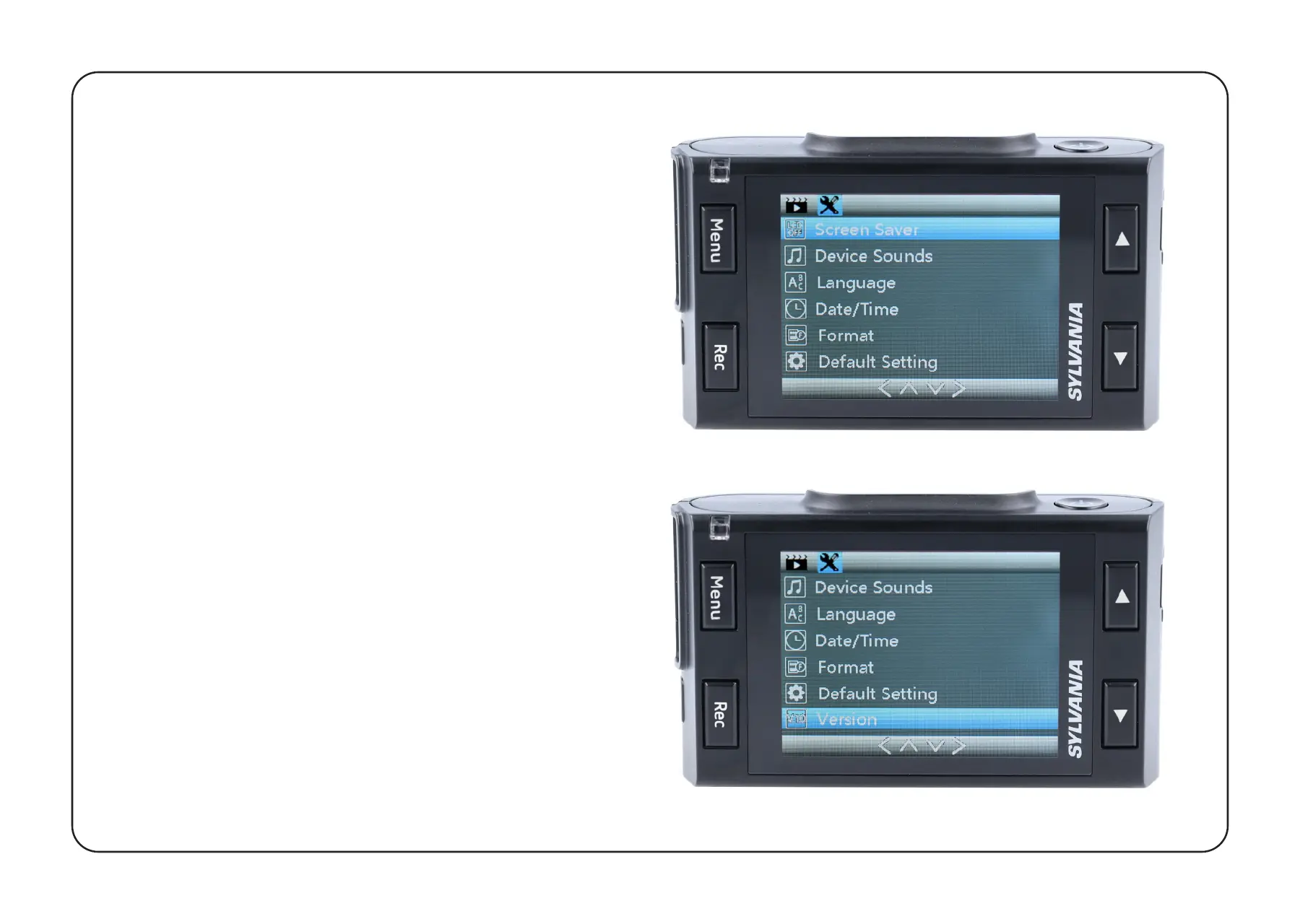
To access Advanced Settings, press the
Menu Button twice from the Home screen.
Screen Saver:
OFF / 30 Seconds / 1 Minute / 2 Minute
Device Sounds: OFF / ON
Language: Select the preferred menu
language from the list.
Date / Time: Adjust for correct Date and Time.
Format: Before using camera, format SD card
for optimal performance.
Default Setting: Reset the camera to its
original configuration.
Version: Shows installed firmware version,
and where to get updates.


 To Next Page