14
Travel the road with assurance.
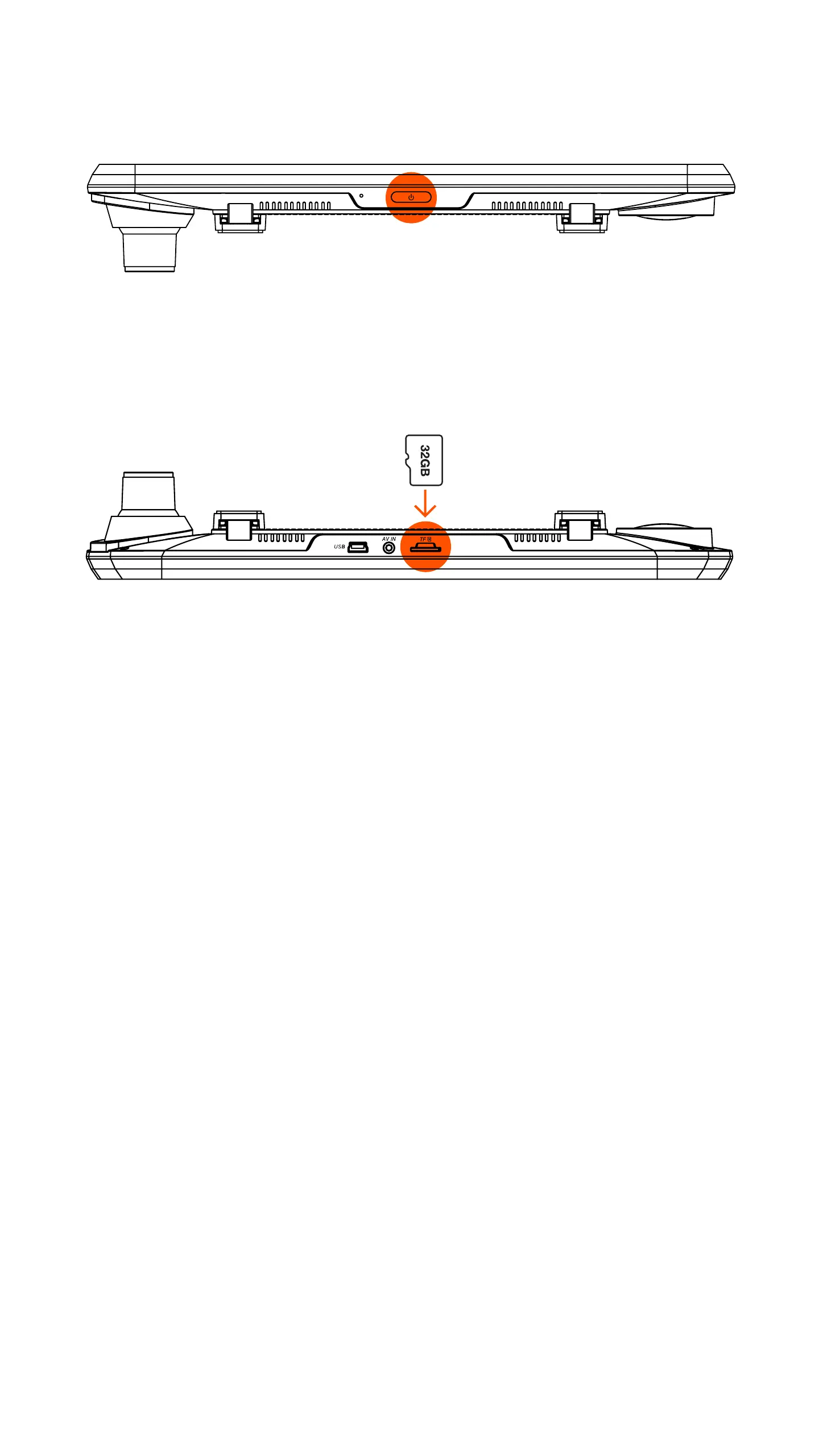
1. Before installing the 32GB micro SD card, conrm the
device is turned off.
WARNING: Do not apply excessive force when inserting a memory card to
avoid damage to the device. If necessary, use a thin pointed device to push
the card further. To remove the memory card, push the card until it clicks and
remove the card from the slot.
2. Insert included micro SD card into slot until it clicks
into place.
3. To remove micro SD card, press down slightly then
remove micro SD card from the slot.
4. Installing Micro SD Card



 To Next Page