2.5 Selecting mode
2.5.1 auto-play mode
Press EXIT three times to choose card selection,Press EXIT two
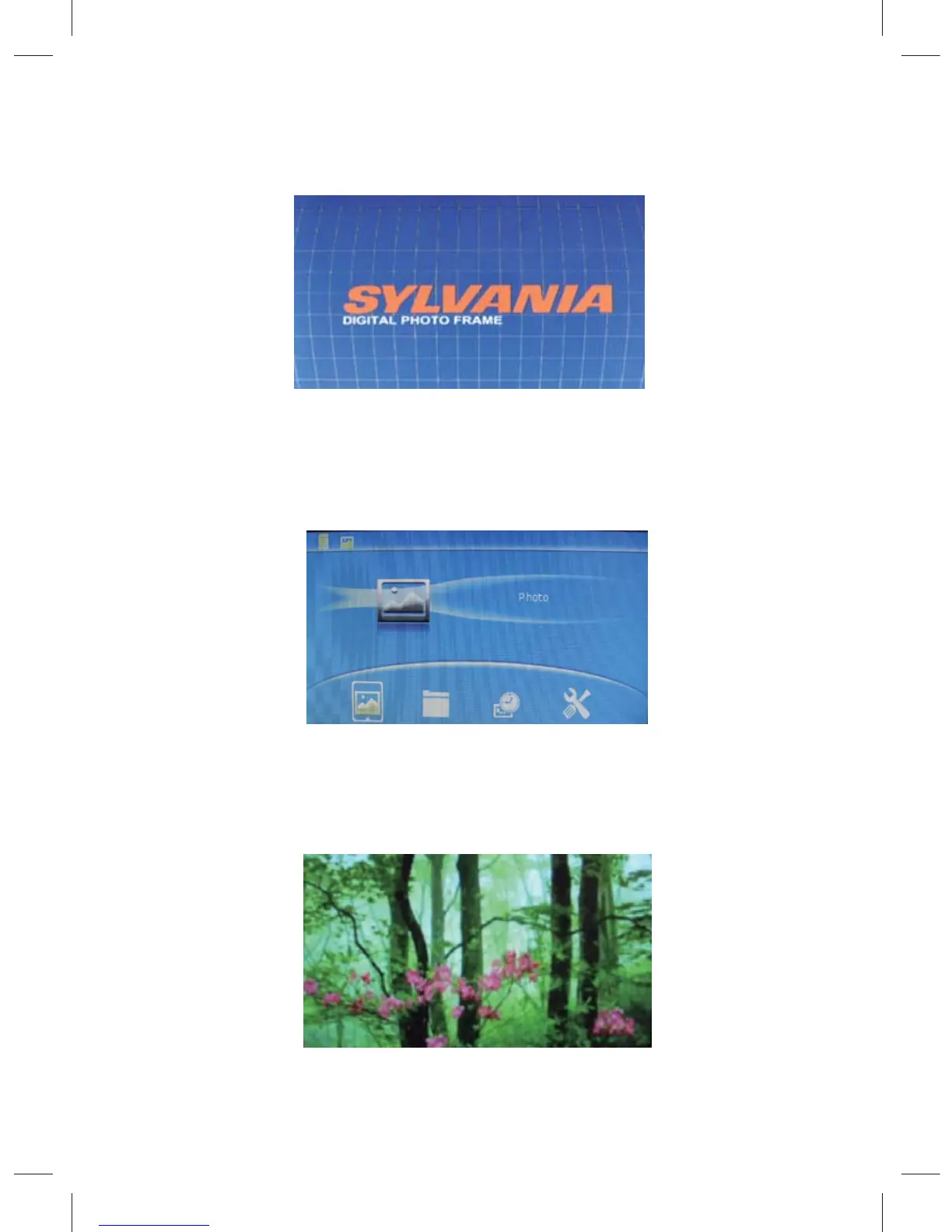
times to choose play mode,under this mode, have four function
menu for selection: PHOTO, FILE, CALENDAR, SETUP
select one function press ENTER to operate the function , press
EXIT key to return to select card mode
4
2.4 Operation introduction
start up screen: power on the unit , will show the start up picture



 To Next Page