5
4
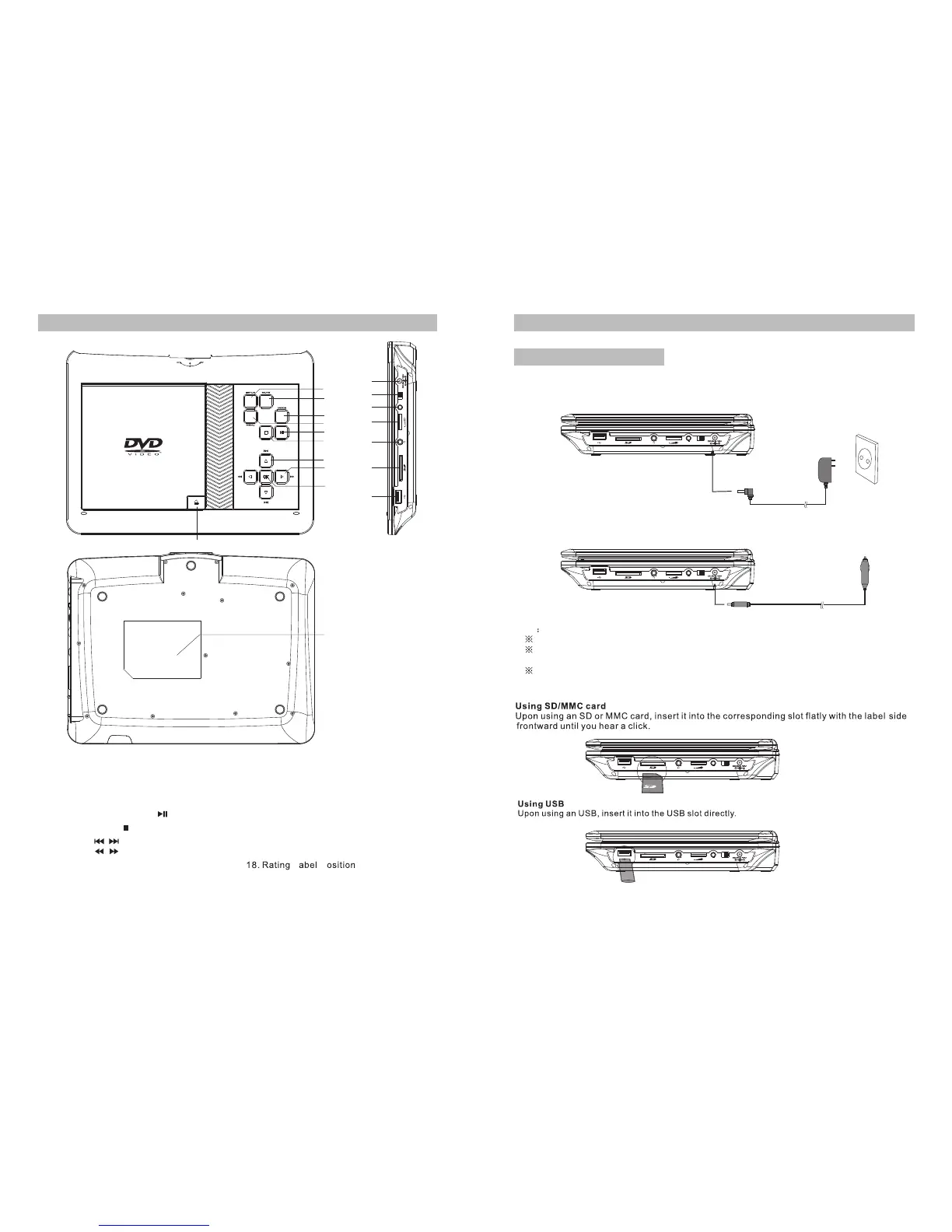
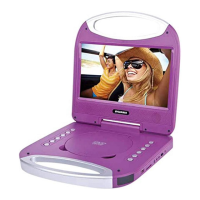
Main Unit Controls
1.SETUP
2.MUTE
3.MODE
4.MENU
5.PLAY/PAUSE
6.STOP
7. BUTTON
8. BUTTON
9. OK BUTTON(Function same
as “ENTER”on remote control)
10. DC IN 9-12V
11. POWER ON/OFF SWITCH
12. AV OUT
13. VOLUME
14. EARPHONE
15. SD Card slot
16. USB port
17. OPEN knob
AV OU T OFF/ON
1
2
3
4
5
6
7
8
9
10
11
12
13
14
15
16
17
Note
Car cigarette lighter adaptor can't be used to recharge the battery.
Car cigarette lighter adaptor is available to use only when the car cigarette lighter with DC
12V negative grounding.
The mains plug is used as the disconnect device, the disconnect device should remain
readily operable.
Powering and installation
Plug one end of the AC/DC power adaptor into the DC IN 9-12V jack on the right of the
machine,then plug the other end into the AC power receptacle.Please refer to the
following illustration.
If using car cigarette lighter adaptor to connect to the power:
Plug one end of the cigarette lighter adaptor into the DC IN 9-12V jack on the unit, plug
the other end into the car cigarette lighter socket.See illustration below.
System Connection
AV OUT OFF/ON
AV OUT OFF/ON
18
L P
AV OUT OFF/ON
AV OUT OFF/ON



 To Next Page