EasyManua.ls Logo

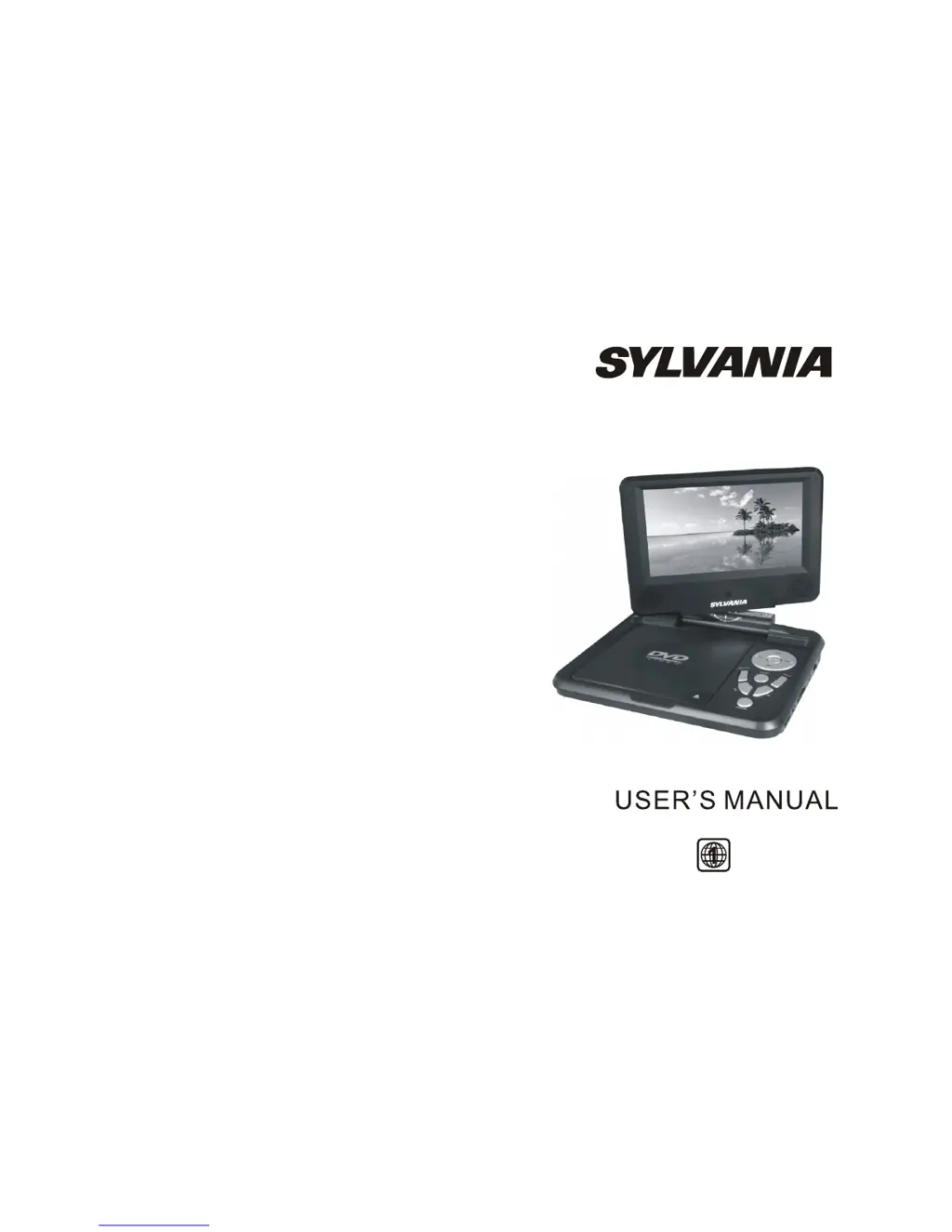
Sylvania SDVD7027 - User Manual

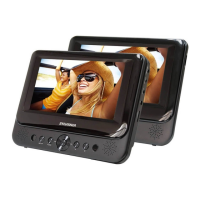
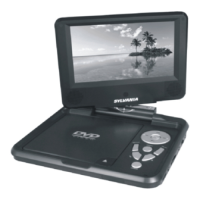
Sylvania SDVD7027
11 pages
Print Icon
To Next Page IconTo Next Page
Loading...
SDVD7027

Questions and Answers

  • M
    Michael LeachJul 26, 2025
    Why is there no sound from my Sylvania SDVD7027 Portable DVD Player?
    • R
      Robert SilvaJul 26, 2025
      Ensure that your Sylvania Portable DVD Player is correctly connected and that all cables are securely inserted into the appropriate jacks. This should resolve the issue of no sound or distorted sound.
  • W
    wallerlisaJul 31, 2025
    What to do if the picture is distorted on my Sylvania SDVD7027?
    • M
      Mary FrazierJul 31, 2025
      If the picture on your Sylvania Portable DVD Player is distorted, the disc might be damaged. Try playing another disc to see if the issue persists. Note that some distortion is normal during forward or reverse scan.
  • R
    Rebecca CampbellAug 7, 2025
    Why can't I fast forward on my Sylvania SDVD7027?
    • J
      Jose WatkinsAug 7, 2025
      You may not be able to advance through certain parts of a movie on your Sylvania Portable DVD Player because some discs have sections that prohibit rapid scanning or chapter skipping. For example, skipping through the warning information and credits at the beginning of a movie is often restricted by the disc's programming.
  • N
    Natalie ReedAug 12, 2025
    Why can't I advance through a movie on my Sylvania Portable DVD Player?
    • J
      James Scott MDAug 13, 2025
      You can't advance through the opening credits and warning information on your Sylvania Portable DVD Player because the disc is programmed to prohibit that action.
  • W
    wjohnsonAug 19, 2025
    What does the icon on the screen of my Sylvania Portable DVD Player mean?
    • E
      Erin ClarkAug 19, 2025
      The icon on the screen of your Sylvania Portable DVD Player indicates that the feature or action cannot be completed at this time. This could be due to several reasons: * The disc's software restricts it. * The disc's software doesn't support the feature (e.g., angles). * The feature is not available at the moment. * You've requested a title or chapter number that is out of range.

Summary

Safety Precautions

Package Contents

Main Features Overview

Main Unit Controls

Unit Controls Diagram and Labels

Diagram illustrating the location and function of 17 main unit controls.

System Connection

Powering and Installation

Instructions for connecting the AC/DC power adapter or cigarette lighter adapter.

Using SD;MMC Card

Guide for inserting SD/MMC cards into the corresponding slot.

Using USB

Instructions for inserting USB devices into the USB slot.

Connecting to TV

Connecting External Speakers

The Remote Control

Remote Control Button Functions

Detailed description of the 20 buttons on the remote control.

Basic Operation Guide

Disc Playback and Navigation

Steps for inserting discs, starting playback, stopping, pausing, and navigating menus.

Playback Navigation

Fast Forward and Backward

Instructions for searching forward or backward at various speeds.

Repeat Playing Options

How to repeat playback of a chapter, title, whole disc, or file.

Repeat Favorite Scene

Setting a specific section for automatic repeat playback.

Angle Selection

Changing viewing angles on discs with multi-angle content.

Advanced Playback Features

Zoom In;Out Functionality

Enlarging or reducing the image during playback and moving the view.

Playing JPG Files

Instructions for browsing, selecting, and rotating JPG images.

Playing MP3 Files

Guide for selecting and playing MP3 files from discs or media cards.

System Setup

General Setup Options

Configuration for TV display, angle mark, TV type, screen saver, and OSD language.

Video Setup

Adjust picture quality settings like brightness, contrast, hue, and saturation.

Password Setup

Set a four-digit password for parental control features.

Preference Settings (Audio;Subtitle)

Configure preferred audio and subtitle languages for DVDs.

Additional Preference Settings

Disc Menu Language

Choose the menu language stored on the disc.

Parental Control Levels

Set parental control levels to restrict viewing of unsuitable disc scenes.

Reset to Factory Settings

Restore all settings to their original factory defaults.

Specifications

Rechargeable Battery

Battery Recharge Precautions

Guidelines for safe and effective battery recharging.

Battery Usage and Maintenance

Recommendations for normal working temperature and care of the rechargeable battery.

Troubleshooting Guide

Sylvania SDVD7027 Specifications

General IconGeneral
BrandSylvania
ModelSDVD7027
CategoryPortable DVD Player
LanguageEnglish

Related product manuals