EasyManua.ls Logo

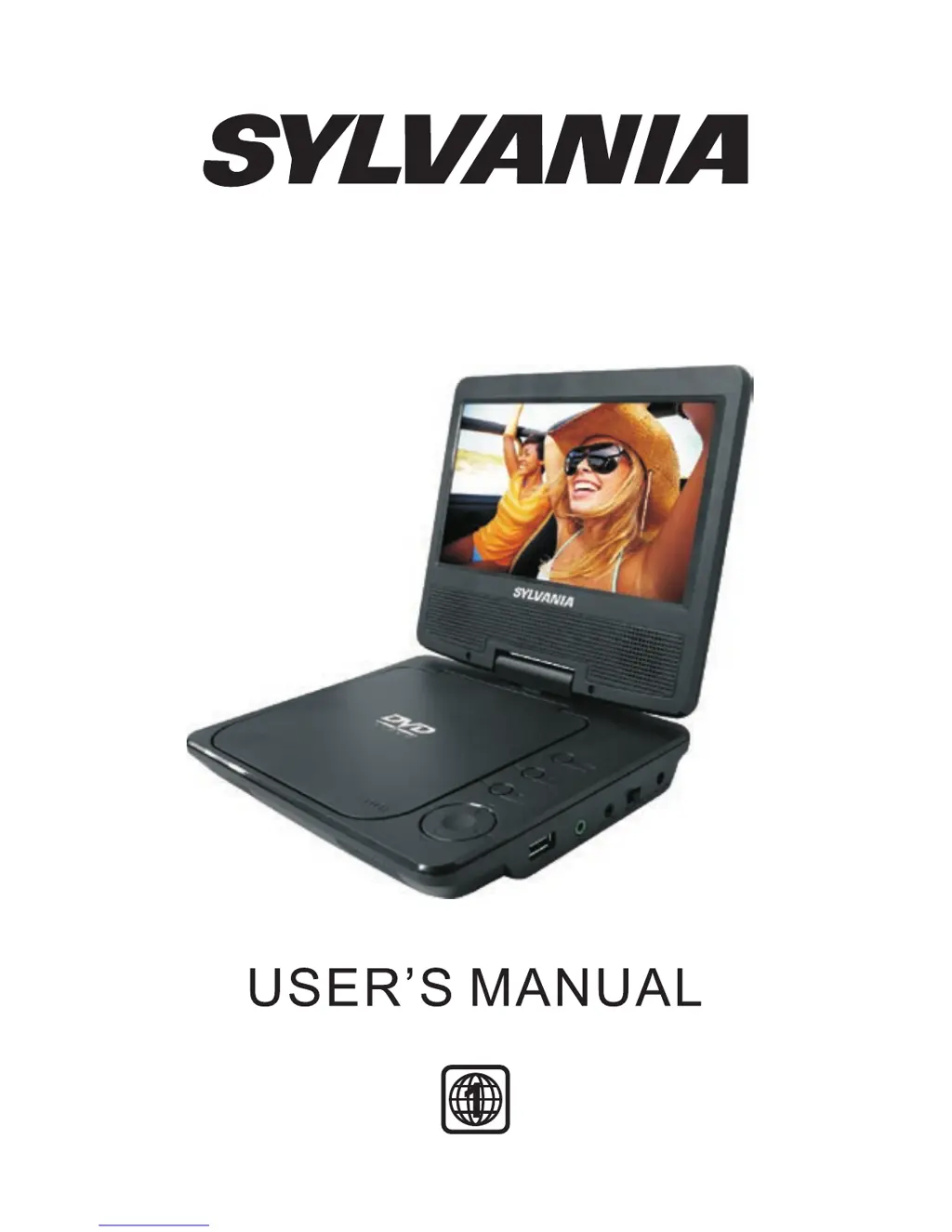
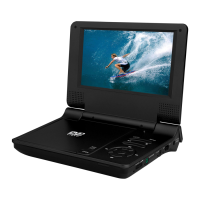
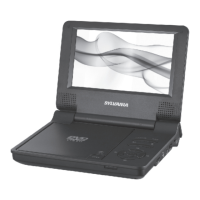
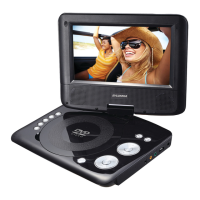
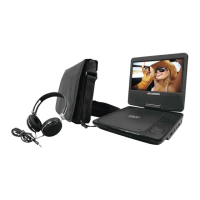
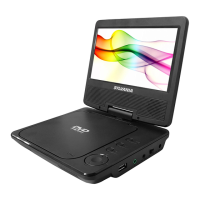
Sylvania SDVD7040B - User Manual

Sylvania SDVD7040B
26 pages
Print Icon
To Next Page IconTo Next Page
Loading...
SDVD7040B

Questions and Answers

  • R
    Ruth FullerJul 27, 2025
    Why can't I advance through a movie on my Sylvania SDVD7040B?
    • Y
      ycollinsJul 27, 2025
      The disc may be programmed to prohibit advancing. For example, you can't advance through the opening credits and warning information at the beginning of movies because the disc is programmed to prohibit that action.
  • M
    Michael OwensAug 2, 2025
    What to do if the picture is distorted on my Sylvania SDVD7040B Portable DVD Player?
    • J
      Jason MaloneAug 3, 2025
      If the picture appears distorted, the disc might be damaged. Try another disc. Note that some distortion is normal during forward or reverse scan.
  • M
    Mandy MosesAug 10, 2025
    What to do if there is no sound or distorted sound on my Sylvania SDVD7040B Portable DVD Player?
    • E
      Emily WeaverAug 11, 2025
      Ensure the device is properly connected and that all cables are securely inserted into the appropriate jacks.
  • C
    Christina OwensAug 17, 2025
    Why is there no forward or reverse scan on my Sylvania SDVD7040B Portable DVD Player?
    • J
      John ClineAug 18, 2025
      Some discs have sections that prohibit rapid scanning or chapter skipping. For example, you likely won't be able to skip through the warning information and credits at the beginning of a movie.

Summary

Safety Precautions

Main Features

Main Unit Controls

System Connection

Powering and Installation

Connects the unit to power using AC/DC adapter or car cigarette lighter adapter.

Connecting With External Speaker

The Remote Control

Remote Control Usage

Basic Operation

Fast Forward and Fast Backward

Repeat Playing

Repeat Playing of Favorite Scene

Select Angle

Zoom In;Out Function

Playing JPEG Files in Data Disc

Playing MP3 Files in Data Disc

CD Ripping

System Setup

General Setup

Accesses general settings for the device, including display and language options.

Video Setup

Configures video output settings like TV type and quality.

Preference Setup

Adjusts user preferences for audio, subtitles, disc menus, and parental controls.

General Setup Page

TV Display Settings

Sets the screen display format (Nomal/PS, Nomal/LB, Wide).

Video Setup Page

Preference Page

Preference Setup Options

Specifications

Rechargeable Battery Usage

Troubleshooting Guide

Sylvania SDVD7040B Specifications

General IconGeneral
BrandSylvania
ModelSDVD7040B
CategoryPortable DVD Player
LanguageEnglish

Related product manuals