EasyManua.ls Logo

Sylvania SP269PL-ASST - User Manual

Sylvania SP269PL-ASST
13 pages
Print Icon
To Next Page IconTo Next Page
Loading...
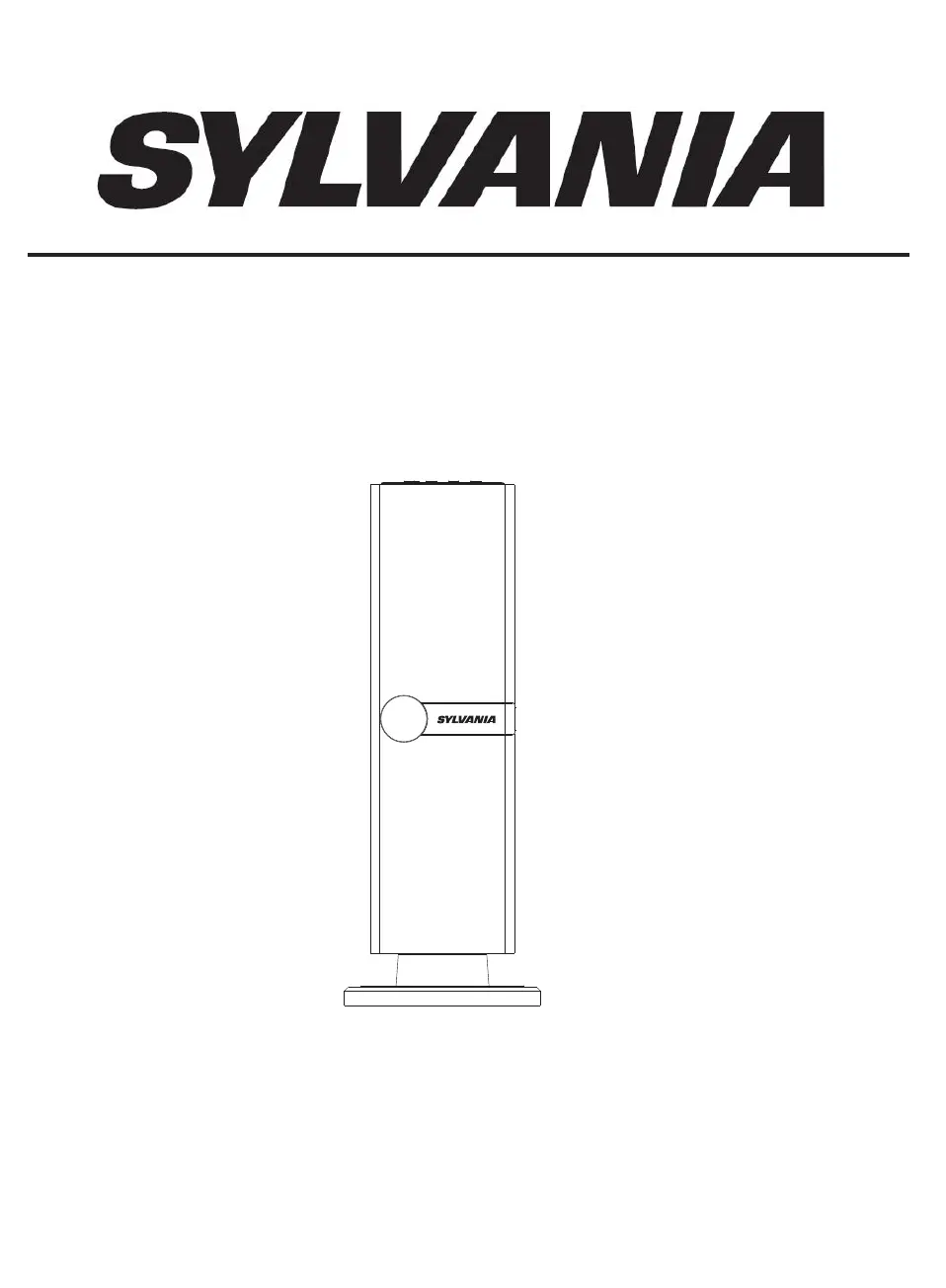
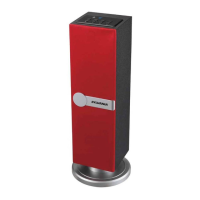
BLUETOOTH MINI TOWER SPEAKER
INSTRUCTION MANUAL
MODEL: SP269PL-ASST
PLEASE READ CAREFULLY BEFORE OPERATING THIS EQUIPMENT

Questions and Answers

  • A
    anne33Aug 5, 2025
    What to do if Sylvania speakers have no sound?
    • H
      Heather JacksonAug 5, 2025
      If your Sylvania speakers aren't producing sound, there might be a few reasons: * The volume could be set too low. Try raising the volume by pressing the VOL + button. * The connected device might not be playing or its volume is too low. Ensure the music/movie is playing and the device's volume is at an audible level. * The input source might be incorrect. Press the SOURCE button repeatedly to select the correct input source.
  • J
    Jordan GreenAug 11, 2025
    Why is my Sylvania speaker's remote not working?
    • J
      James HubbardAug 11, 2025
      If the remote for your Sylvania speaker isn't working, the battery may be dead. Try replacing it with a new battery.
  • D
    Debbie Woodard MDAug 17, 2025
    How to fix sound distortion on Sylvania SP269PL-ASST Speakers?
    • C
      Christina JohnsonAug 17, 2025
      Sound distortion in your Sylvania speakers can occur due to a couple of reasons: * The bass level on the connected device may be too high. Try reducing the bass level. * The volume level may be too high. Reduce the volume by pressing the VOL - button.
  • A
    Andrea HebertAug 25, 2025
    Why is Bluetooth reception failing on my Sylvania SP269PL-ASST?
    • J
      James CervantesAug 25, 2025
      If you're experiencing Bluetooth reception failure with your Sylvania speakers: * The external device might be too far away. Move the Bluetooth device closer to the unit. * The devices might not be paired. Pair both units following the Bluetooth pairing instructions.
  • R
    roberttannerAug 29, 2025
    How to fix Sylvania speakers when there is no power?
    • A
      Alicia WalkerAug 29, 2025
      If your Sylvania speakers have no power, the AC/DC adapter plug may not be properly connected to the wall outlet. Ensure it is securely plugged into the wall outlet.

Summary

Safety and General Operation

Electrical Hazard Warnings

Covers warnings regarding electric shock, fire, moisture, and use of accessories.

FCC Compliance Information

Details FCC notices and warnings related to device compliance and interference.

User Operation and Safety Precautions

Instruction Adherence

Emphasizes reading, keeping, and following all safety and operating instructions.

Safe Product Usage

Outlines precautions for safe operation, including placement, cleaning, and maintenance.

Installation Guide

Component Identification

Identifies key components for installation: Remote Sensor, Speakers, Speaker Net.

Speaker Net Assembly

Notes on removing and reassembling the speaker net as shown in the figure.

Main Unit Controls

Control Panel Layout

Details the location and function of main unit controls, including jacks and buttons.

Indicator Lights and Jacks

Describes the function of the indicator light and the DC IN jack.

Remote Control Functions

Remote Control Layout

Identifies buttons on the remote control and their corresponding functions.

Button Descriptions

Lists specific buttons like Power, Source, Volume, Play/Pause, EQ, Mute, Next, Previous.

Remote Control Battery and Operation

Battery Installation and Precautions

Guides on installing batteries, precautions, and battery types for the remote.

Remote Transmitter Range

Explains factors affecting the effective distance and operation of the remote transmitter.

General Unit Operations

Powering On and Mode Selection

Steps for plugging in, powering on, and selecting audio sources like Bluetooth or AUX IN.

Playback Controls

Details how to adjust volume, skip tracks, pause/resume playback, and use EQ modes.

Connecting External Audio Devices

AUX Input Connection

Instructions for connecting external players via the AUX IN jack using an audio cable.

Audio Playback Setup

Steps to power on the unit, select AUX IN source, and play music from the external device.

Bluetooth Pairing and Playback

Bluetooth Device Pairing

Step-by-step guide for pairing external Bluetooth devices with the speaker.

Bluetooth Playback Controls

Instructions for volume adjustment, track skipping, and playback control during Bluetooth use.

Troubleshooting Guide

Common Issues and Solutions

Addresses common problems like no power, no sound, distortion, and remote issues with solutions.

Bluetooth Reception Problems

Troubleshooting steps for Bluetooth reception failures, including distance and pairing issues.

Technical Specifications and Accessories

Product Specifications

Lists technical details such as input/output, speaker power, and working distances.

Included Accessories

Details the items included with the product, such as user manual, remote control, and cables.

Sylvania SP269PL-ASST Specifications

General IconGeneral
BrandSylvania
ModelSP269PL-ASST
Speaker TypePortable Bluetooth Speaker
ConnectivityBluetooth
Power Output5W
ColorAssorted

Related product manuals