56 Installing Symantec Critical System Protection on Windows
Installing a Windows agent
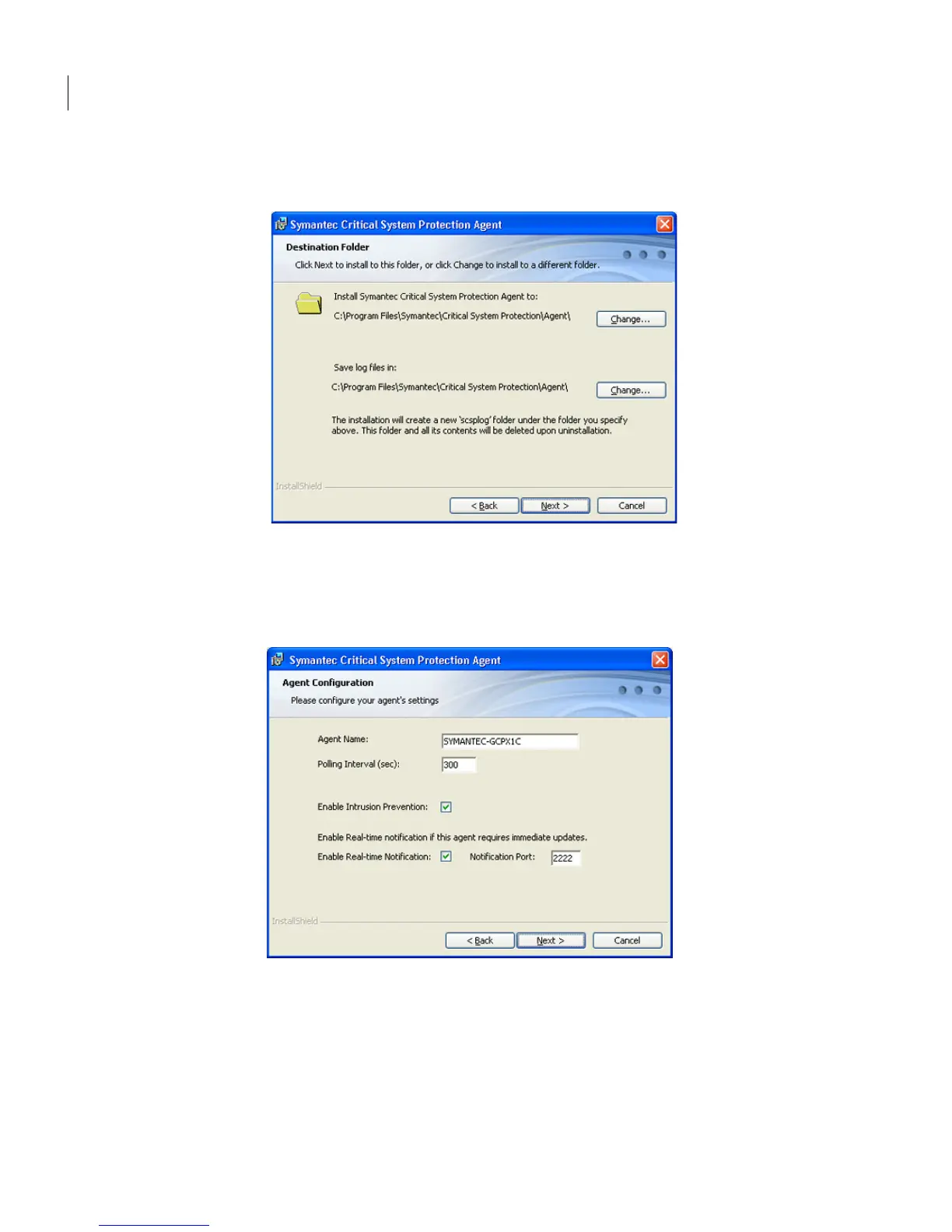
4 In the Destination Folder panel, change the folders if necessary, and then
click Next.
5 In the Agent Configuration panel, accept or change the default settings, and
then click Next.
Symantec strongly recommends that you do not clear the Enable Intrusion
Prevention check box.
6 In the Management Server Configuration panel, in the Primary
Management Server box, type the fully qualified host name or IP address of
the primary server that is used to manage this agent.



 To Next Page